6-4 TM-500 User’s Guide
System Alarm Messages D292144.9.fm
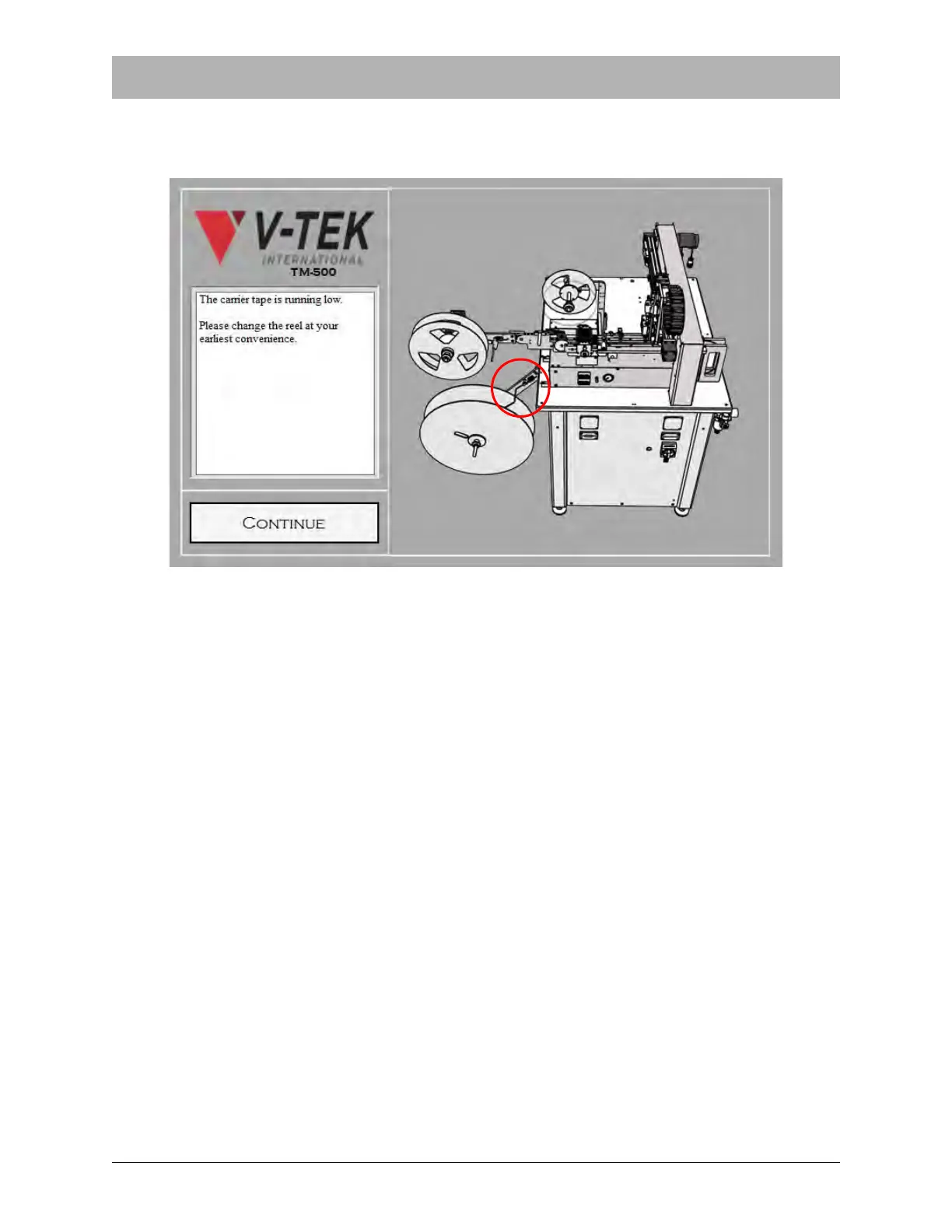
System Alarm Messages contain a description of the problem and suggestions for resolving the
problem. They also include an illustration of the TM-500 with the area of interest indicated by a
flashing red outline.
To resolve a System Alarm, follow the suggested steps to clear the error situation then click Con-
tinue to return to the HMI screen that was active before the alarm was activated. To resume
operation, press Start on the HMI or press the Start button on the Turret.
Note: There are a variety of error conditions which could cause the machine to stop. See
the Error Message Table at the end of this section for an explanation of the various error
messages and their suggested solutions.
An illustration and description of each System Alarm Message follows.



 To Next Page