2-8 TM-500 User’s Guide
Controls, Connections & Labeling D292144.5.fm
Controls, Connections & Labeling
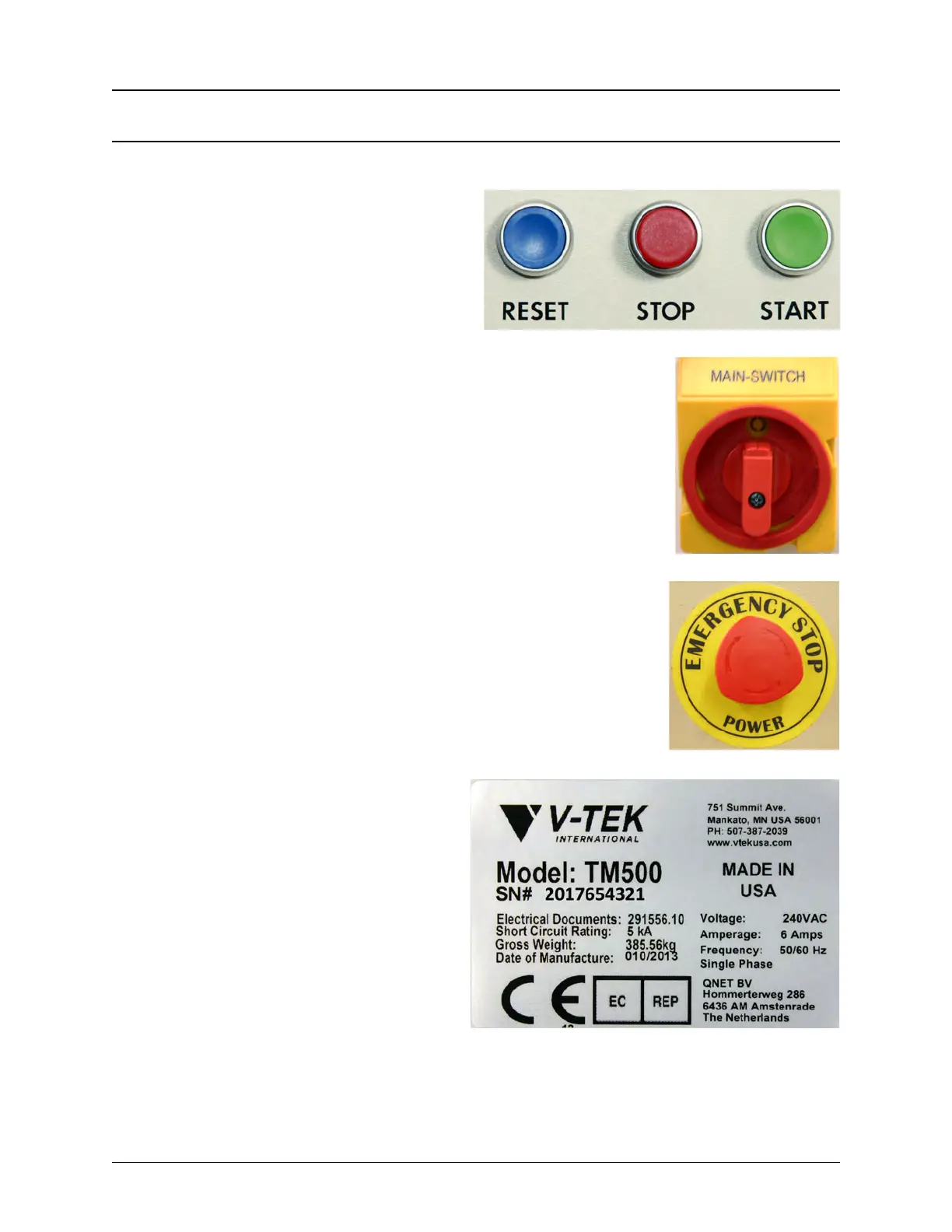
Control Buttons
The TM-500 Control Buttons are located on
the front of the machine in the top, right corner
and on the right side of the machine in the top
left corner. They include the Reset button, the
Stop button and the Start button.
Main Power Switch
The Main Power Switch is located on the right side of the machine on the
top, right side of the sheet metal enclosure.
Emergency Stop Switch
The TM-500’s three Emergency Stop Switches are located on the front
and back of the machine just below the Upper Enclosure.
Serial Plate
This is an example of the Serial Plate which is
permanently affixed to the back of the TM-
500. It includes basic machine information
such as machine weight, power usage and
short circuit rating. The Serial Plate also docu-
ments machine specific information such as
the machine’s model name, date of manufac-
ture and unique serial number



 To Next Page