3-10 TM-500 User’s Guide
Menus D292144.6.fm
Note: Changing the logo image file will change the logo for all printed reports and labels.
• To resize the report logo, click and drag the logo on the top left side of the Job Statis-
tics screen.
• To change the logo position, click the logo then press and hold the Ctrl key and use the
mouse to move the logo to the desired position.
• Any changes to the logo are automatically saved for future reports.
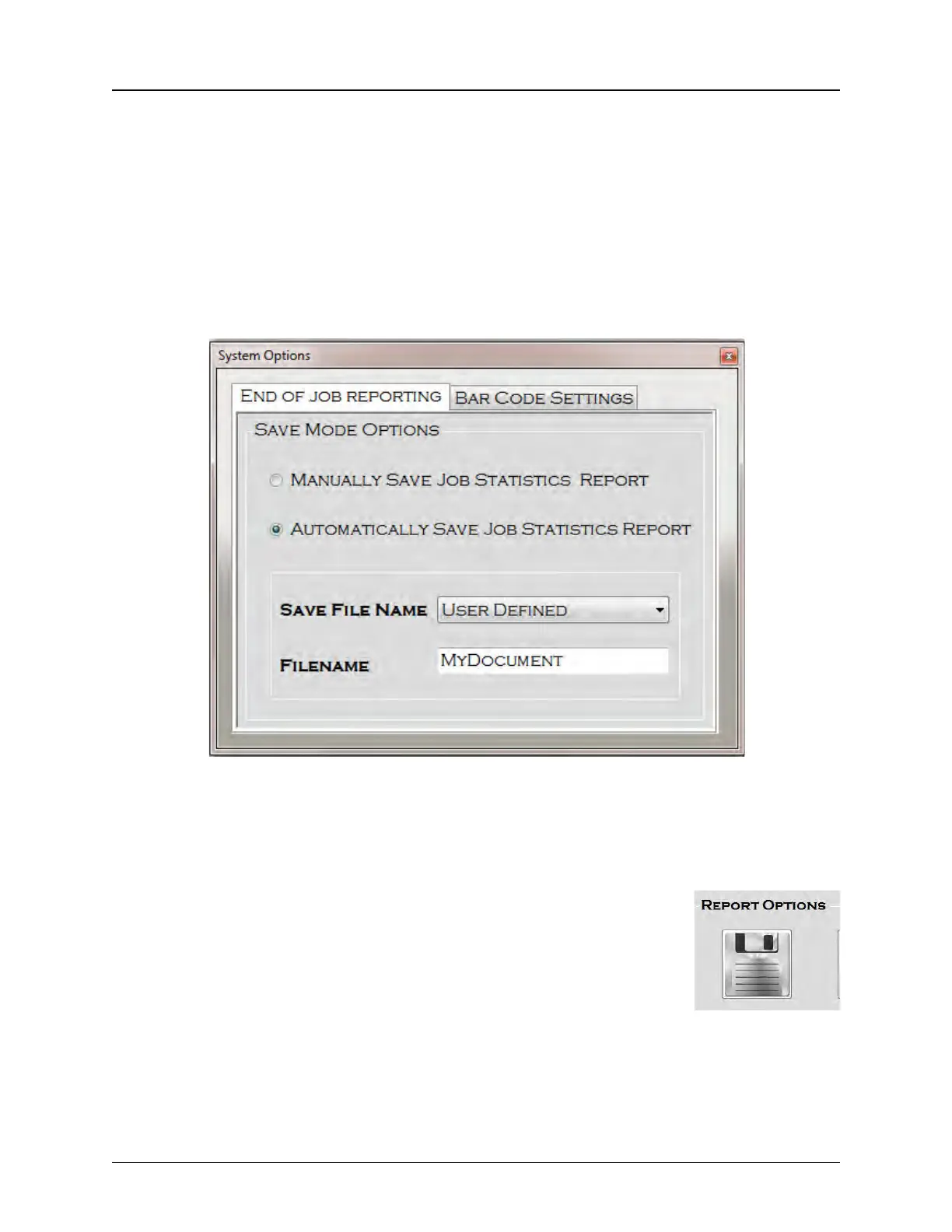
Press the Settings icon to open the Systems Options screen.
The System Options screen has two tabs: End of Job Reporting and Bar Code Settings.
End Of Job Reporting
The End of Job Reporting Tab allows the user to choose between Manually saving the Job Sta-
tistics Report and Automatically saving the report.
• If Manual is selected, the user must use the Report Options
Save button to save the Job Statistics Report at the end of the
job. If this setting is selected and the user fails to manually save
the report, the data will be lost.



 To Next Page