6-2 TM-500 User’s Guide
Emergency Stop D292144.9.fm
Emergency Stop
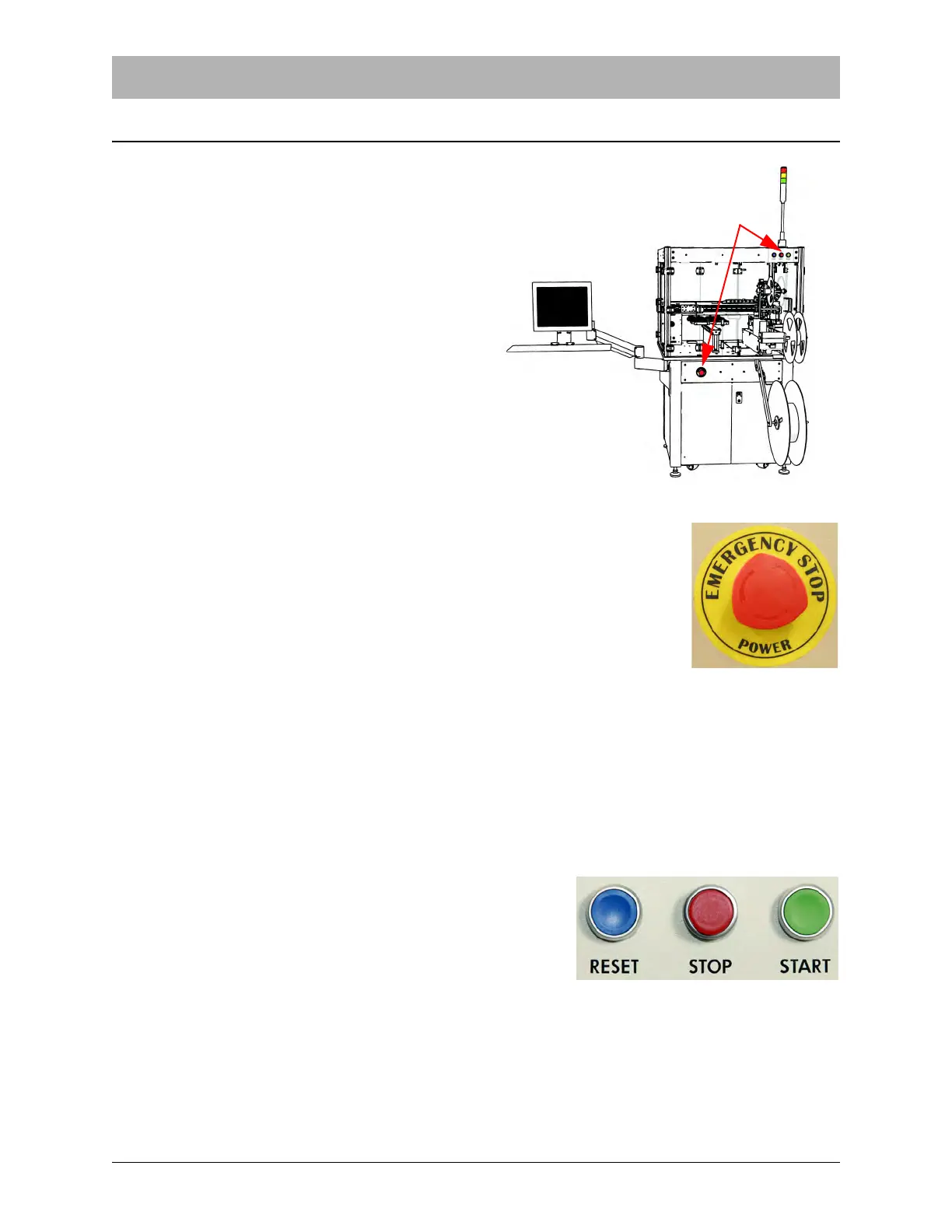
If the Emergency Stop button is pushed, the TM-
500 will automatically enter an Emergency Stop
state.
There are four E-Stop buttons on the TM-500.
Two are located on the front of the machine and
two are located on the back of the machine.
When an Emergency Stop is triggered, a brief
alarm sounds, the Tower Light switches to red
and all operations cease. On the HMI, an E-Stop
status message will appear.
Activating an Emergency Stop
If a malfunction occurs, follow the steps below to resolve the failure.
1. Press the red E-Stop button to place the TM-500 into an Emergency
Stop state. A brief alarm will sound, the Tower Light will switch to flash-
ing red and all operations will cease. On the HMI, an E-Stop status
message will appear.
2. Resolve the problem.(See Chapter 7: Troubleshooting for tips on resolving error conditions.)
Clearing an Emergency Stop
To clear an Emergency Stop, follow the directions below.
1. Twist the activated Emergency Stop button to turn it off and reset the button.
2. Close all the doors on the TM-500.
3. Press the blue Reset button.
4. Press the green Start button on the machine or
press the Run button on the HMI Run Tab to
resume operation.



 To Next Page