D292144.6.fm The Main Screen
Chapter 3: Human Machine Interface 3-5
The Main Screen
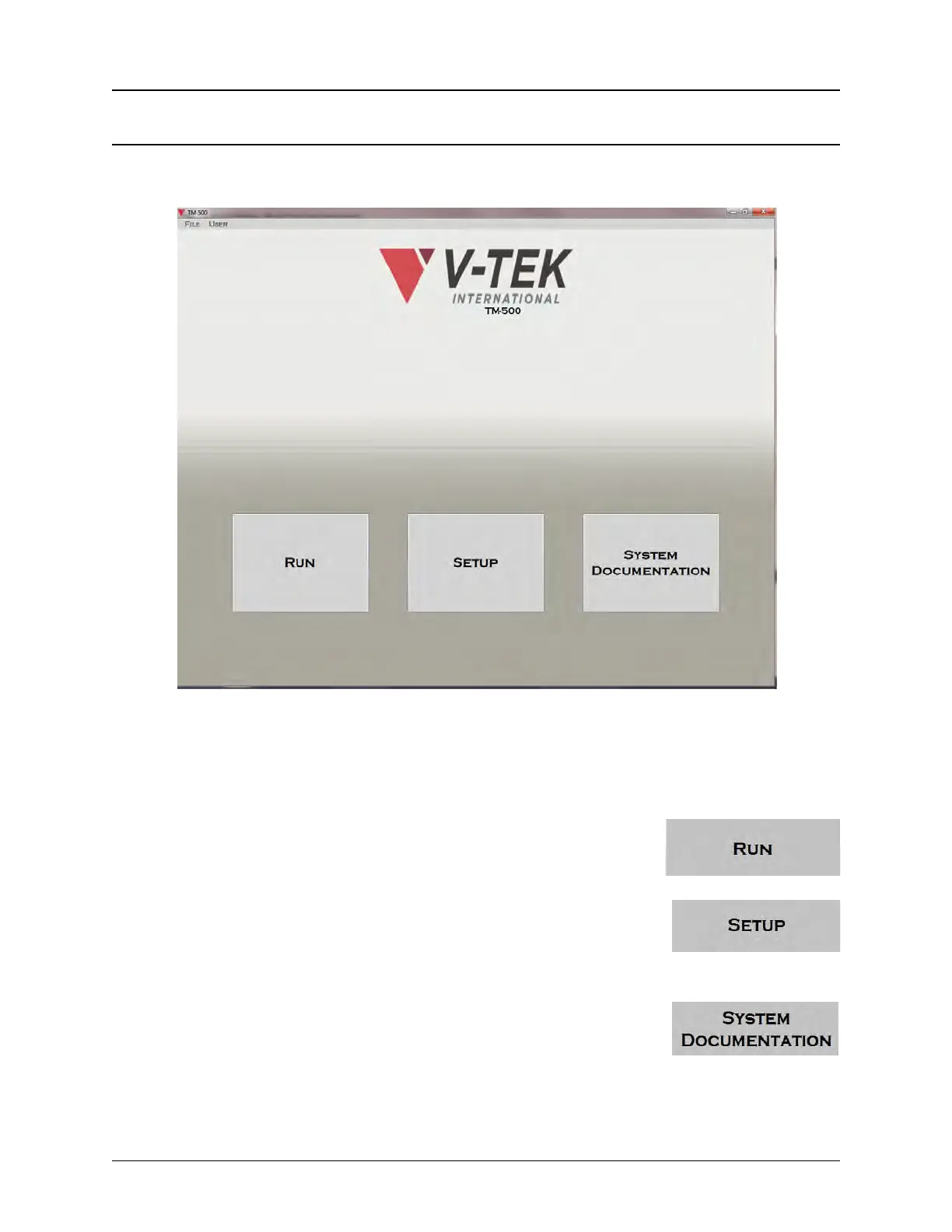
The Main Screen consists of a File Menu and User Menu in the top left corner of the screen and
three option buttons, Run, Setup and System Documentation, at the bottom of the screen.
Control Buttons
The Main Screen has three control buttons: RUN, SETTINGS, and SYSTEM DOCUMENTA-
TION.
Pressing the RUN button opens the Run Screen. This screen allows
the user to open setups, reset or run a job. Job Statistics can also be
viewed through this screen.
Pressing the SETTINGS button opens the Settings Screen. The Set-
tings Screen allows the user to configure the settings for jobs, input
modules, test modules, output modules and pick head movement.
There is also a tab to take the user to the Run Screen
Pressing the SYSTEM DOCUMENTATION button opens a directory
with PDF versions of the TM-500 User’s Guide, the Keyence Vision
System User Manual and the Watlow EZ-ZONE Temperature Con-
troller Guide.



 To Next Page