3-34 TM-500 User’s Guide
The Setup Screens D292144.6.fm
2D Camera Setup Tab
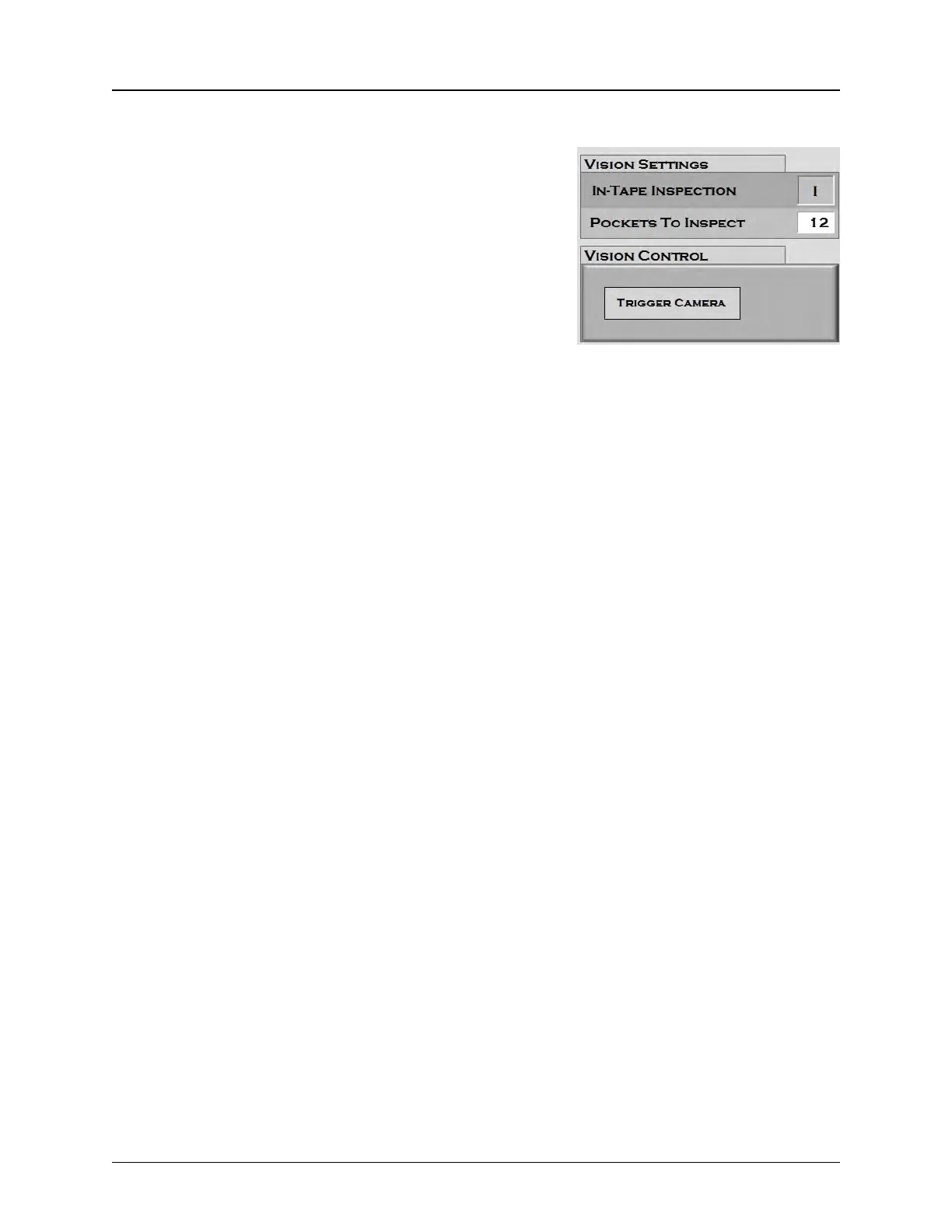
When the 2D Camera Tab is selected in the Setup window,
the following screen appears.
The In-Tape Inspection button allows the user to enable or
disable the Keyence 2D Tape Vision System. Vision configu-
ration is done through the Keyence software program.
The Pockets to Inspect field lists the number of pockets
between the place point and the inspection point. (Include
the Inspection pocket but do not include the place
pocket.)The number of pockets will vary depending on the
pocket size.
The Trigger Camera button manually triggers the camera to inspect the part that is currently
under the camera. This is useful if a part needs to be retested after an inspection fail.



 To Next Page