5-4 TM-500 User’s Guide
Preparing to Run a Pre-programmed Job D292144.8.fm
Preparing to Run a Pre-programmed Job
The initial set-up and configuration of a new job are covered in Chapter 4: Machine
Setup. This chapter covers setup for existing jobs, running a job and routine operator
tasks.
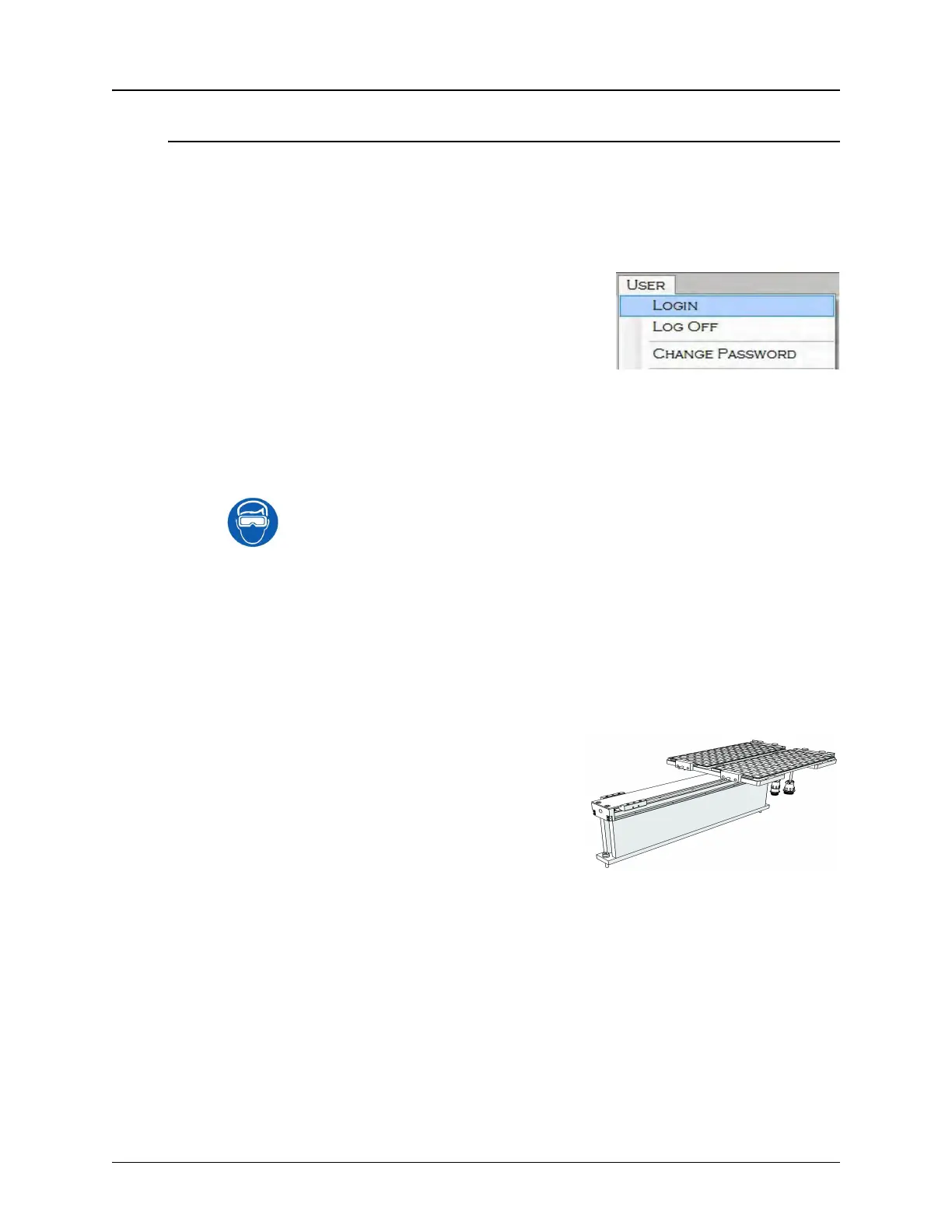
Note: Admin or Super User Level access is not
necessary for running a job. Go to the User
Menu in any of the HMI tabs and select Log Off
to exit out of Super User or Admin Mode and pre-
vent job settings from being altered during oper-
ation.
When running a job in User Mode, all setting buttons that have been disabled by
the Super User are grayed out and the operator only has access to buttons
related to running a job.
Caution: Users should always wear protective eye wear when operating
or maintaining the TM-500.
Setup Input and Output modules
1. Ensure the correct Input, Output and Test modules are installed.
2. Setup the Dual Tray Feeder
Press the Center Index button in the Tray Tab
to move the Tray Carriage to the front of the
machine for loading. Place loaded tray(s) into
input position(s).
• If outputting to Tray 2, place an empty tray in
the output position.



 To Next Page