D292144.8.fm Preparing to Run a Pre-programmed Job
Chapter 5: Operation 5- 5
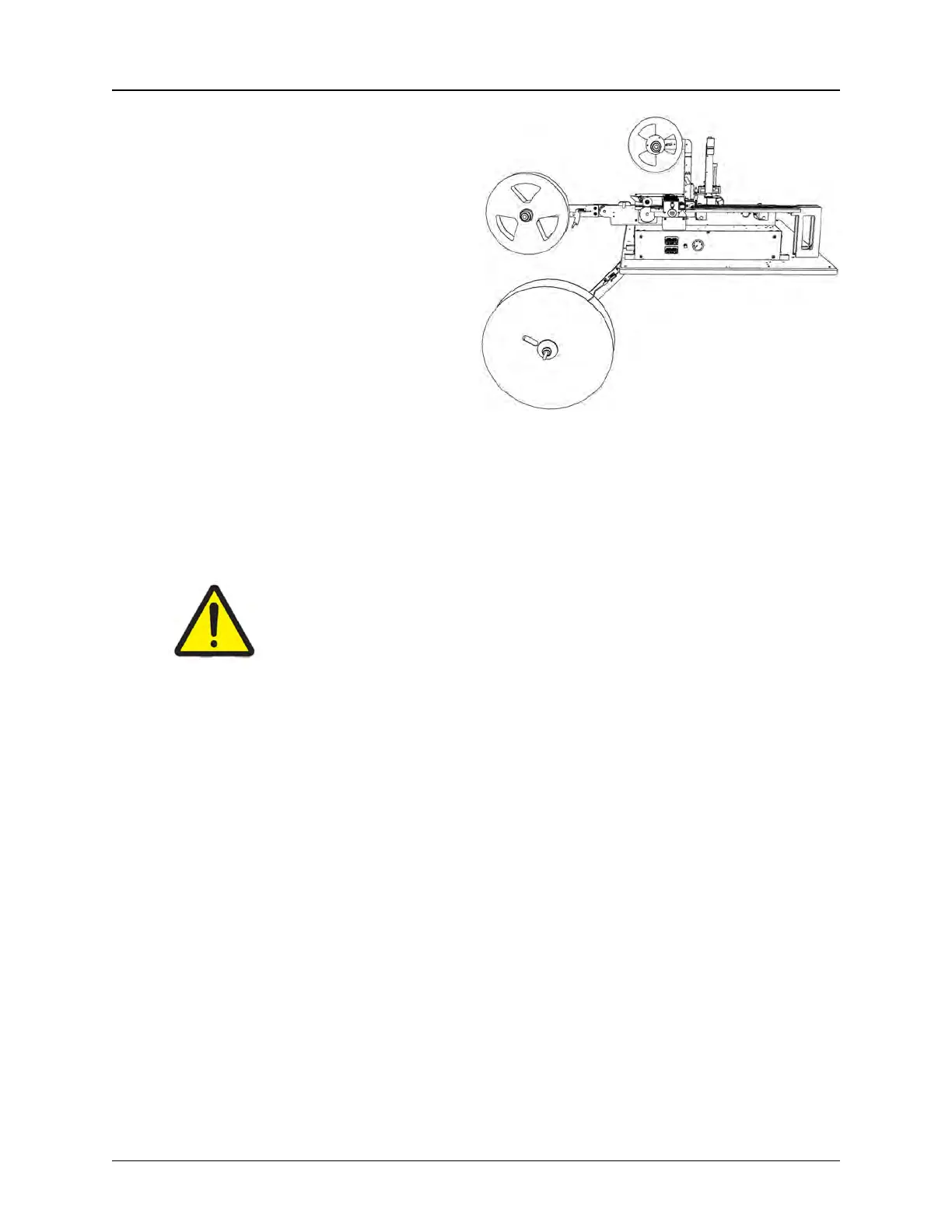
3. Setup the Taper.
• If placing to the Taper Mod-
ule, load the correct carrier
tape and cover tape, adjust-
ing the track width as nec-
essary.
• Select PSA or Heat seal.
• Align cover tape and sealer
with carrier tape.
• Run a pull test and adjust
seal strength as needed.
• Place an empty reel onto
the take-up reel spindle.
• Use the Continuous Advance button on the Taper Tab to run out the tape until
it can be attached to the reel. The tape normally can be attached by inserting it
into the reel hub or with adhesive tape.
Caution!
Operators should use caution when working in front of the TM-500. Be
aware of the Takeup Arm and Carrier Arm positions to avoid tripping.



 To Next Page