4-4 TM-500 User’s Guide
Power Up the System D292144.7.fm
Power Up the System
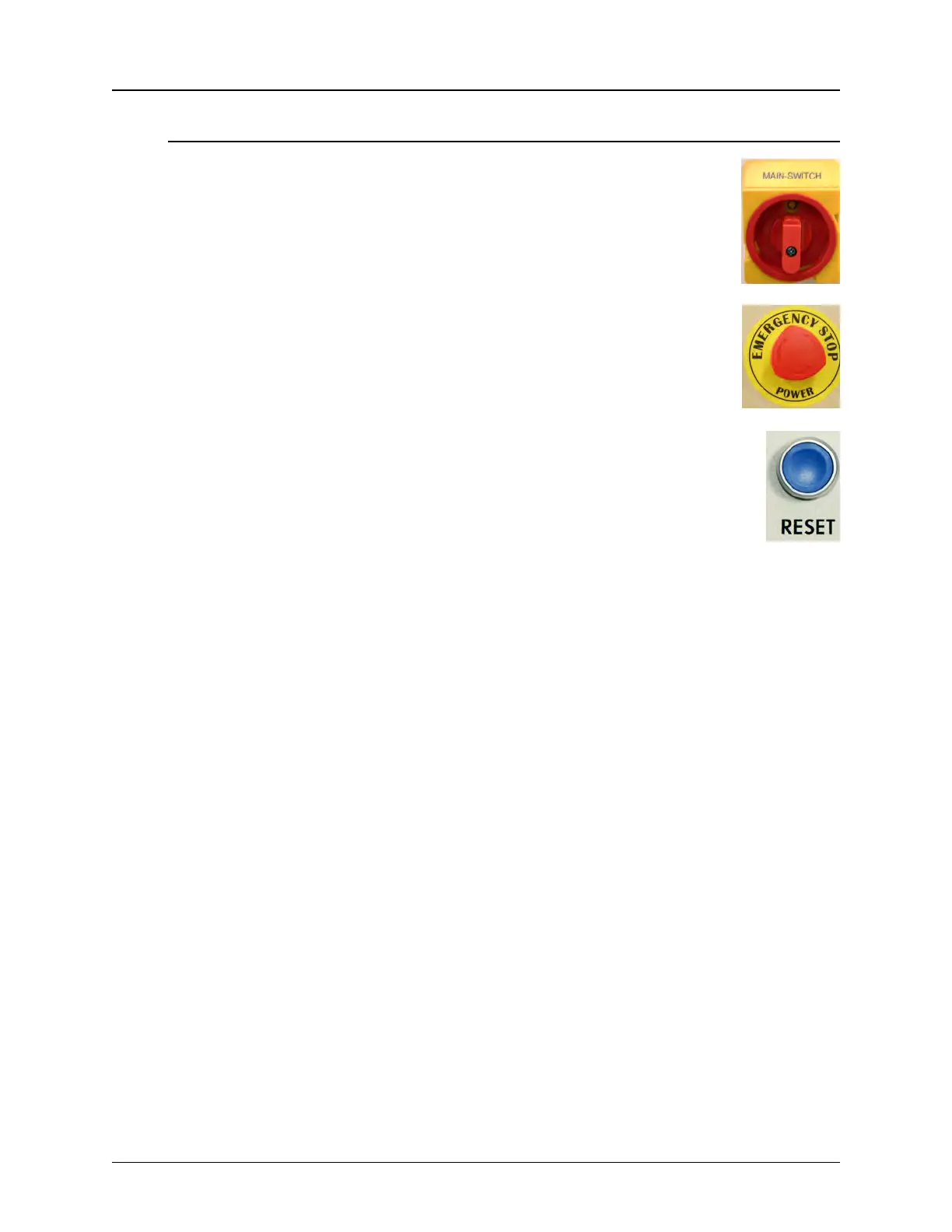
1. Power up the machine by turning the Main Power control on the
lower right side of the cabinet to the ON position.
2. Confirm that the E-Stop button is released. The E-Stop button on
is located on the front of the TM-500 in the top right corner.
3. Press the blue Reset Button on the front of the machine.
There will be a brief popping sound as the Air Dump Valve
releases air to the machine. As the TM-500 powers up, the inte-
rior lights will turn on and the PLC, Servo Drivers and computer
will boot up. On top of the machine, the Tower Light will flash red
indicating the machine is on but not running.
The TM-500 is ready for set-up when the computer displays the Windows’ desk-
top.
Note: The boot up process takes approximately 30 seconds.
4. Close all the doors on the TM-500.



 To Next Page