D292144.7.fm Power Up the System
Chapter 4: Machine Setup 4- 5
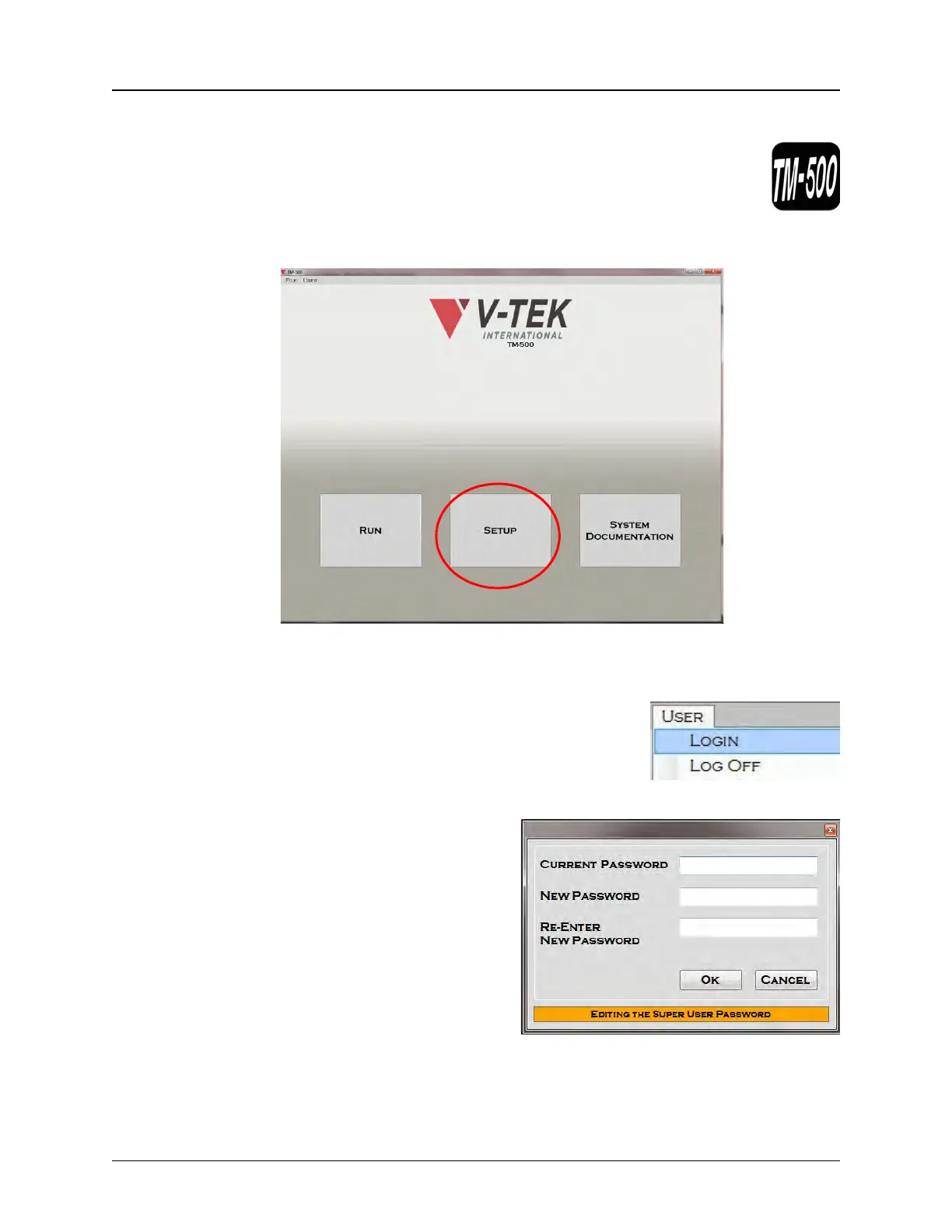
Activate the HMI
1. Open the TM-500 application by clicking the TM-500 icon on the
computer desktop .
2. The HMI Main Screen will appear..
3. Press Setup to open the Setup Screen. It will automatically open to the Job Tab.
4. To configure the HMI settings, the user must be
logged into the Super User level of the HMI. Go to
the User Menu and select Login.
5. At the password prompt, enter the
SuperUser name and password. .
Note: The default password is
PASSWORD. It is the user’s
responsibility to change it to a more
unique, secure password at setup.
All settings are now unlocked for
configuration and setup can begin.



 To Next Page