3-2 TM-500 User’s Guide
Introduction D292144.6.fm
Introduction
. This chapter gives an overview of the TM-500 HMI,
defining the buttons, screens and setting options that
allow the operator to customize the TM-500’s perfor-
mance to their inspection needs.
Note: Proceed to Chapter 4: Machine Setup for
instructions on how to configure the HMI and to
Chapter 5: Operation for instructions on how to
run a job
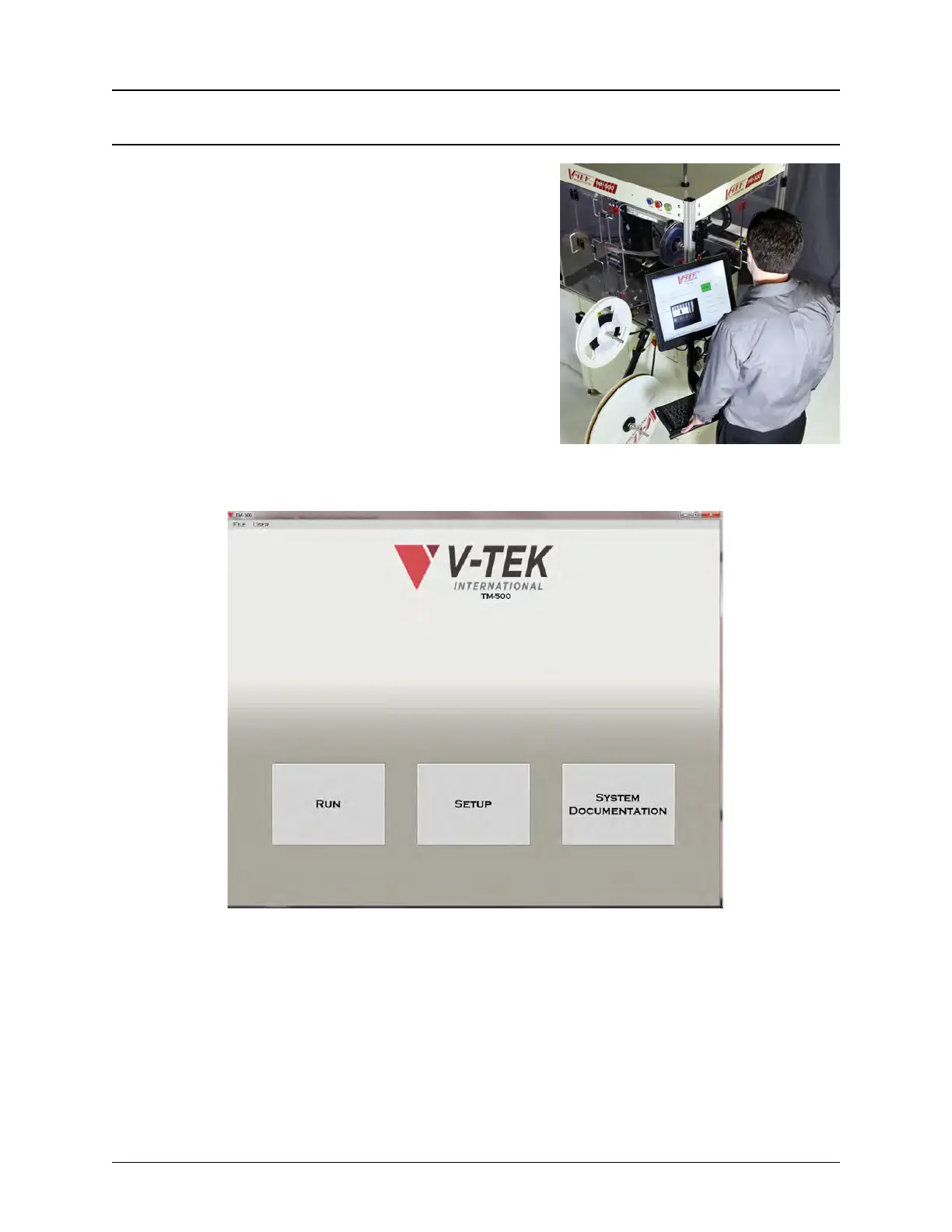
The user interacts with the TM-500 through a Human
Machine Interface (HMI) which runs on a Windows PC.
The TM-500 HMI features a touch screen. Touching it has the same effect as a left click with the
mouse.
The Main Screen of the HMI is pictured above. Although only lightly touching the buttons or data
fields is necessary for activation, the action is referred to as “pressing” in this manual.
Note: Use care when operating the touch screen and do not use any objects other than a
finger to touch the screen. A mouse can also be used to click the various buttons.



 To Next Page