D292144.6.fm Introduction
Chapter 3: Human Machine Interface 3-3
There are multiple ways to reach each HMI screen. With the single exception
of the Main Screen, every screen has a list of tabs that lead to configuration
settings for job, pick head and all installed input, output and inspection mod-
ules.
The active tab is indicated by a red line on the left of the tab button. In the
example on the right, the Tray Tab is selected. Only the tabs for Job, Head,
Run and the currently installed Input, Output and Inspection modules will
appear on the tab menu. In the example on the right, the input is Tray, the
output is to Taper and there are 2D Tape and Upwards 2D Inspection mod-
ules installed.
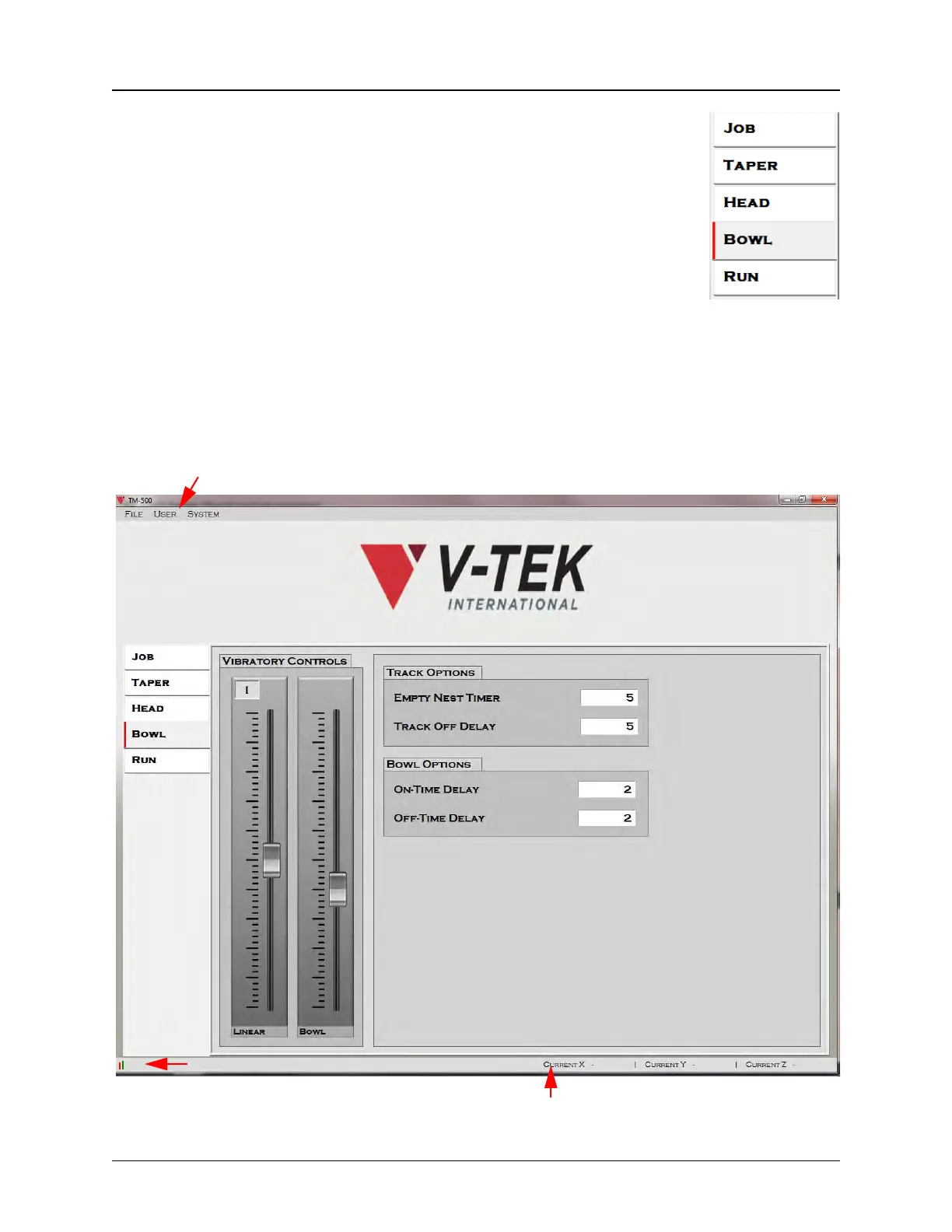
Each tab has a Tab Menu on the left which will take the user to the other active HMI
screens.They also include a variety of drop-down menus on the top of the screen. The Tray Tab
is pictured below.
Drop-down Menus
Current X,Y, & Z Axis Position
Connection Status



 To Next Page