D292144.8.fm Preparing to Run a Pre-programmed Job
Chapter 5: Operation 5- 7
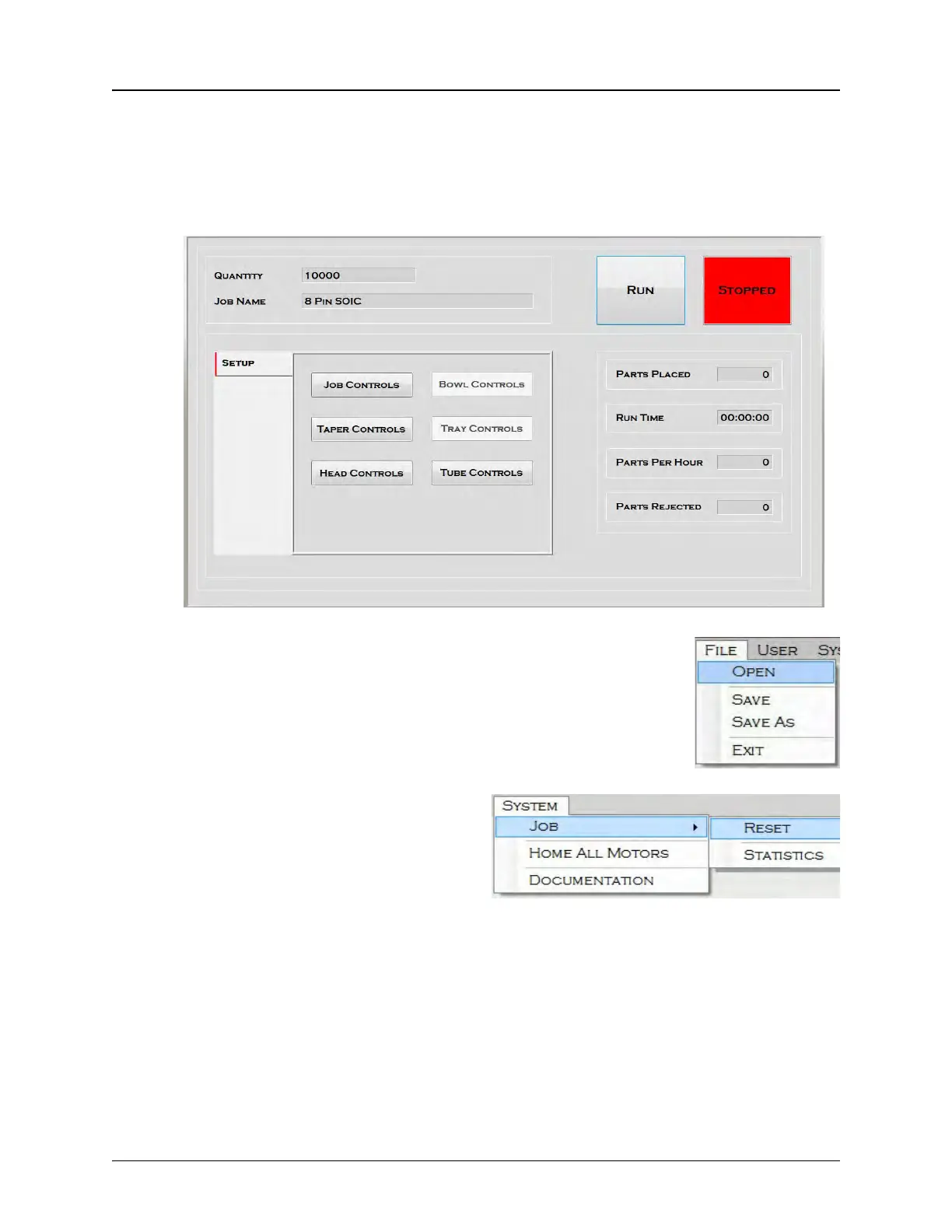
Select Job
If a job is already set up and saved in the machine’s memory, the first step in running the
job is to call it up with the Job Select screen.
1. On the HMI, select the Run Tab.
2. Go to the File Menu and select Open, then select the
correct job.
3. Go to the System Menu and select
Job: Reset, to resets all statistics
to zero.



 To Next Page