D292144.7.fm Configure End of Job Options
Chapter 4: Machine Setup 4- 47
Configure End of Job Options
Job Statistics Report
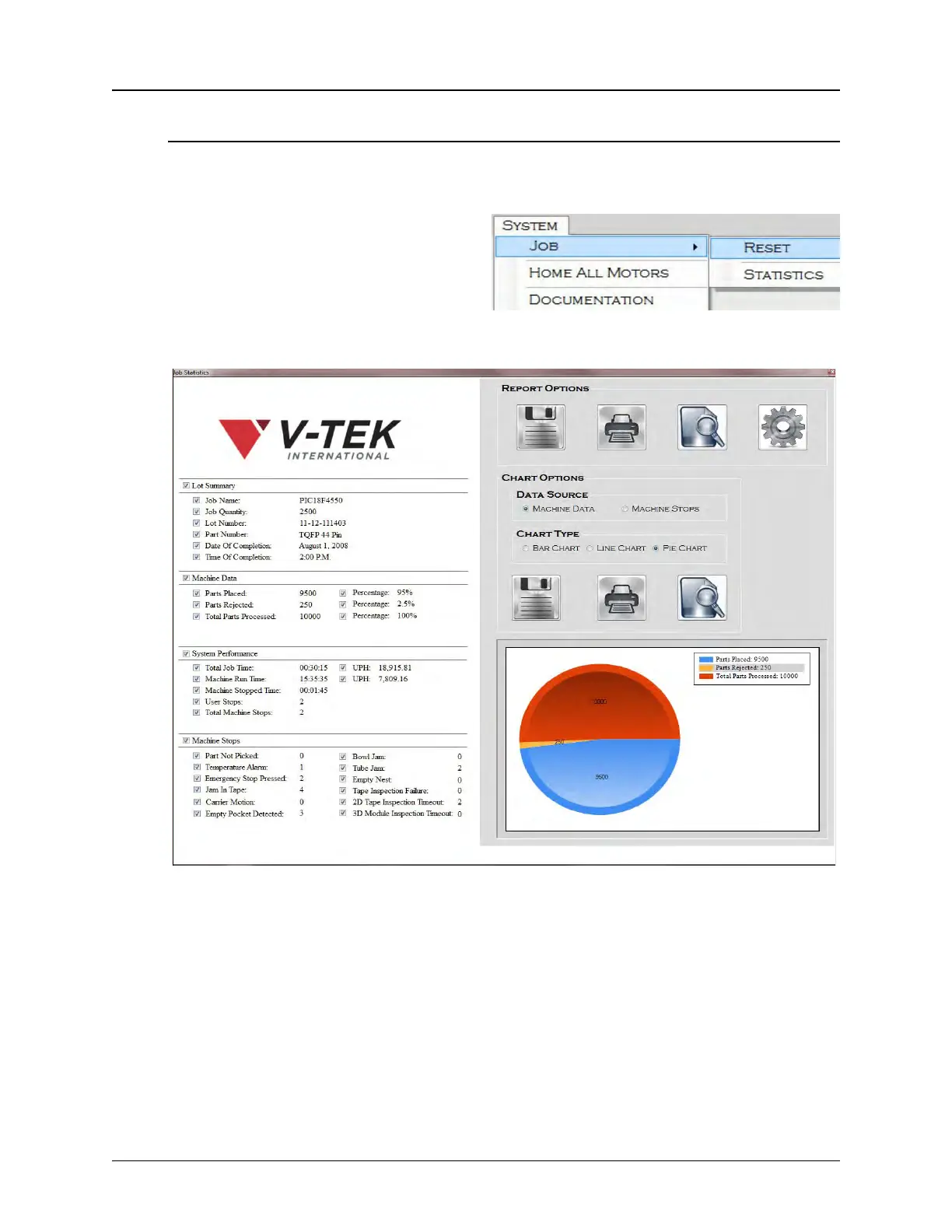
1. Select Job > Statistics from the
System Menu to configure end of
job options.
The Job Statistics screen will appear.
2. Check the data field boxes on the left side of the screen to select what data will be
included in the Job Statistics Report/Chart.
Step 9:
Configure
End of Job
Options



 To Next Page