4-48 TM-500 User’s Guide
Configure End of Job Options D292144.7.fm
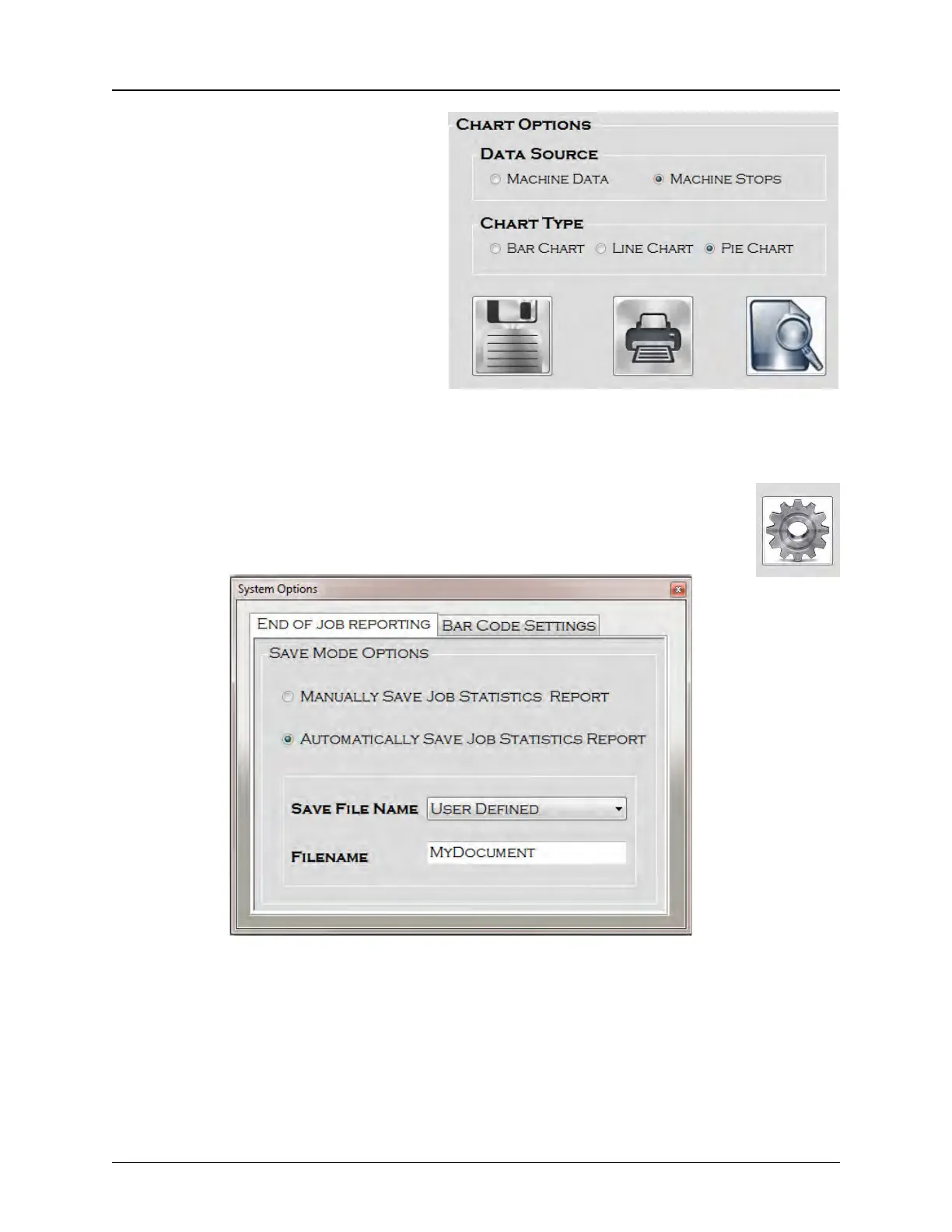
3. Select a Data Source for
the Report/Chart. The
options are Machine Data
or Machine Stops.
Note: Only the selected data
in the Job Statistics screen
(with boxes checked on the
left) will be tracked in the
chart.
4. Select a Chart Type. The
format options are Bar,
Line or Pie Charts.
5. Press Save, to save the
new settings.
6. Press the Settings icon to open the Systems Options screen.
7. Select the End of Job Reporting tab, then select Manual or Automatic
report saving.
Step 9:
Configure
End of Job
Options



 To Next Page