D292144.9.fm Sensor Adjustments
Chapter 6: Troubleshooting 6-23
Adjusting the Empty Pocket Detector
Empty Pocket Detection is one of five sensors that come
with the standard TM-500. The EPD alerts the operator if
a carrier tape pocket is empty before the tape advances
through the sealer, allowing the operator to manually fill
the pocket.
Note: EPD should be enabled if the Taper Output
Module is being used without 2D Inspection.
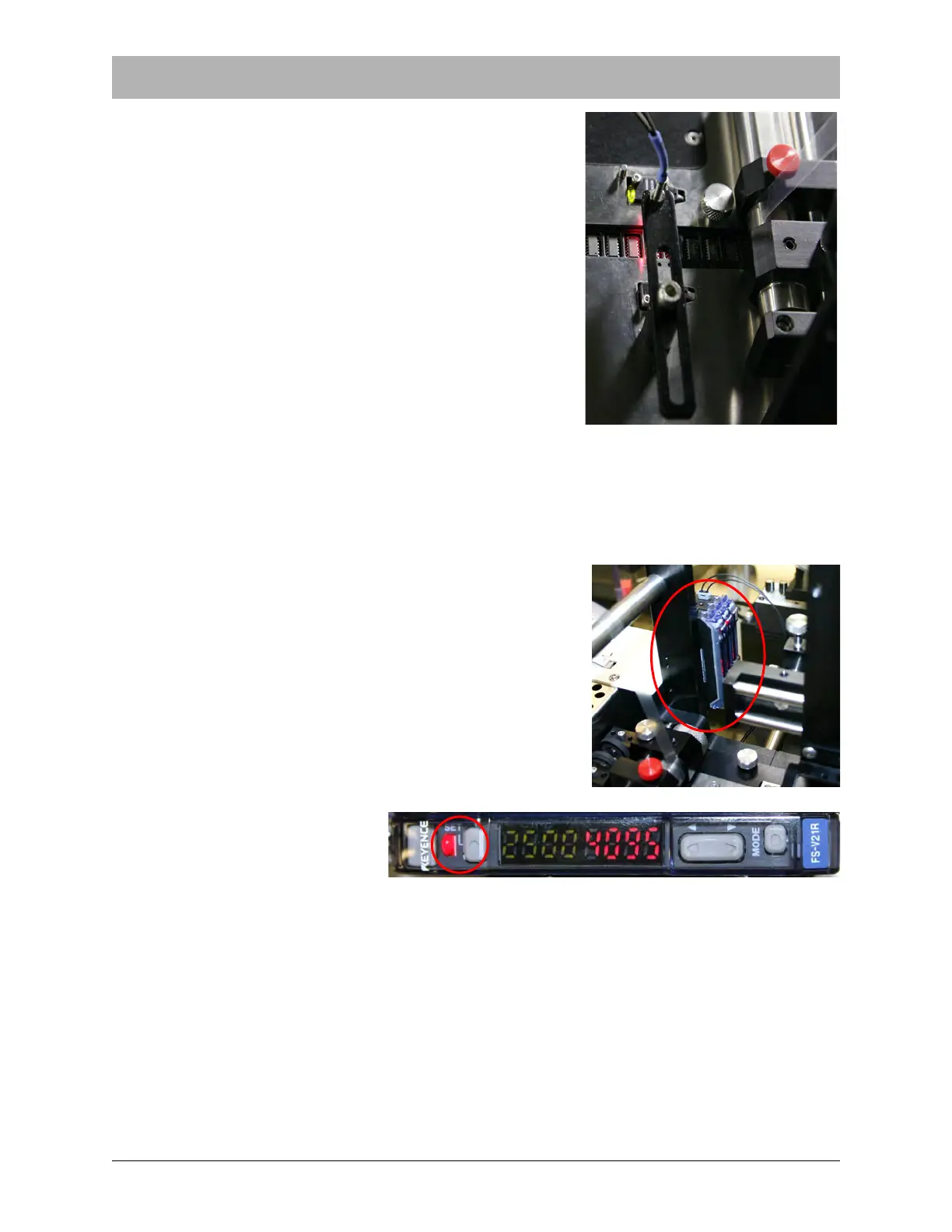
1. Position the EPD sensor over an empty pocket. The
position of the sensor can be adjusted by moving the
support arm into the desired position over the track.
2. Count the number of pockets between the EPD and
the nozzle when it is in place position. Include the
pocket which is under the EPD.
3. Open the HMI Taper Tab. Enter the value determined
in Step 2 in the Pockets to Detect field in the EPD
Sensor section of the screen.
4. Locate the EPD Amplifier. It is the center amplifier in
the group of three amplifiers on the Cover Tape Arm.
5. Press the SET buttons on
the EPD amplifier.
6. Place a component into the pocket the sensor has been positioned over and press the SET
button again. The sensor amplifier will then be programmed to differentiate an empty pocket
from a pocket with a component placed in it.
7. If sensor sensitivity needs to be fine tuned, adjust the amplifier setting up or down. For
more information on the sensor/amplifier, refer to Appendix A: Sensors
Note: The sensor must be reset for each new type of part to be taped.



 To Next Page