4-8 TM-500 User’s Guide
Tray Setup D292144.7.fm
Tr ay S e t u p
Note: For Tray Feeder installation instructions, see Chapter 1: Assembly & Installation.
Note: If the TM-500 is running with Tray Input and Taper Output, Continuous
Picking is automatically enabled. Continuous Picking allows the Tray Feeder to
automatically cycle back to Tray 1 once Tray 2 has been emptied.
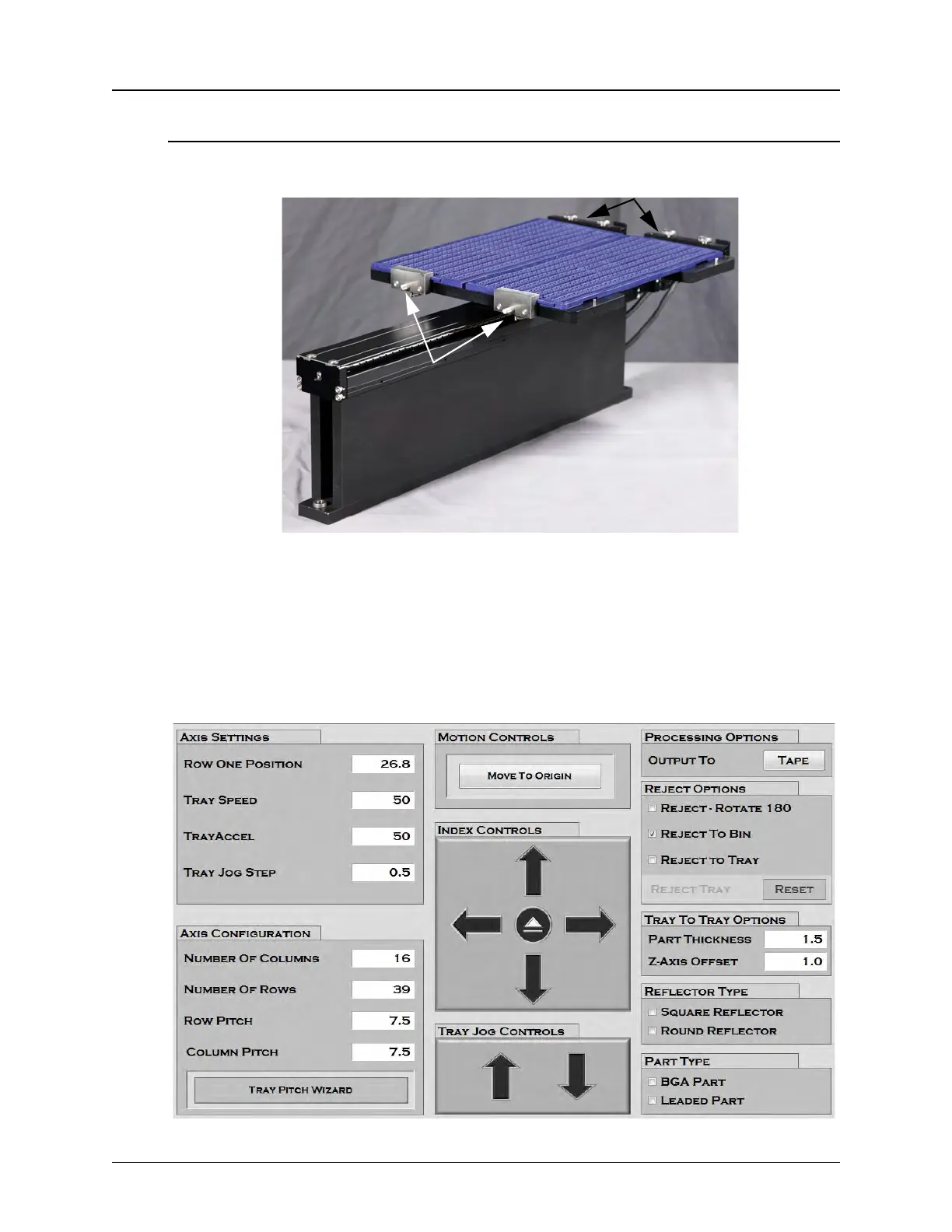
To prepare the Tray Input/Output Module for operation, load it with trays and then config-
ure the HMI Tray Setup Tab.
1. On the HMI, select Tray from the tab menu on the left to open the Tray Setup Tab.
Tray 2
Tray 1
Spring Loaded Clamps
Stationary Clamps



 To Next Page