D292144.7.fm Tray Setup
Chapter 4: Machine Setup 4- 9
2. Press the center Index Control button to bring the Tray Module to the front of the
machine so it is easily accessible.
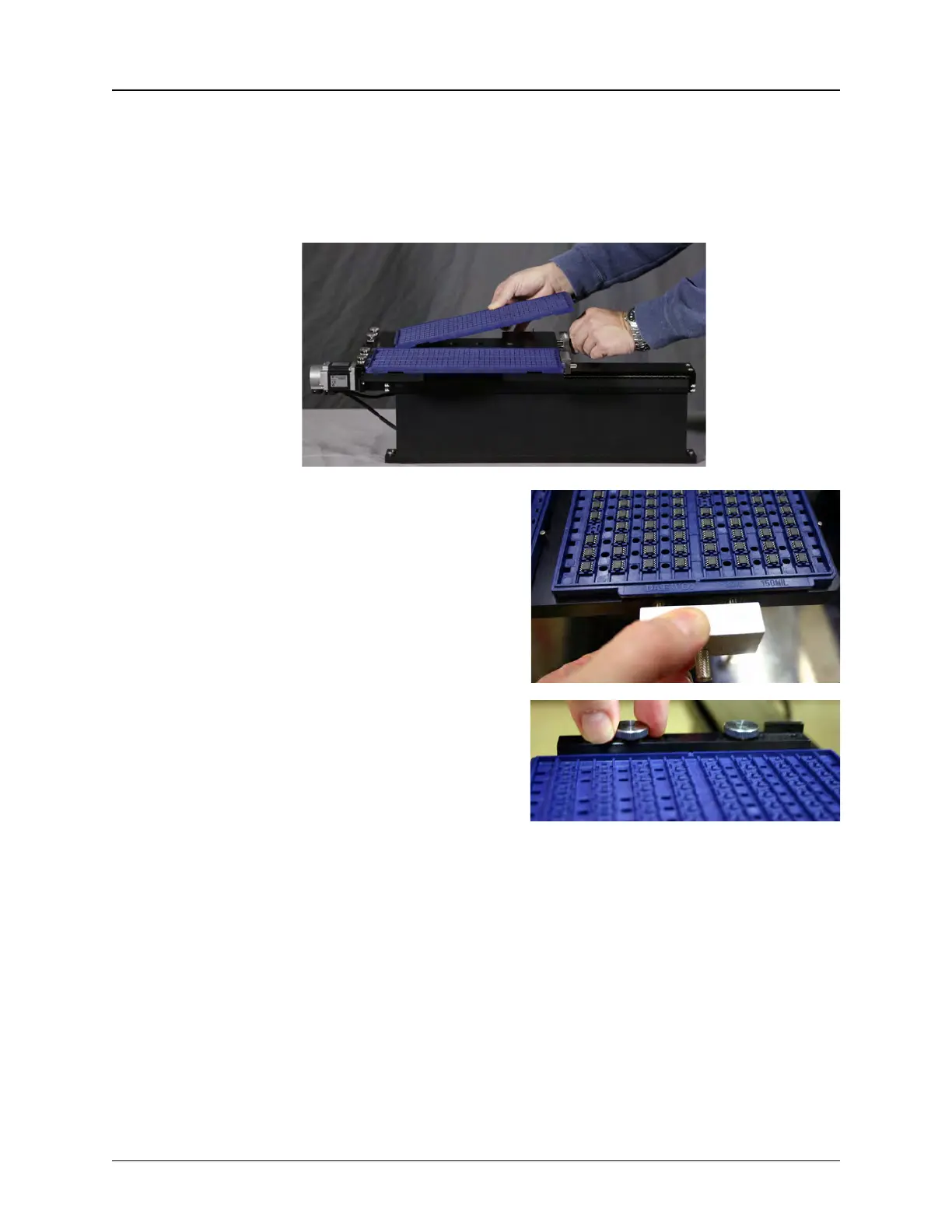
3. Load Trays: Load a full tray into the right side of the Tray Module and an empty
tray into the left side of the Tray Module, checking to ensure they are being placed
in the correct orientation for the job.
Pull the Spring Loaded Tray Clamps
back to slide the trays into position.
Ensure the tray is placed so that the
front lip of the trays is under the
Stationary Tray Clamps and the side
of the tray is pressed against the
center datums.
If the tray lip doesn’t fit under the
Stationary Tray Clamps, loosen the
screws and adjust the clamps as
necessary.
They may be raised or lowered to
adjust to different tray thicknesses or
rotated to accommodate different
tray orientations.



 To Next Page