4-46 TM-500 User’s Guide
Setup the Pick Head D292144.7.fm
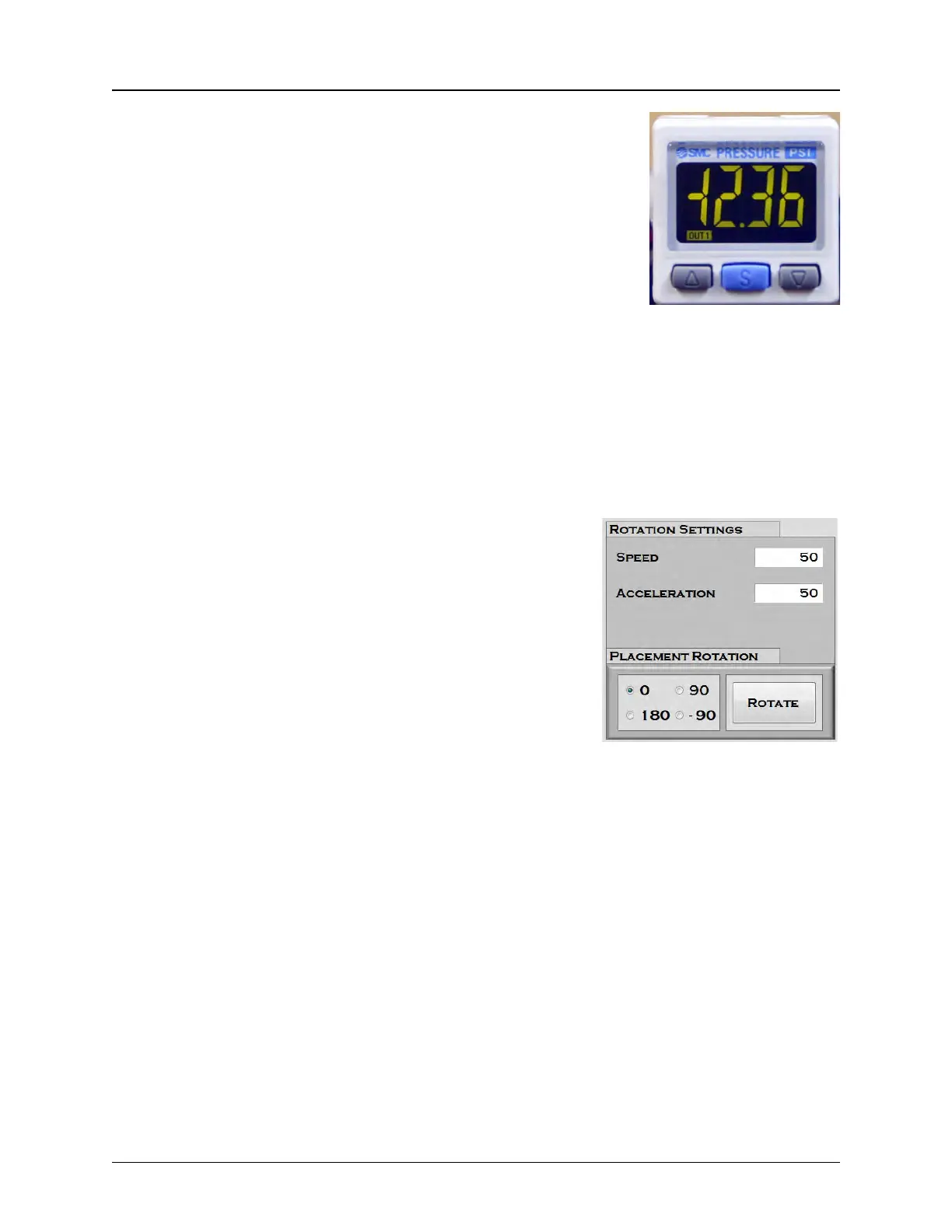
7. Observe the vacuum sensor indicator which is located
on the Pick & Place Head above the nozzles The
numbers should be lit in green with components on
the nozzle and red if components are not. If the
sensors require adjustment, increase or decrease the
test levels with the up and down buttons. Adjust them
as needed with components both on and off of the
nozzles..
Note: See Chapter 7: Troubleshooting or Appendix
A: Sensors for tips on adjusting the Nozzle Vacuum
Sensor.
8. Open the enclosure doors and manually move the pick head to the place location
(Taper or Tray). Center the nozzle over the pocket, then lower it until it is even with
the top of the pocket.
9. Once the nozzle is in the correct position, press the Teach Place Positions
button.
10. If the part needs to be rotated before it is placed
in tape, select the correct Rotation Angle from
the Rotation Settings section. The options are
0, 90, 180 and -90 degrees.
• 0 indicates no rotation is required
• 90 is a 90 degree clockwise rotation
• 180 rotates the part so it is facing in the oppo-
site direction
• -90 is a 90 degree counterclockwise rotation
Note: See Chapter 7: Troubleshooting for tips
on adjusting nozzle placement.
11. Close the enclosure doors and press Place Part. Adjust the Place Position as
needed. The Pick, Inspect and Place positions are now set.
Note: Manually placed parts will be counted in the current job.



 To Next Page