D292144.6.fm Menus
Chapter 3: Human Machine Interface 3-9
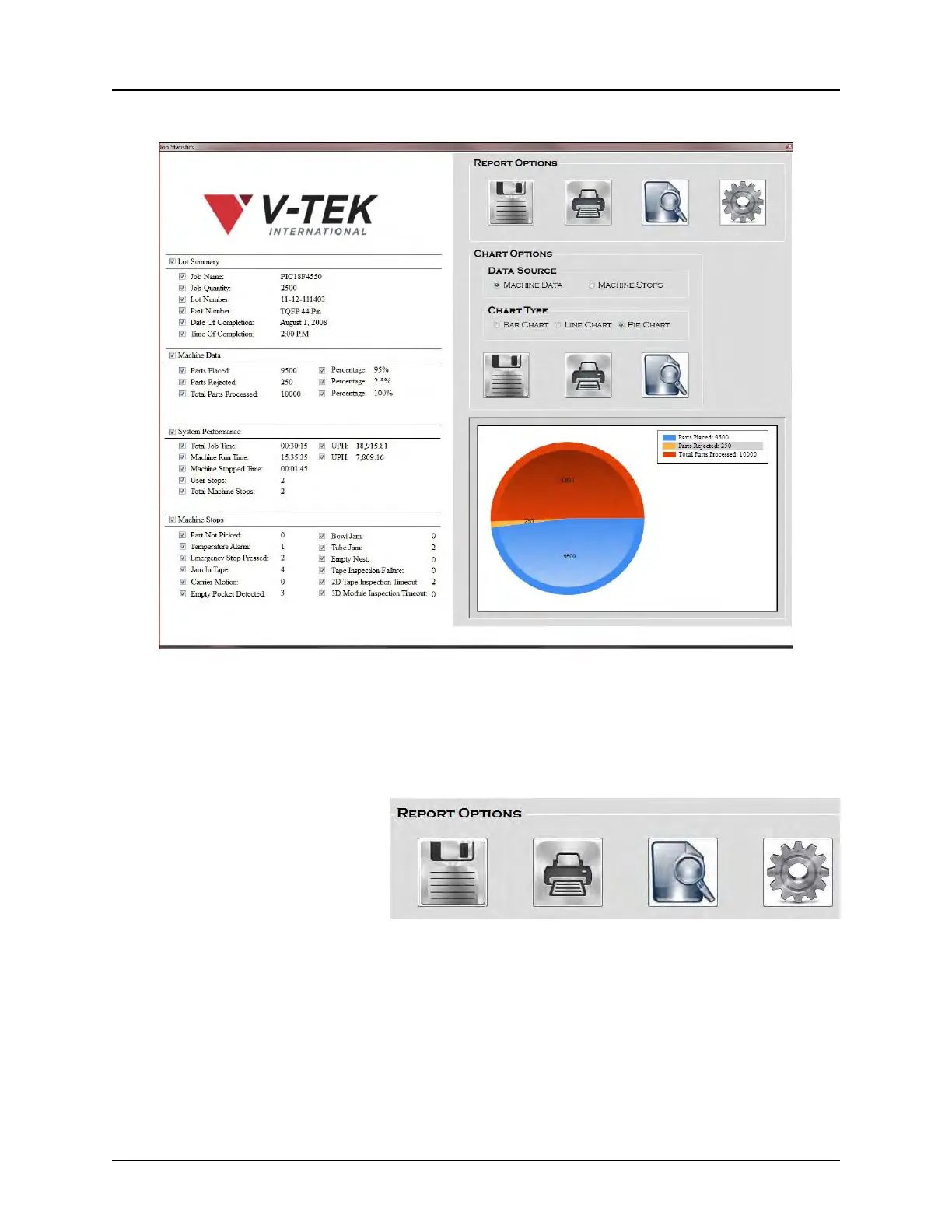
When Job Statistics is selected, the following screen appears.
Check the data field boxes to select what data will be included in the Job Statistics Report/Chart.
Note: The Machine Data section will automatically to display whatever inspection mod-
ules are installed. In the example above, 2D Tape and 2D Module Inspection are
installed.
REPORT OPTIONS
Job Statistics data can be saved
by pressing the Save icon under
Report Options or by printing to
PDF.
A graphic image of the file can
also be printed by pressing the
Print icon under Report Options.
Press Preview to see how the printed report will appear. The logo at the top of the report can be
customized as desired:
• To use a different logo, name the new logo image Logo.jpg and save it under C:\V-
Tek\TM-500\AppData\Statistics Settings, replacing the current logo file.
Save Print Preview Settings



 To Next Page