D292144.9.fm System Alarm Messages
Chapter 6: Troubleshooting 6-5
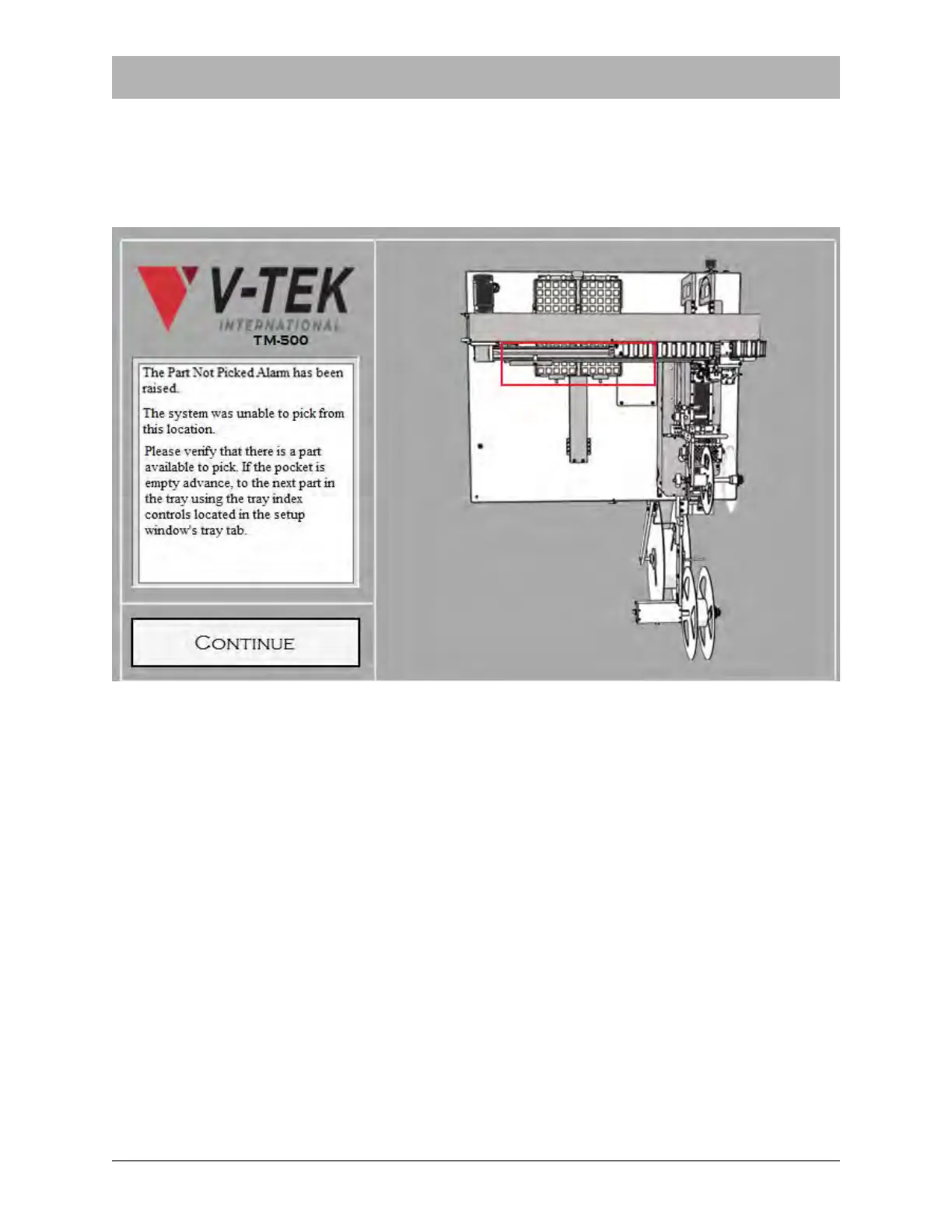
Part Not Picked System Alarm
If the nozzle is unable to pick a part from the Dual Tray Input Module, the Part Not Picked system
alarm will be activated. When this happens, operation stops, a beep sounds, and a warning
appears on the HMI.
To clear the Part Not Picked Alarm, ensure there are parts in the tray feeder and it is feeding
properly. If that does not resolve the problem, ensure the Pick Height is not set too high and the
Nozzle Pick Dwell Time is not set too low.
When the Input Module is ready for operation, press CONTINUE to clear the alarm and resume
operation.



 To Next Page