Keyence FS-V20 Series Sensor Amplifiers D291511.18a.fm
A-3 Appendix A: Sensors
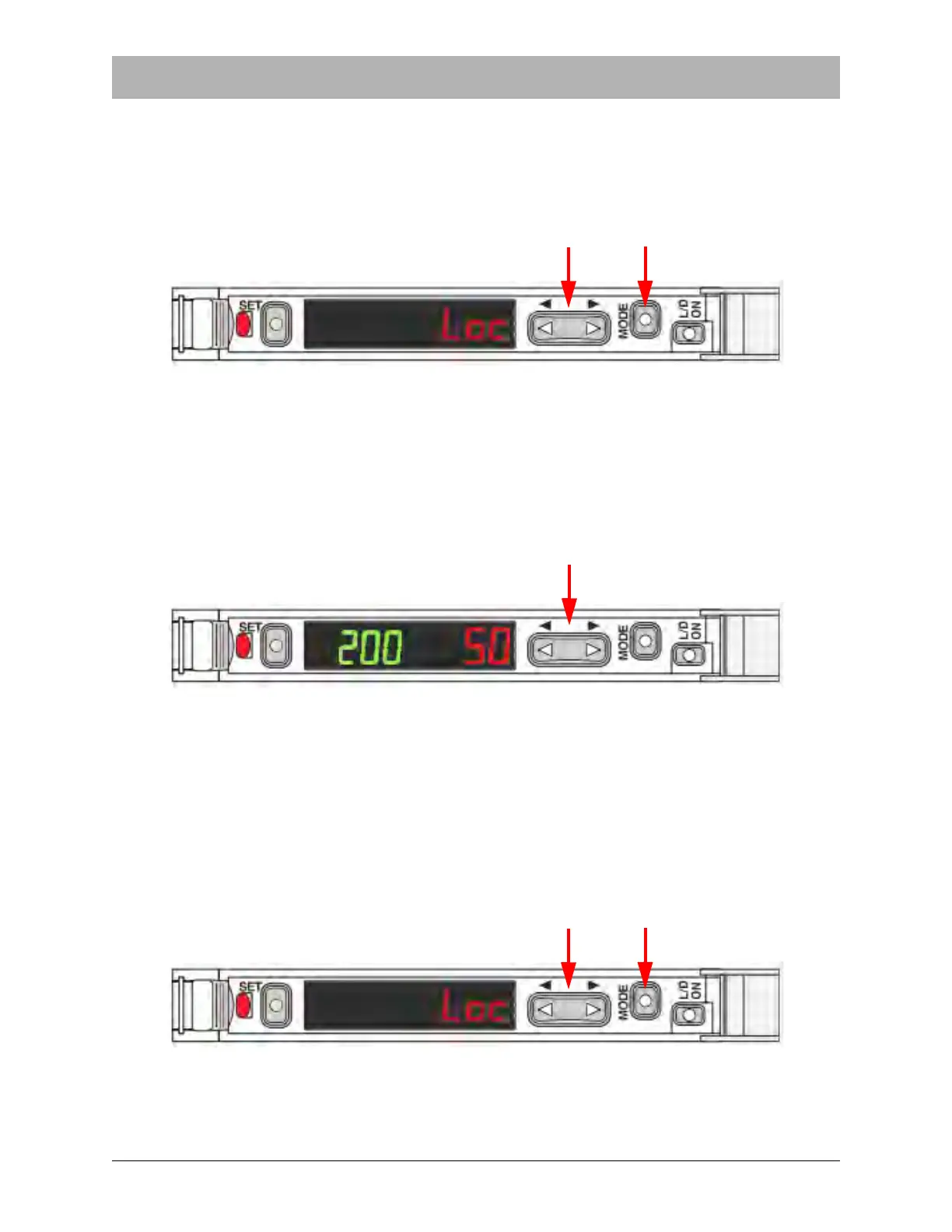
Locking the Keys
It is sometimes desirable to lock the keys of the sensor amplifiers so that the currents settings
are not inadvertently changed.
1. Hold down the Manual (< >) button and the Mode (M) button simultaneously for at least
three seconds.
2. The CV indicator will display Loc to indicate that the lock is in place.
3. Repeat the same procedure to unlock the keys. The display will flash the message unL.
Fine Tune the Setting Value (Threshold)
Use the Manual (< >) button to adjust the Threshold value as desired:
• Press the left arrow to increase the setting value.
• Press the right arrow to decrease the setting value.
• Hold the button down to make adjustments more quickly.
Initialization
To initialize all the settings and return the sensor to the original Keyence factory default settings,
Hold down Set and L/D ON simultaneously for at least five seconds.



 To Next Page