3-18 TM-500 User’s Guide
The Setup Screens D292144.6.fm
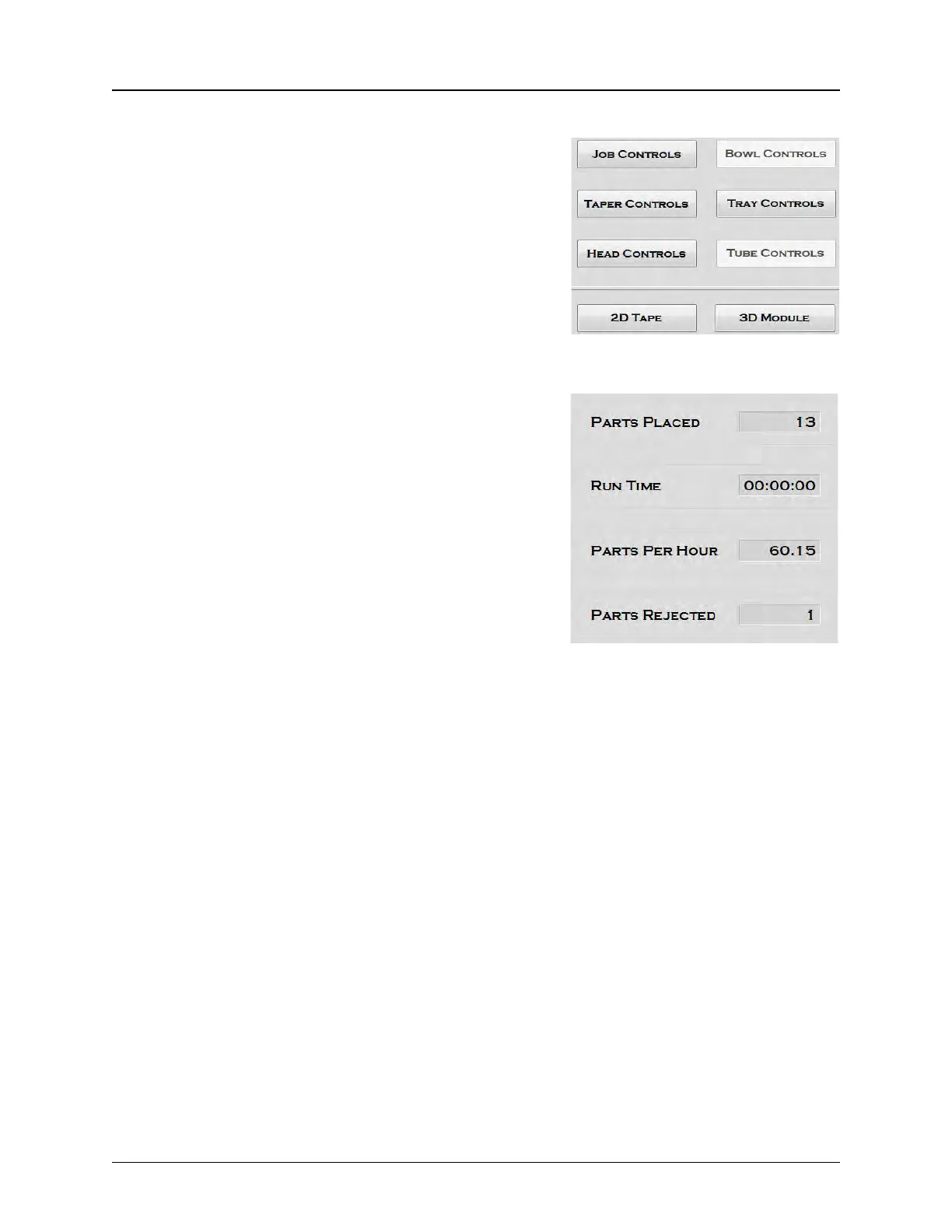
4. Control Buttons or 2D/3D Camera Display
When the Setup Tab is selected, the Control buttons pic-
tured above appear. The Control buttons open up setup
screens for the Job, the Pick Head, and installed Input,
Output, Inspection and Test Modules. A blue border
around a button indicates that it is the currently selected
button (not shown).
5. Run Statistics
The Statistics section keeps a running tally of the cur-
rent job’s Parts Placed, Run Time, Parts Per Hour and
Parts Rejected.



 To Next Page