D292144.6.fm The Setup Screens
Chapter 3: Human Machine Interface 3-21
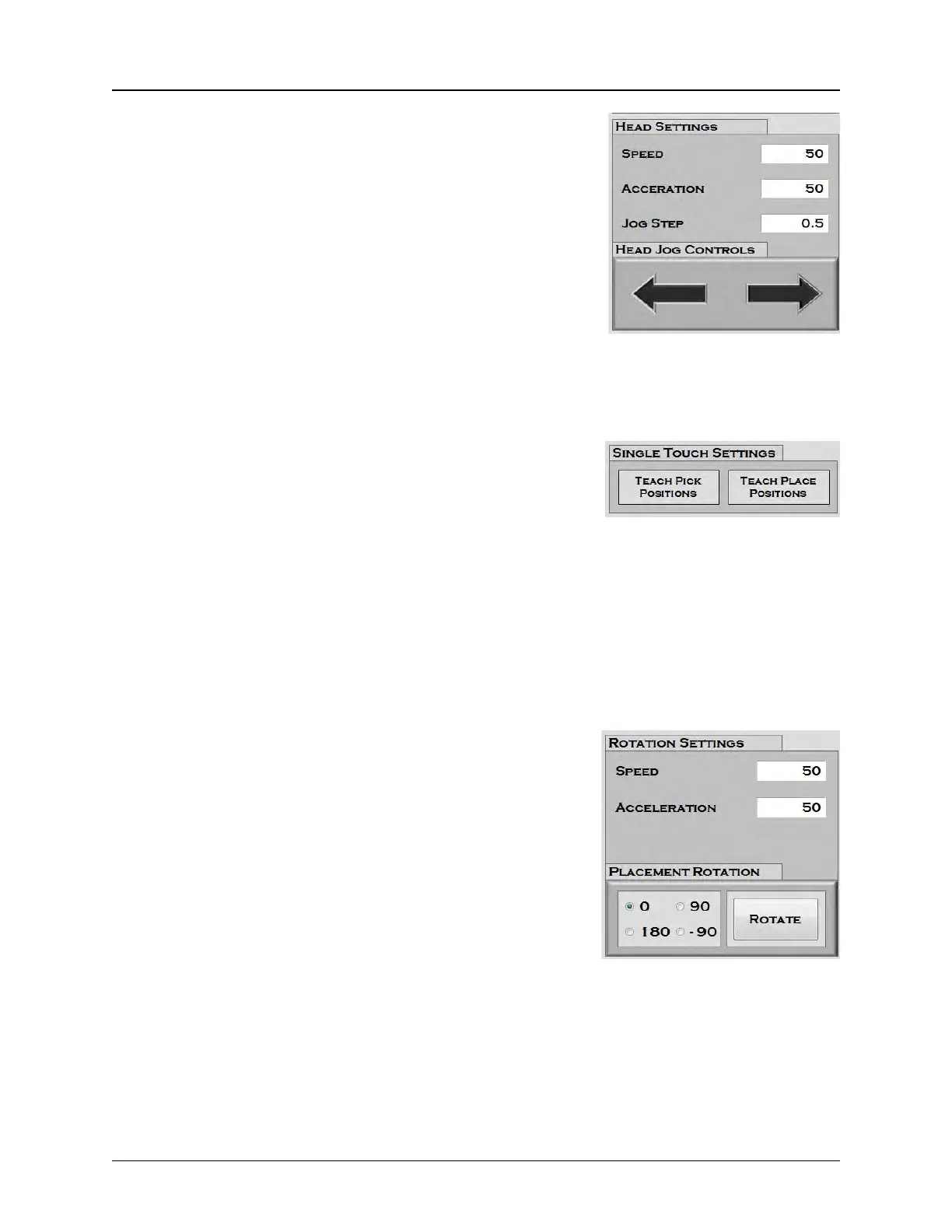
2. Head Settings
Speed is a percentage of the maximum velocity. It can be set
between 1-100.
Acceleration is how rapidly the head will accelerate to reach
Head Speed. It can be set between 1-100. The lower the
value of this setting, the more gradual the acceleration will be.
Jog Step is the distance in millimeters that the head will move
when Jog is pressed.
The Jog buttons in the Head Settings section jog the head
forward or backward along the X Axis (left/right).
3. Teach Pick/Place
The Teach Pick Position button saves the current nozzle
position as the programmed pick location.
The Teach Place Position button saves the current nozzle
position as the programmed place location
Note: Pick Position X and Z values can be entered by manually moving the head and
nozzle to the desired positions. Once the nozzle is positioned, drag and drop the Current
X and Current Z values listed at the bottom of the screen into the corresponding boxes or
press the Teach Pick Position button.
4. Rotation Settings
Speed is the velocity at which the nozzle rotate components.
It can be set between 1-100.
Acceleration is how rapidly the head will accelerate to reach
Rotation Speed. It can be set between 1-100. The lower the
value of this setting, the more gradual the acceleration will be.
Placement Rotation buttons rotate the nozzle on the pick &
place head to rotate.
• 0 is no rotation
• 90 is a 90 degree clockwise rotation
• 180 rotates the part so it is facing in the opposite direction
• -90 is a 90 degree counterclockwise rotation
The Rotate button rotates the nozzle one time to the preset Placement Angle.



 To Next Page