D292144.7.fm Tray Setup
Chapter 4: Machine Setup 4- 13
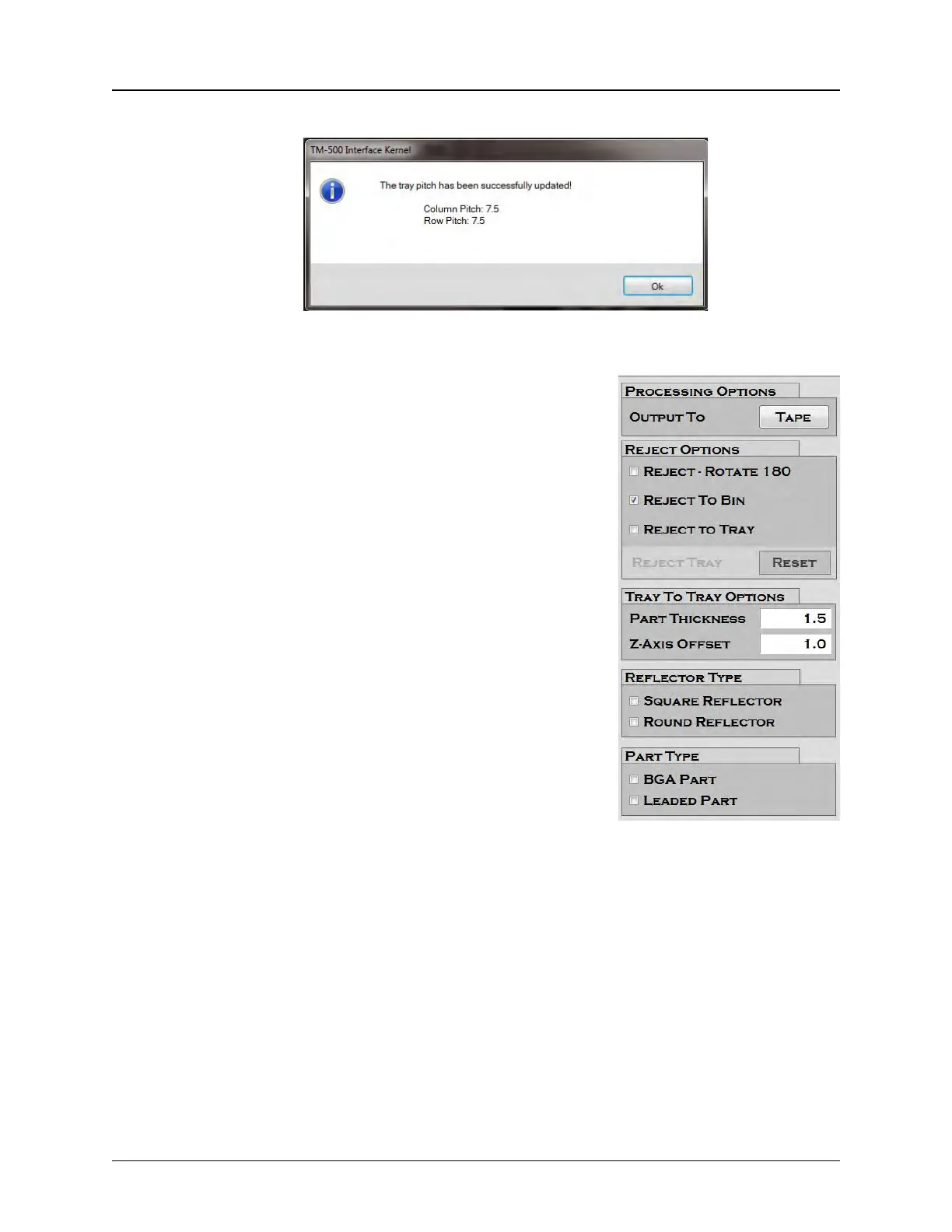
Confirm pitch is set correctly. Press OK to close the Tray Pick Wizard.
6. The remainder of the Tray Setup Tab will appear
greyed out unless the 3D Camera was installed.
No further configuration is required.
The Tray Module is now ready to operate. Dur-
ing operation, the operator will add and remove
trays as needed to maintain continuous opera-
tion. Otherwise no other adjustments are
required for a job that has already been defined
properly.



 To Next Page