Analysis Protocols
Stratus OCT User Manual PN 2660021134133 A
6-36
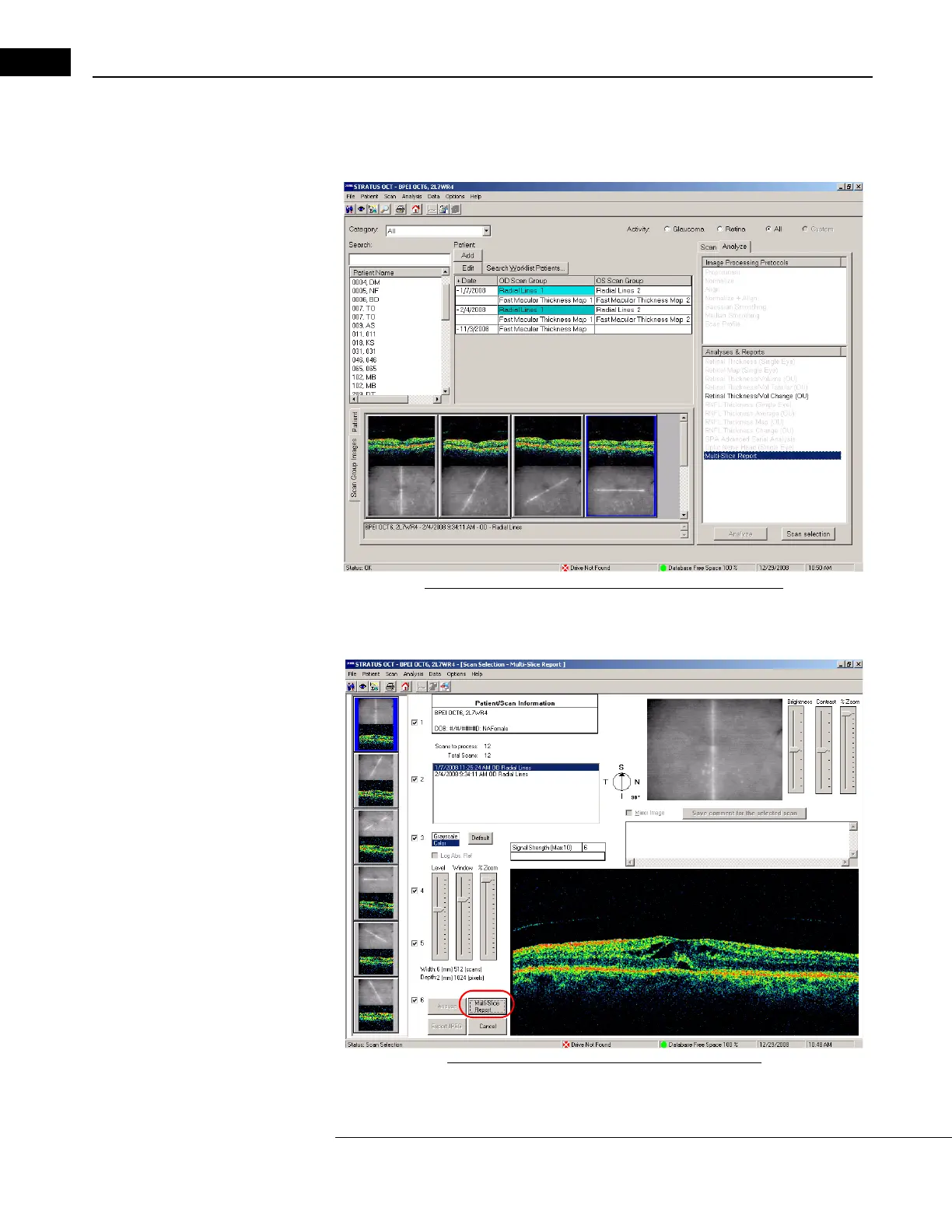
To generate a report:
1. Select a patient and highlight the exams that
you want to include in your report, You
can select up to two time periods.
Figure 6-20 Select Multiple Scans for Multi-Slice Report
2. Select Multi-Slice Report and then click on the Scan Selection button. The following
window appears.
Figure 6-21 Scan Selection for Multi-Slice Report



 To Next Page