Stratus OCT User Manual PN 2660021134133 A
Scan Acquisition Protocols
4-1
(4) Scan Acquisition Protocols
Chapter Overview
This chapter explains the applications and attributes of the scan acquisition protocols
offered by the Stratus OCT. While the previous two chapters provide operating instructions,
this chapter is designed to help the user select which protocol to use and know how to use
it. See Chapter (3) for instructions to apply these pr
otocols. This chapter includes
information about:
• The Scan Tab, from which you select protocols (below).
• The Protocol Groups, listed in Activity g
roups (below).
• General Tips about the protocols (on page 4-3).
• Scan Protocol Descriptions, Options And Tips (on page 4-6).
The Scan Tab
You can select scan acquisition protocols from the The Scan Tab in Stratus OCT Main
Window (pictured on page 3-3).
•If not in the M
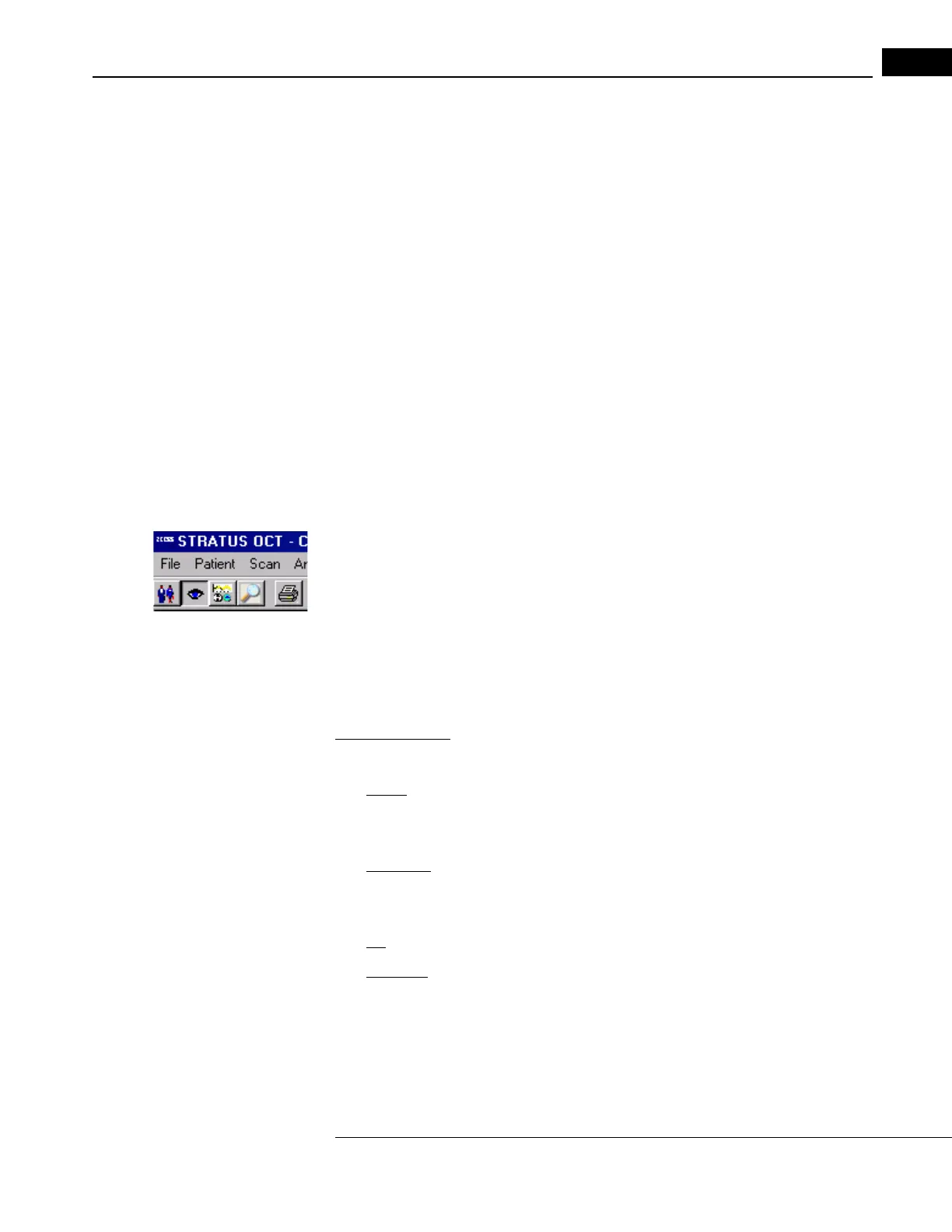
AIN WINDOW, click the Select Acquisition Protocol button to display it, as
pictured at left.
•If already in the MAIN WINDOW and the Scan Tab is not displayed, click the Scan
Tab to display it.
• To select a protocol and initiate a scan, you can either click the protocol and then click
th
e Scan button at the bottom, or double-click the protocol. See Initiate a Scan,
page 3-3 and following for further o
perational instructions.
Scan Tab Views
Right-click anywhere in the Scan Tab to select among four views:
•
Details: In this view, the scan protocols are listed by Scan Groups (name) and include
a Description column. You can drag the headings to rearrange the columns. Click on
the headings to invert the order.
•
Large Icon: In this view, the protocols are listed with icons that depict their scan
pattern. You can drag the icons to rearrange their order. Click on the icon to see the
entire name.
•
List: In this view, the protocols are listed by name only and cannot be rearranged.
•
Small Icon: In this view, the protocols are listed by name only, but you can rearrange
them by clicking and dragging.
The Protocol Groups
The Stratus OCT groups the scan protocols four ways for your convenience.



 To Next Page