Stratus OCT User Manual PN 2660021134133 A
Analysis Protocols
6-1
(6) Analysis Protocols
Chapter Overview
The Stratus OCT offers analysis protocols, divided between:
• Analyses and Reports (page 6-13).
• Image Processing Protocols (page 6-37).
This chapter describes each analysis
protocol and provides general and specific usage tips.
See Chapter (5) Analyze Scans for detailed instructions to perform analyses of scan
images.
The Analyze Tab
You can select analysis protocols from The Analyze Tab in the Main Window
(pictured on page 5-3). Click to select the desired analysis protocol.
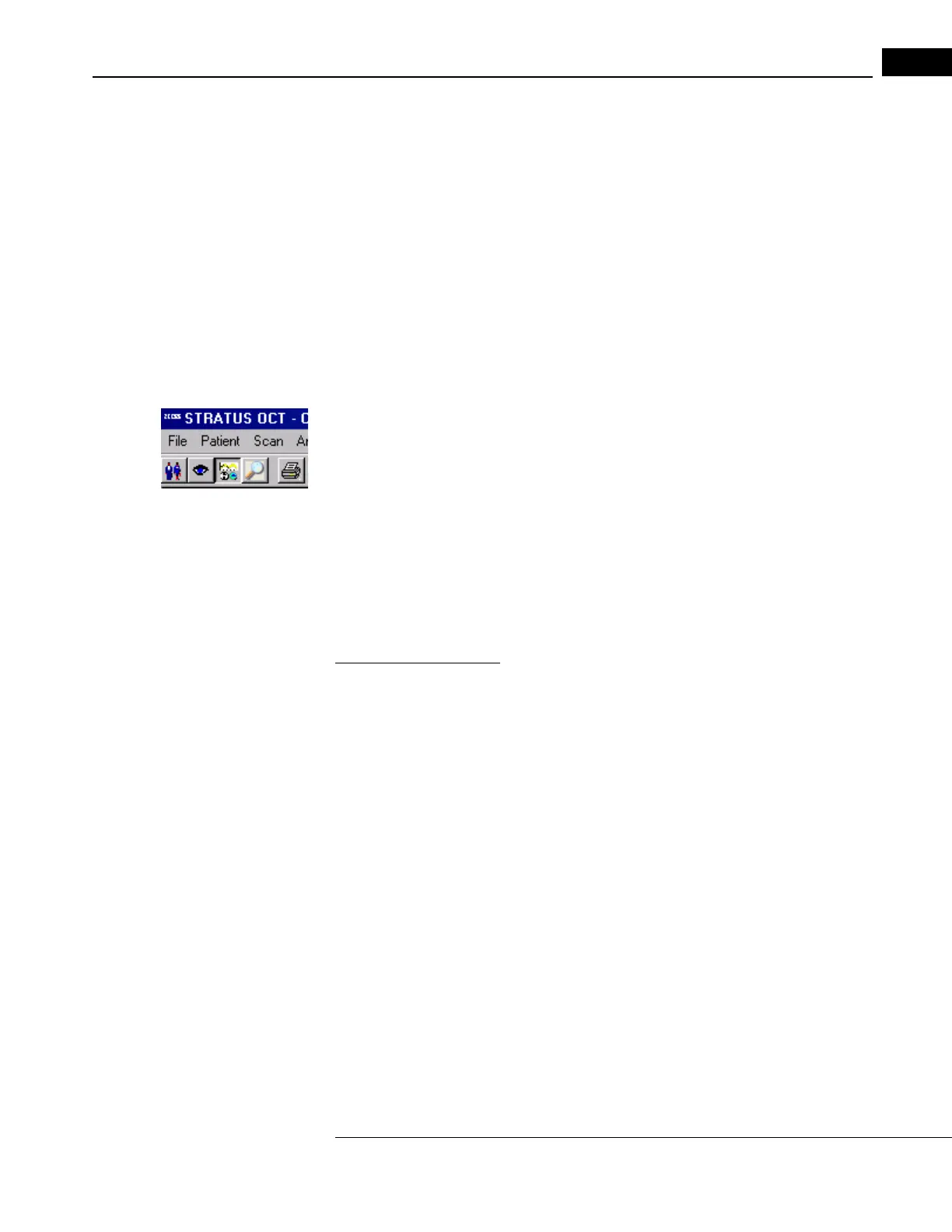
• If not in the M
AIN WINDOW, click the Select Analysis Protocol button to display it, as
pictured at left.
• If already in the M
AIN WINDOW and the Analyze Tab is not displayed, click the
Analyze Tab to display it.
• To select a protocol and initiate analysis, yo
u can either click the protocol and then
Click Analyze or Scan Selection at the bottom, or double-click the protocol. See
Initiate An Analysis on page 5-1 for further instructions.
Activity Radio Buttons
The Activity radio buttons above the Analyze Tab group the analysis protocols according
to their diagnostic application: Glaucoma, Retina (other retinal pathologies), and All. You
cannot define custom analysis protocols, so the Custom radio button is unavailable.
Protocol Lists
While you can group the analysis protocols by their diagnostic application, it is important
to understand an alternate grouping based on the distinction between quantitative
analysis protocols and image processing protocols. Quantitative analysis protocols measure
the scan images, while image processing protocols process the raw scan images into a
more useful image.
• All Glaucoma an
d Retina protocols are quantitative analysis protocols.
• None of the image processing protocols is a Glaucoma or Re
tina protocol. They are
applicable to any scan group.
Note: You can apply only one analysis protocol at a time. You cannot apply analysis
protocols additively. No analysis changes the original scan image data.



 To Next Page