Data Management
Stratus OCT User Manual PN 2660021134133 A
7-20
Defragment Database
To maintain or restore peak performance of the Stratus OCT database, we recommend that
you defragment the database after each 1,000 patients, or when you notice that the
patient list is loading more slowly.
Note: Depending on the database size, defragmentation may take several minutes.
To defragment the database:
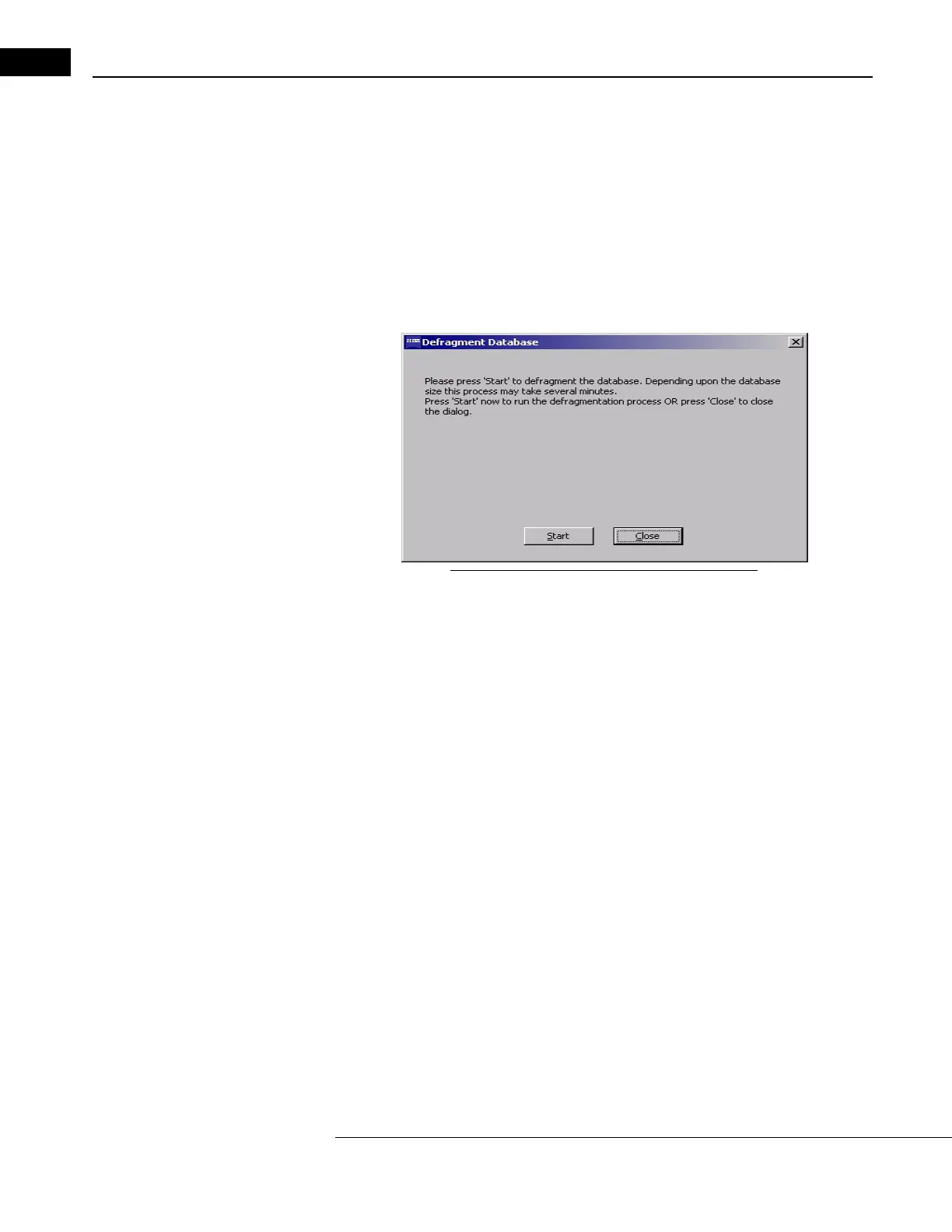
1. In the Stratus OCT M
AIN WINDOW, click Options > Defragment Database. The
D
EFRAGMENT DATABASE WINDOW appears.
Figure 7-15 The Defragment Database Window
2. Click Start. The DEFRAGMENT DATABASE WINDOW will show the progress of
defragmentation and inform you when it is complete.
3. When complete, click Close.



 To Next Page