Data Management
Stratus OCT User Manual PN 2660021134133 A
7-6
Note: Stratus OCT will not permit you to merge patient records with identical visit
dates because it assumes that patients can visit only once per day. You cannot edit
visit dates in Stratus OCT.
Create and Edit Visit Records
In the VISIT RECORD WINDOW, you can edit visit notes or create new visit records.
Note: You cannot edit the visit date.
To Create a New Visit Record
1. In the M
AIN WINDOW, select the desired patient name. If it is a new patient, you must
first create a new patient record—see Add a New Patient, on page 7-2.
2. Select Vi
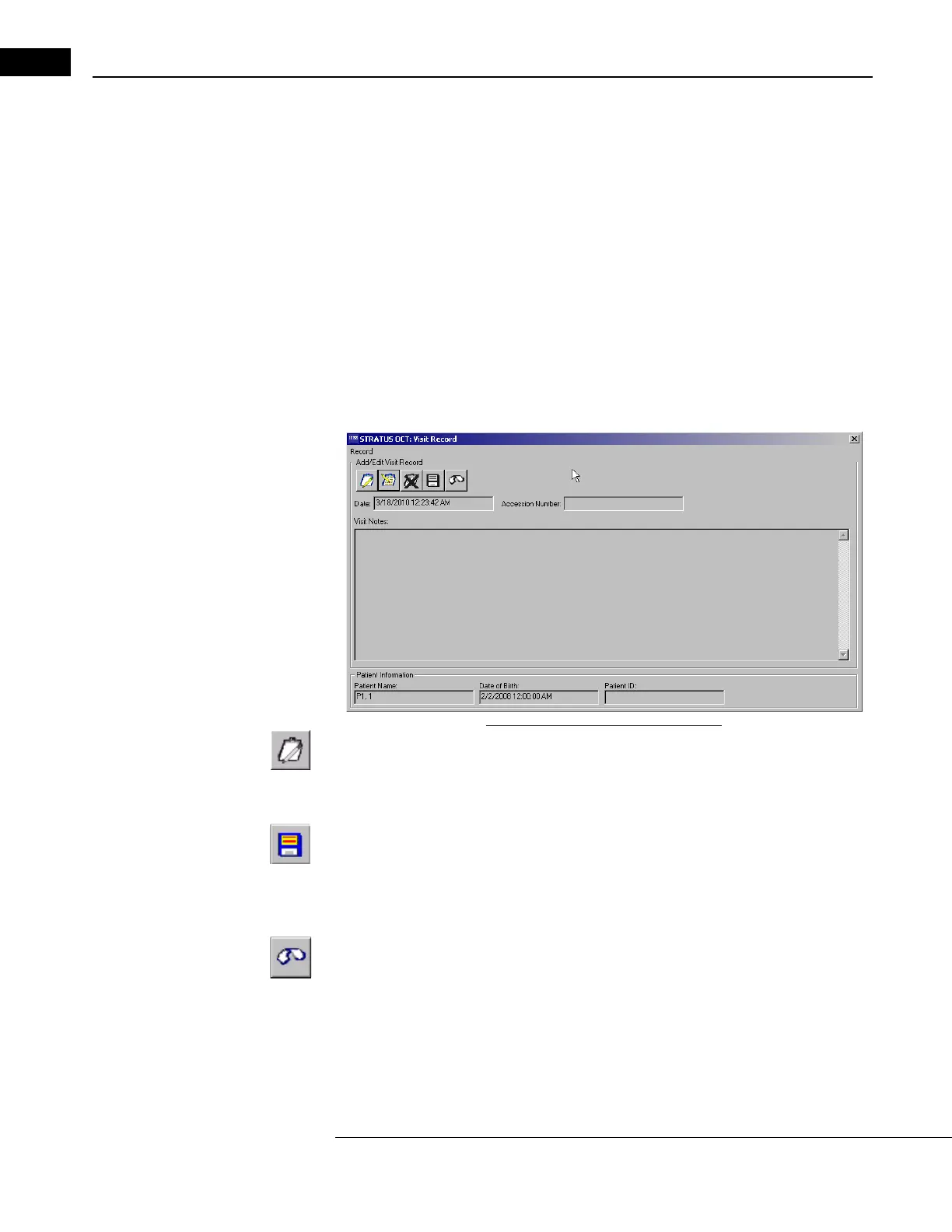
sit from the Patient menu, (click Patient > Visit). The VISIT RECORD WINDOW
appears.
Figure 7-5 The Visit Record Window
3. Click the Create New Visit Record button to activate the Visit Notes field for data
entry. You cannot enter a visit date. The current date is used automatically. The
A
ccession Number field can be edited unless the patient is selected from the using
the Search Worklist Patients dialog.
4. Enter the desired information and then click the Save Recor
d button.
• To discard the changes before saving, click the Undo Changes button. You must
confirm your choice in the C
ONFIRM dialog box.
To Edit Visit Records
1. In the M
AIN WINDOW, select the desired patient name.
2. Then you can either:
• Select a single visit to edit from the scan list and then select Vi
sit from the Patient
menu (click Patient > Visit).



 To Next Page