Data Management
Stratus OCT User Manual PN 2660021134133 A
7-4
Edit Patient Records
WARNING: Every patient record has an identifier that consists of the Name
(Last, First, Middle), Date of Birth, Gender and P
atient ID in combination. It is
possible to unintentionally merge patient records by editing a patient record
so that it has the exact same identifying information as another record. Once
this occurs, Stratus OCT recognizes only one record, and there is no way to
separate the combined records of the erroneously merged patients. However,
it is possible to Delete Exam Records that do not properly belong to a
patient record (see page 7-17). To avoid unintentional merging of patient
records, you must make certain that you enter a unique combination of Name
(La
st, First, Middle), DOB, Gender and Patient ID when editing patient records.
To edit an existing patient record, follow these steps:
1. In the patient list, click a name to select the desired patient record. From the M
AIN
W
INDOW, click the Edit button. The PATIENT RECORD WINDOW appears.
2. In the P
ATIENT RECORD WINDOW, edit the desired information on all tabs. After editing
the desired data, click the OK button to accept the changes and close the window, or
click the Apply button to apply the changes without closing the window. Click the
Cancel button to discard the changes and close the window.
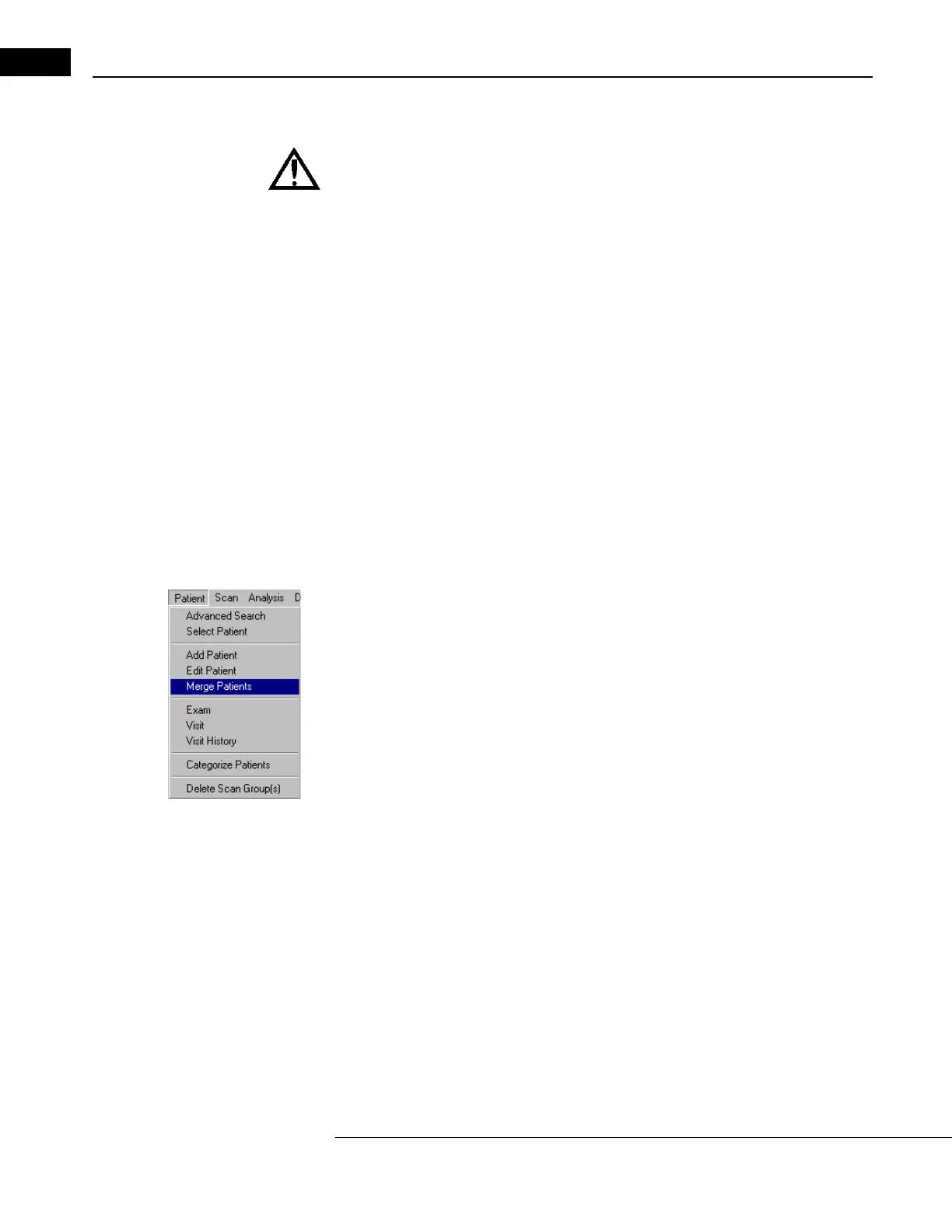
Merge Patients
In Stratus OCT, every patient record has an identifier that consists of the Name (Last, First,
Middle), Date of Birth, Gender and Patient ID in combination. It is possible that two or
more patient records may exist for the same patient because this information was entered
differently on separate occasions.
To correct such errors, you can merge patient records using the Me
rge Patients function. To
merge records.



 To Next Page