Archive, Retrieve & Backup
Stratus OCT User Manual PN 2660021134133 A
8-2
Data Maintenance Requirements
Archive and Backup
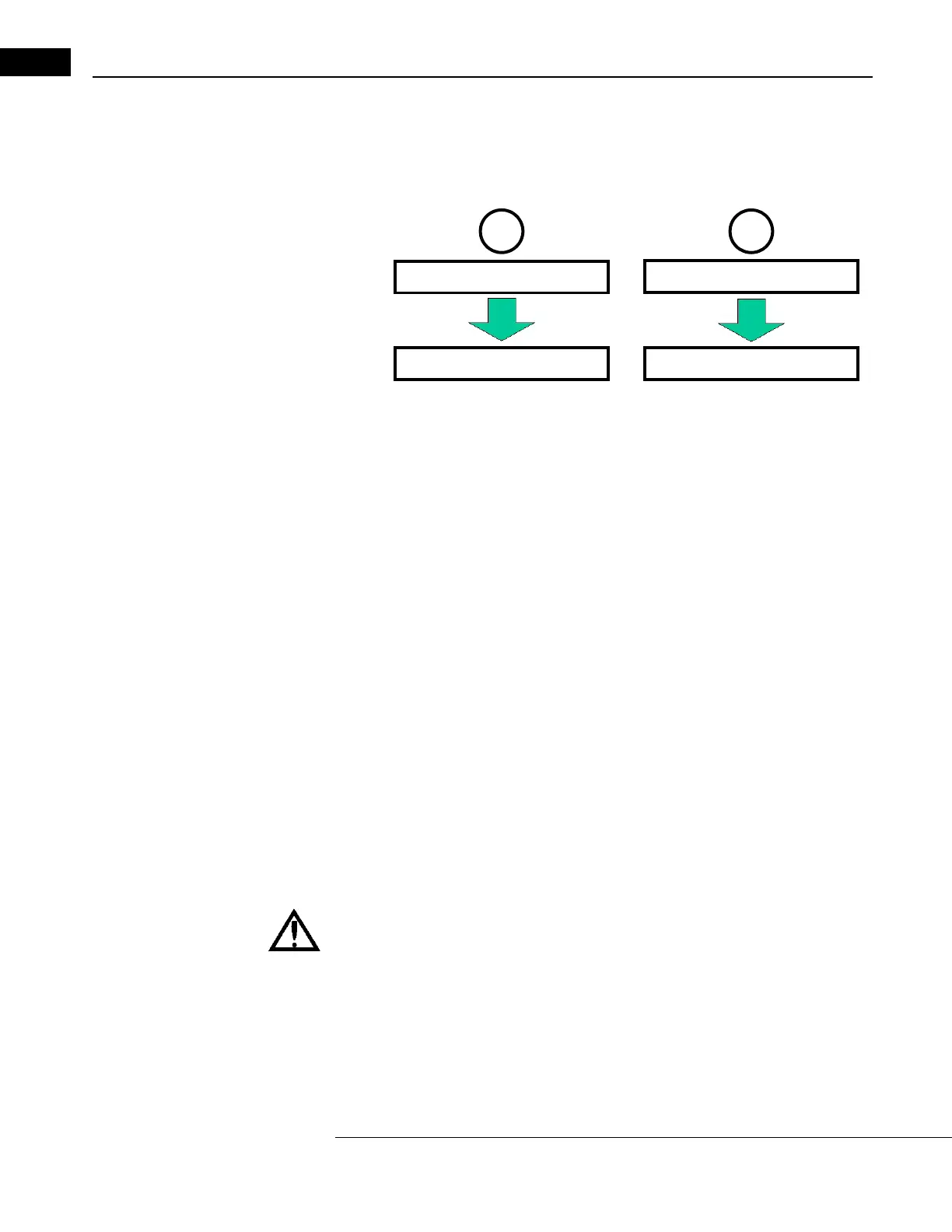
Two actions must occur to protect y
our data from permanent loss:
To enable excellent database performance along with long-term data protection, the
patient database separates data-intensive scan data from the index database. The
complete index database always remains on the Stratus OCT computer hard drive (unless
you delete individual patient data). You must backup (copy) the index database to a second
location to protect it from a computer malfunction that would otherwise render it
inaccessible. Backup is therefore a data protection function.
Archiving, on the other hand, serves both to protect data and to maintain database
performance. Scan data has u
nique and persistent identifiers that link it to the correct
patient information in the index database. Because of this, scan data can be safely
removed from the Stratus OCT computer hard drive. You must archive (copy) scan data to a
second location to protect it from permanent loss due to a computer malfunction. You can
readily retrieve archived scan data when the Stratus OCT is connected to the correct archive
volume.
Clearing Scan Data
Scan data remains on the instrumen
t hard drive as long as possible, or until you choose to
remove it. Only when the hard drive gets too full must you clear enough hard disk space to
allow you to save more scans. With a new instrument, it takes many months up to a few
years before the Stratus OCT prompts you to clear scan data. If you do not clear (delete)
scan data when prompted, eventually the hard disk will reach capacity and prevent you
from saving new scans. At that point, you must clear scan data to save new scans.
WARNING: We recommend that you do not clear scan data unless it has been
archived. If you attempt to clear un-archived scan data, the Stratus OCT will
pr
ompt you to confirm your choice before permanently deleting the scan
data.



 To Next Page