Stratus OCT User Manual PN 2660021134133 A
Prepare To Scan
2-1
(2) Prepare To Scan
Chapter Overview
This chapter explains in detail how to prepare for scanning with the ZEISS Stratus OCT.
Along the way, it describes the Stratus OCT M
AIN WINDOW, from which all functions
originate. Scan preparation consists of the following:
• Power Up The System (page 2-1).
• Navigate To The Main Window (page 2-2).
• Prepare The Patient (page 2-4).
• Enter Patient Data (page 2-5).
Power Up The System
The computer power switch activates power to all system components. It is the switch on
the upper left corner of the computer (see the Stratus OCT System Hardware drawing
on page 1- 8 ). Press the switch and hold i
t down for 3-4 seconds to activate power to all
components. The Stratus OCT softw
are loads automatically. It requires about 45 seconds
for the Stratus OCT S
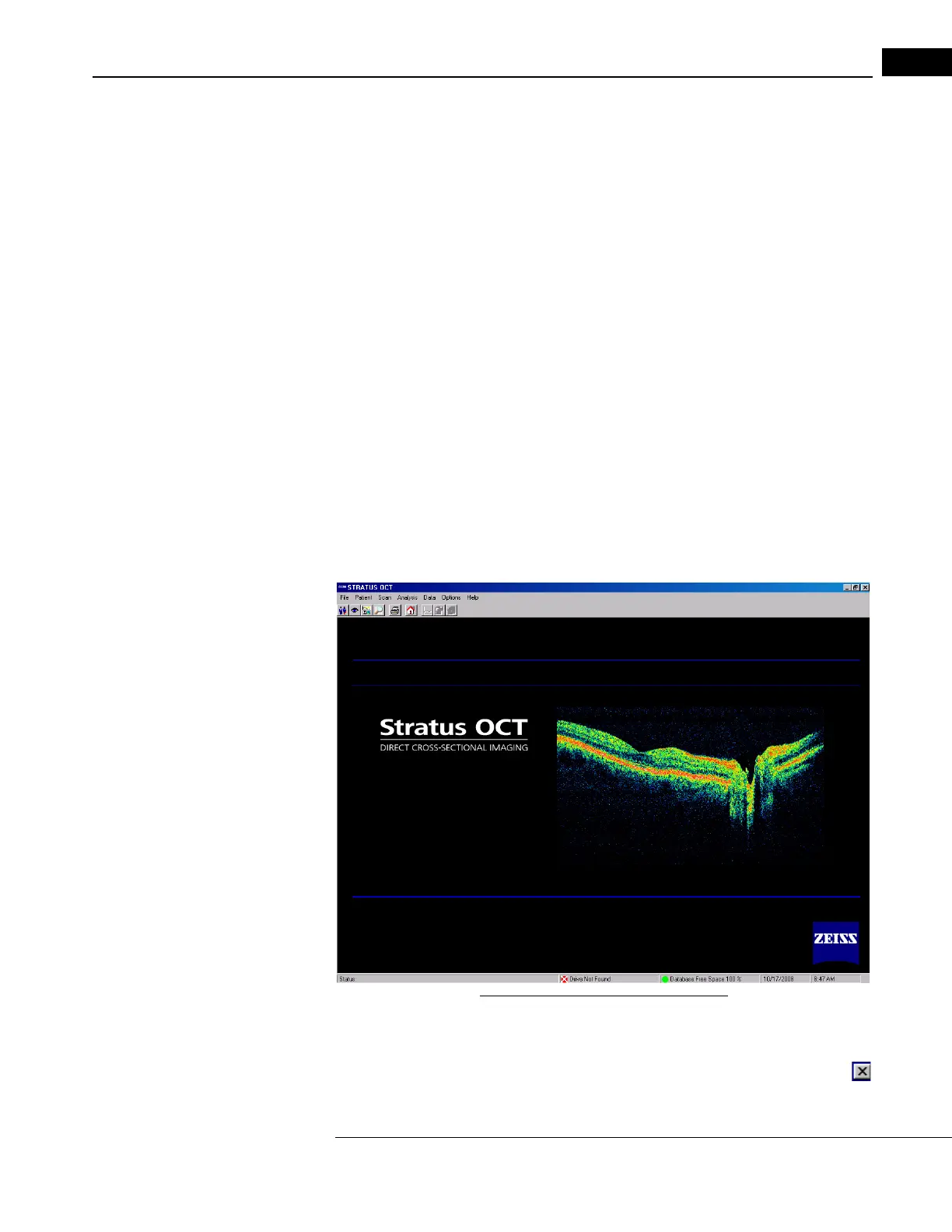
TART WINDOW to display (pictured below). During this time, buttons on
the keyboard and the Patient Module are disabled.
Figure 2-1 Stratus OCT Start Window
Power Down the System
To power down the system, exit th
e Stratus OCT software (click File > Exit or click the
at upper right) to enter the Windows environment. Then select Shut Down from the



 To Next Page