Stratus OCT User Manual PN 2660021134133 A
Archive, Retrieve & Backup
8-5
is a process called synchronization. (See Access Archived Scans on page 8-5 for
instructions to do this.) First you must registe
r the network archive(s) of the other
instruments. To do so follow these steps:
1. From the M
AIN WINDOW, select Options > Register > Archive. The Archive Registration
dialog appears.
2. In the Archive Registration dialog, click Add
Existing. The Select an Archive Database
dialog appears. Only folders and archive volumes (always named ZDBArchive.GDB)
will appear in the dialog. Find and select the desired archive volume. Click OK.
3. Back in the Archive Registration dialog, the new
ly selected network archive will
appear in the list of registered archives.
4. Click Save
to save the change and close the dialog. You can now access scan data
from the network archive folder you registered, when you synchronize as described
below.
Access Archived Scans
If a scan is archived, when you select the scan in the patient list of the M
AIN WINDOW, the
Scan Group Images Tab shows you on which archive volume (by label) the scan can be
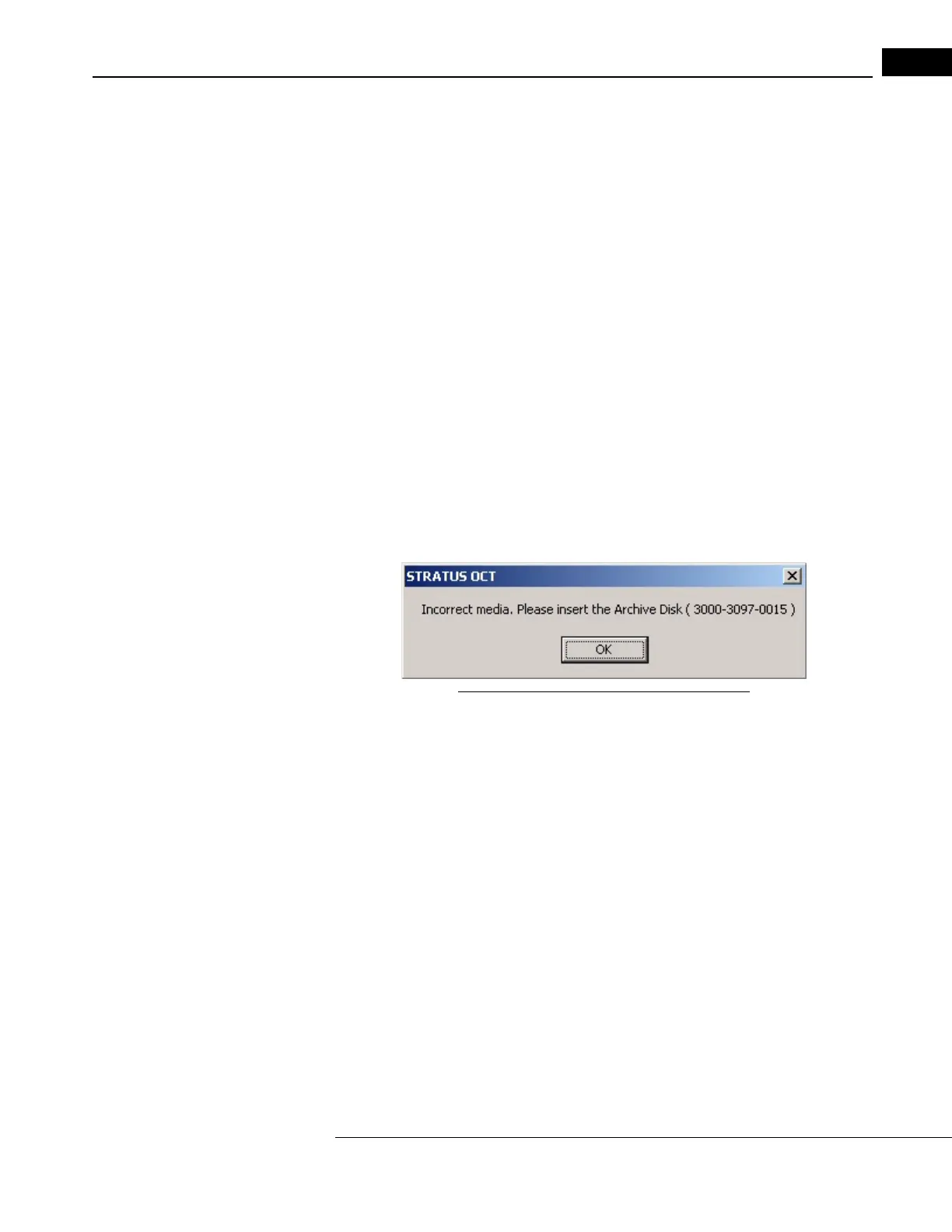
found. If you attempt to view or analyze a scan that is archived, a dialog box prompts you
to insert the archive disk where the scan is, as in the example below.
Figure 8-3 Sample Insert Archive Disk Dialog
To access those scans for review or analysis, install the indicated archive disk in the DVD
drive, and then click OK.
Care of DVD Archives
Remember that DVD archive disks contain valuable patient data. Treat them accordingly.
Unlike CDs, a sturdy plastic case encloses DVD-RAM disks, because they are more sensitive
to damage than CDs. They must be treated with greater care, if you are to preserve your
patient data from loss.
Recommendations To Preserve DVD Archives
Observe the following recommendations to maintain long-term access to your DVD archive
data:
• Never open the DVD-RAM case and remove the disk.
• To distinguish each archive, a
lways label the DVD-RAM case with the unique archive
name, using permanent marker. Do not write on the disk itself.



 To Next Page