Stratus OCT User Manual PN 2660021134133 A
Analyze Scans
5-1
(5) Analyze Scans
Chapter Overview
Carl Zeiss Meditec equips the Stratus OCT with software to assist you with analysis of scan
images. This chapter explains how to analyze scans with the Stratus OCT.
We designed the Stratus OCT software for analysis of the posterior segment of the eye. To
analyze scans using the Str
atus OCT software involves the following:
• Initiate An Analysis (below).
• Select a
Patient and Select Scan Group(s) (below).
• Select an Analysis Protocol (page 5-3).
• Click Analyze or Scan Selection (page 5-3).
• The optional Selection Window (page 5-4).
• Exclude
Scans from Analysis and proceed (page 5-5).
Lastly, this chapter explains how to Print Analysis Output (page 5-6). The Stratus OCT
has 19 analysis protocols to analyze scans you have acquir
ed. Their characteristics and
applications are discussed in Chapter (6).
Initiate An Analysis
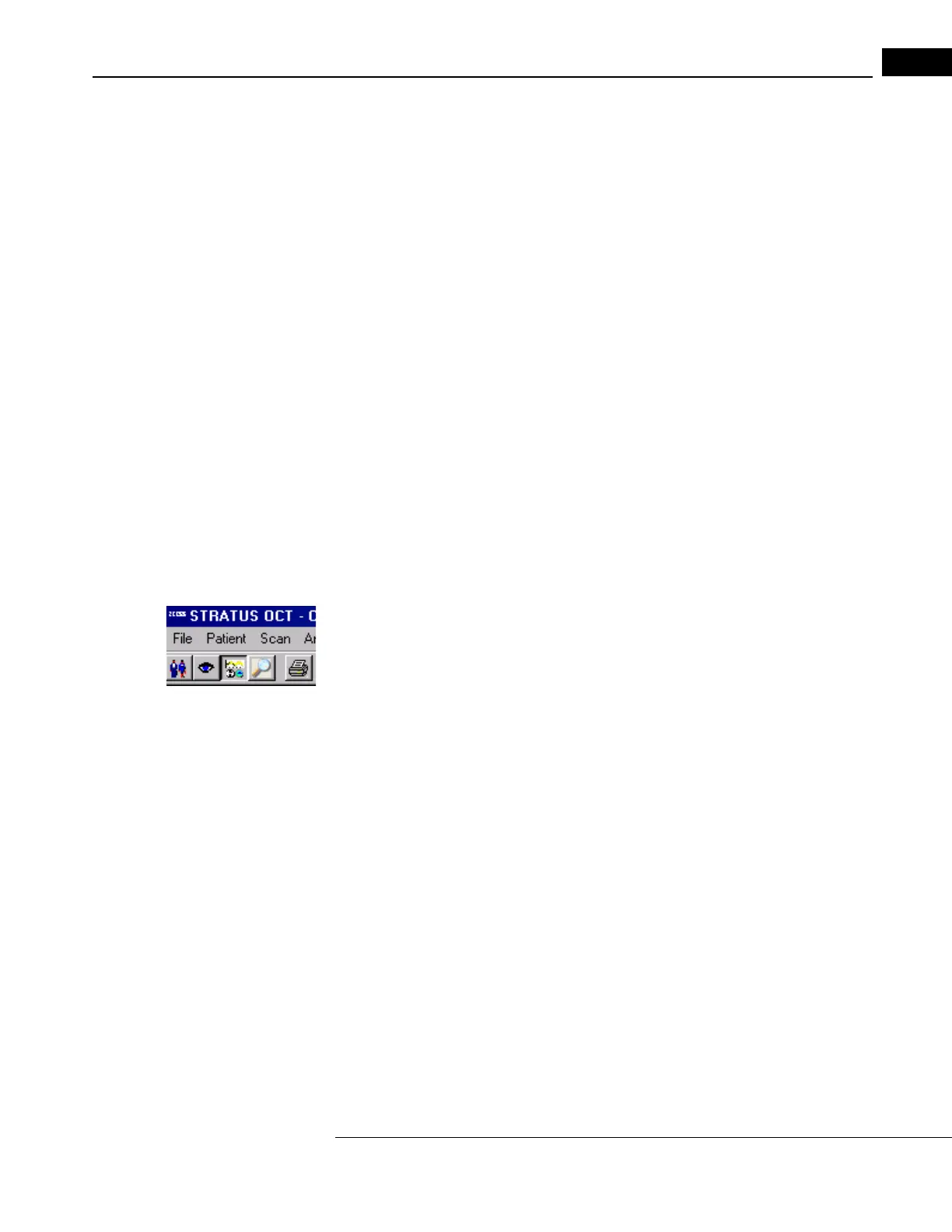
You must initiate analysis from the MAIN WINDOW. If not in the MAIN WINDOW, click the
Select Analysis Protocol button to display it, as pictured at left. To initiate an analysis
requires that you:
1. Select a patient.
2. Select a scan group or groups.
3. Select an analysis protocol.
• An optional step is scan sele
ction.
Select a Patient
Click the desired name in the patient l
ist to select it, or type in the Search field above to
search by name or patient ID. You can select one patient at a time. See The Patient List
on page 2-6 for tips on using the list
and searching.
Select Scan Group(s)
Click to highlight the desired scan group i
n the scan list. Hold down the Ctrl (Control) key
and click to select multiple groups.



 To Next Page