Scan Acquisition Protocols
Stratus OCT User Manual PN 2660021134133 A
4-12
7. In the video window you will see the prior and new fundus images toggle back and
forth automatically. The prior scan will have the word PRIOR in the upper left corner.
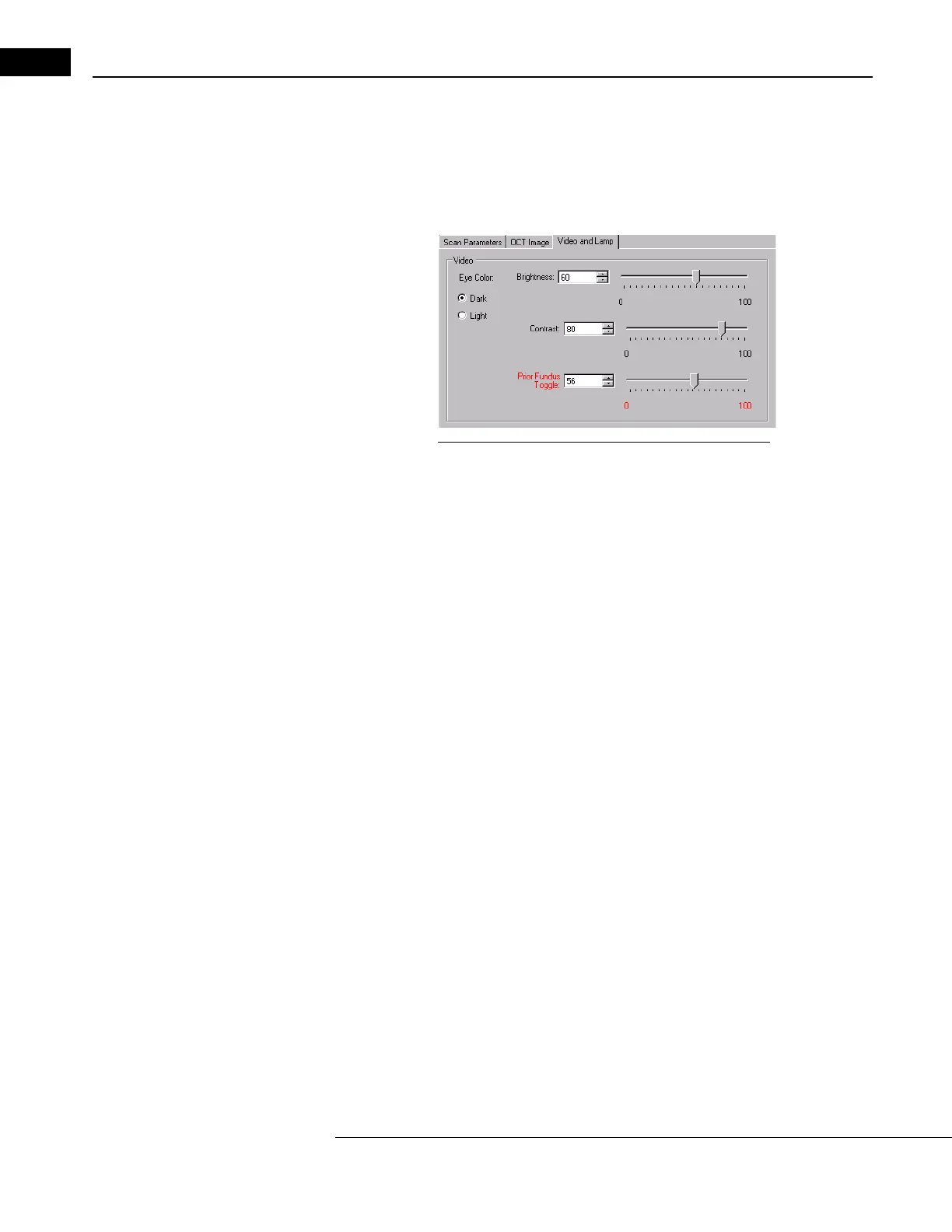
You can change the toggle speed in the Video and Lamp dialog. Move the slider in
the Prior Fundus Toggle or select a number. The higher the number, the faster the
images toggle. At the “0” setting the image does not toggle.
Figure 4-2 Changing the Prior Fundus Toggle Speed
8. Adjust the scan placement or fixation target to match placement of the prior scan.
9. Proceed with acquiring the new scan.
10.As the two image toggle back and forth, compare the newly acquired fundus image
to
the prior image. If they are an acceptable match, click Save. If not, click Cancel to
repeat the scan.



 To Next Page