Analyze Scans
Stratus OCT User Manual PN 2660021134133 A
5-2
The Scan List
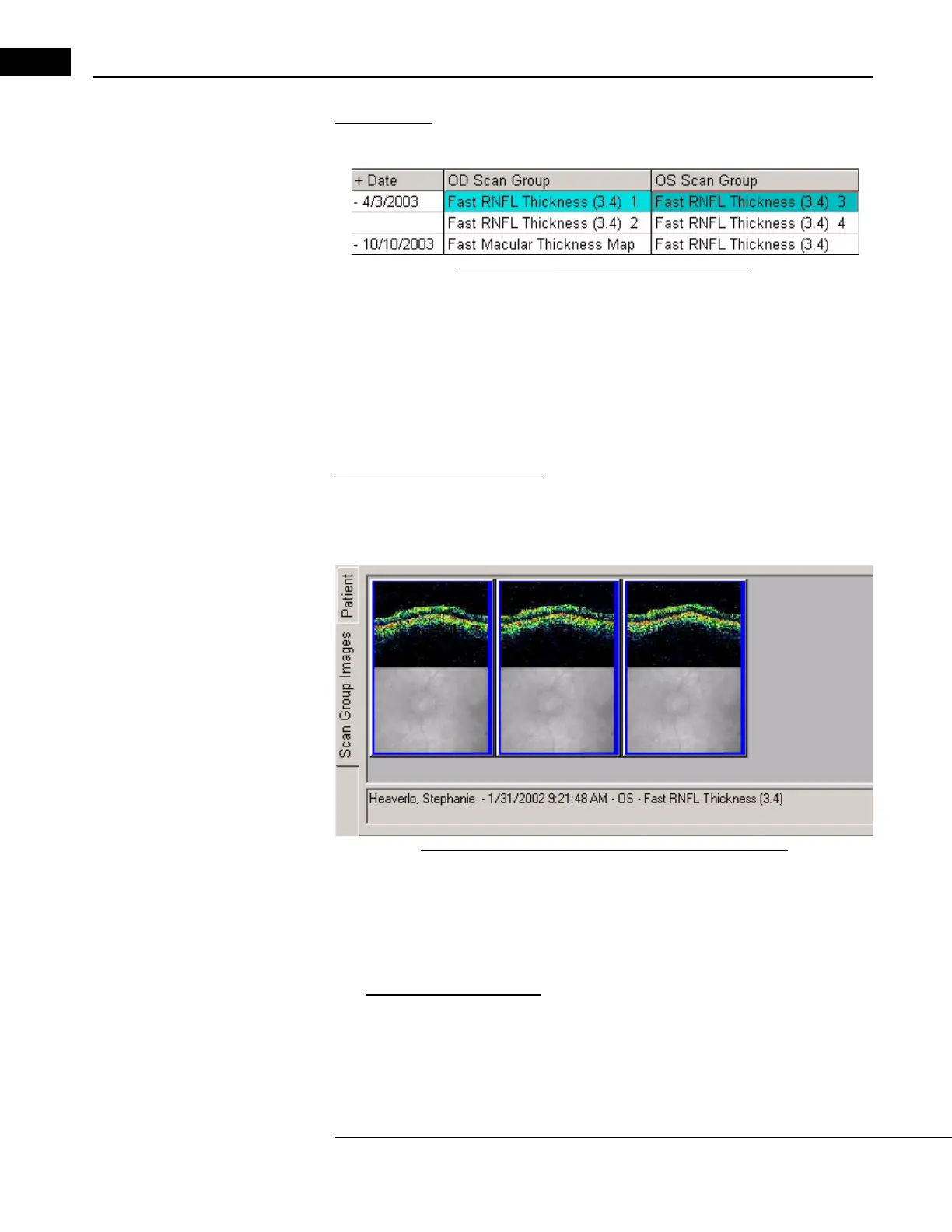
The scan list shows all saved scan groups of the selected patient.
Figure 5-1 The Scan List in the Main Window
It is organized by scan Date, OD Scan Groups and OS Scan Groups. The latter two
name the scan group by the scan acquisition protocol used (see Chapter (4)). A number at
the end of the group name (e.g., Circle 2) specifies the order in which groups of the same
na
me were created.
• You can click on the Date he
ading to invert the order.
• Click on a date to display scans a
cquired on that date.
The Scan Group Images Tab
On the lower left, this tab shows thumbnail scan and video images for the last selected
group. When you select multiple groups, the last selected group is highlighted in a darker
shade.
Figure 5-2 The Scan Group Images Tab in Main Window
• You can adjust the size of the displayed images. Right-click anywhere in the frame
and the pop-up menu gives you the options Larger, Smaller and Default. If necessary
after enlargement, use the scroll bar on the right to view all the images. You can click
Larger and Smaller several times.
•
Optional Scan Selection Step: By default, all scans of each selected scan group are
included in an analysis. In the Scan Group Images Tab, note that all scans are
selected (highlighted in blue). If you do not wish to include all scans of the group, you
may select scans for inclusion by clicking on their images. Hold the Ctrl (Control) key
and click to select multiple scans. Only highlighted scans are included.



 To Next Page