Analyze Scans
Stratus OCT User Manual PN 2660021134133 A
5-8
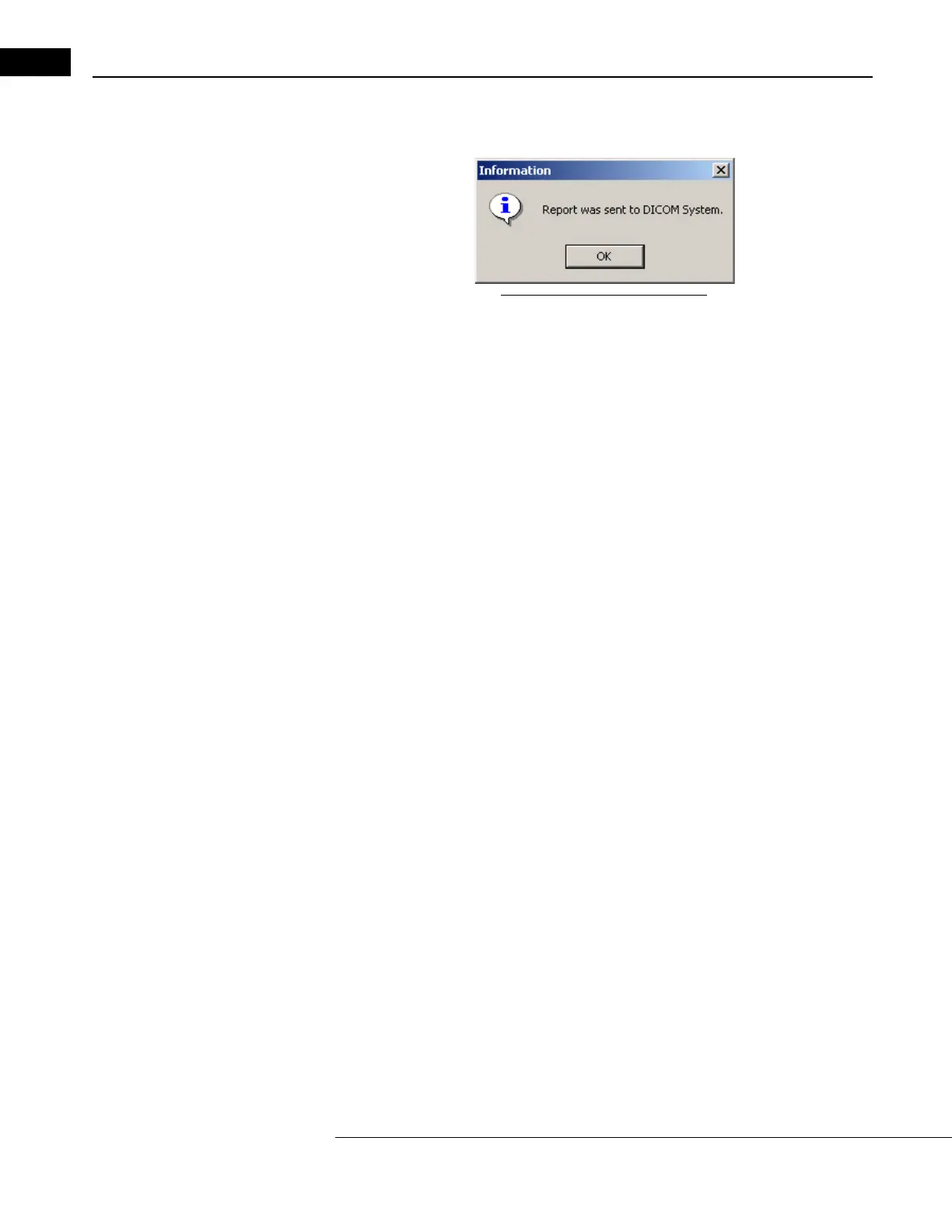
2. When the DICOM export is completed, you will see the following dialog confirming
that the report was sent to the DICOM system:
Figure 5-7 Report Confirmation
3. Click OK.
Note: Before using the Export to DICOM function, make sure that the Clinical Site ID
is configured on the instrument. To do this, click Options > Register > Clinical Site
ID. Enter the clinic name and click Save. If you do not do this step, you will get an
error message when you try to export to DICOM.



 To Next Page