Analysis Protocols
Stratus OCT User Manual PN 2660021134133 A
6-38
Format of Display
Six of seven image processing protocols share a
common format of display, as seen below.
The exception is the Scan Profile protocol.
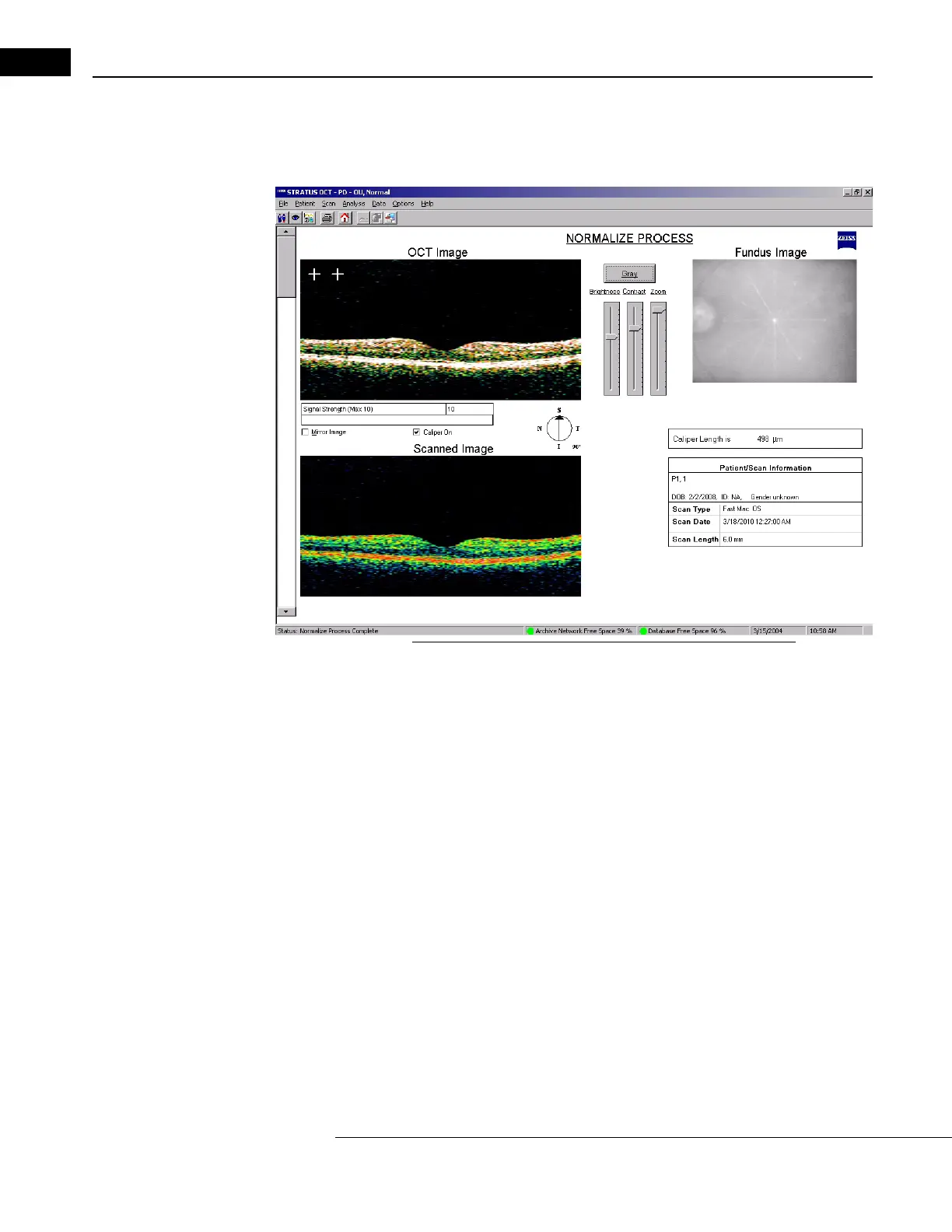
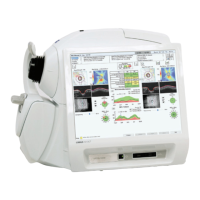
Figure 6-22 Common Output Window for Image Processing
The top left quadrant shows the processed OCT Image. The bottom left shows the raw
Scanned Image. The top right shows the fundus Video Image. The bottom right
shows Patient/Scan information. Use the scroll bar on the left to view the results for each
scan in the group. You can adjust the appearance of the processed scan image with the
controls located at top center.
• Click the Caliper On check
box to activate the calipers. See Caliper On, 6-5.
• Click the Mi
rror Image checkbox to horizontally reverse both images.
Proportional
Select P
roportional to obtain a processed scan image that is true in its horizontal and
vertical proportions. Compared to the usual presentation of Stratus OCT scan images, the
proportional scan image appears compressed vertically. This is because Stratus OCT scan
images are usually presented in a fixed size that elongates the image vertically, in order to
allow the viewer to perceive more detail throughout the longitudinal plane of the retina.
Since scans are of varying length, the proportional scan image may appear either
horizontally elongated or compressed in comparison to the usual presentation, depending
on the actual scan length.


 To Next Page