LITECOM lighting management system
LITECOM, Commissioning and maintenance instructions 17.0 | 04.2024 | en 9
Integrating self-contained emergency luminaires in a LITECOM system
The following steps are required:
· Step 1: activate the Self-contained emergency luminaires app.
Path: App overview > LITECOM Store
· Step 2: address self-contained emergency luminaires.
Path: App overview > Addressing > Luminaires
· Step 3: configure the emergency lighting functions.
Path: App overview > Emergency lum. (self-cont.) > Settings > Emergency lighting functions
· Step 4: check the emergency lighting functions.
Path: App overview > Emergency lum. (self-cont.) > Quick menu > Start function test and Start duration
test
· Step 5: configure self-contained emergency luminaires.
Path: App overview > System image > Configure
Control options
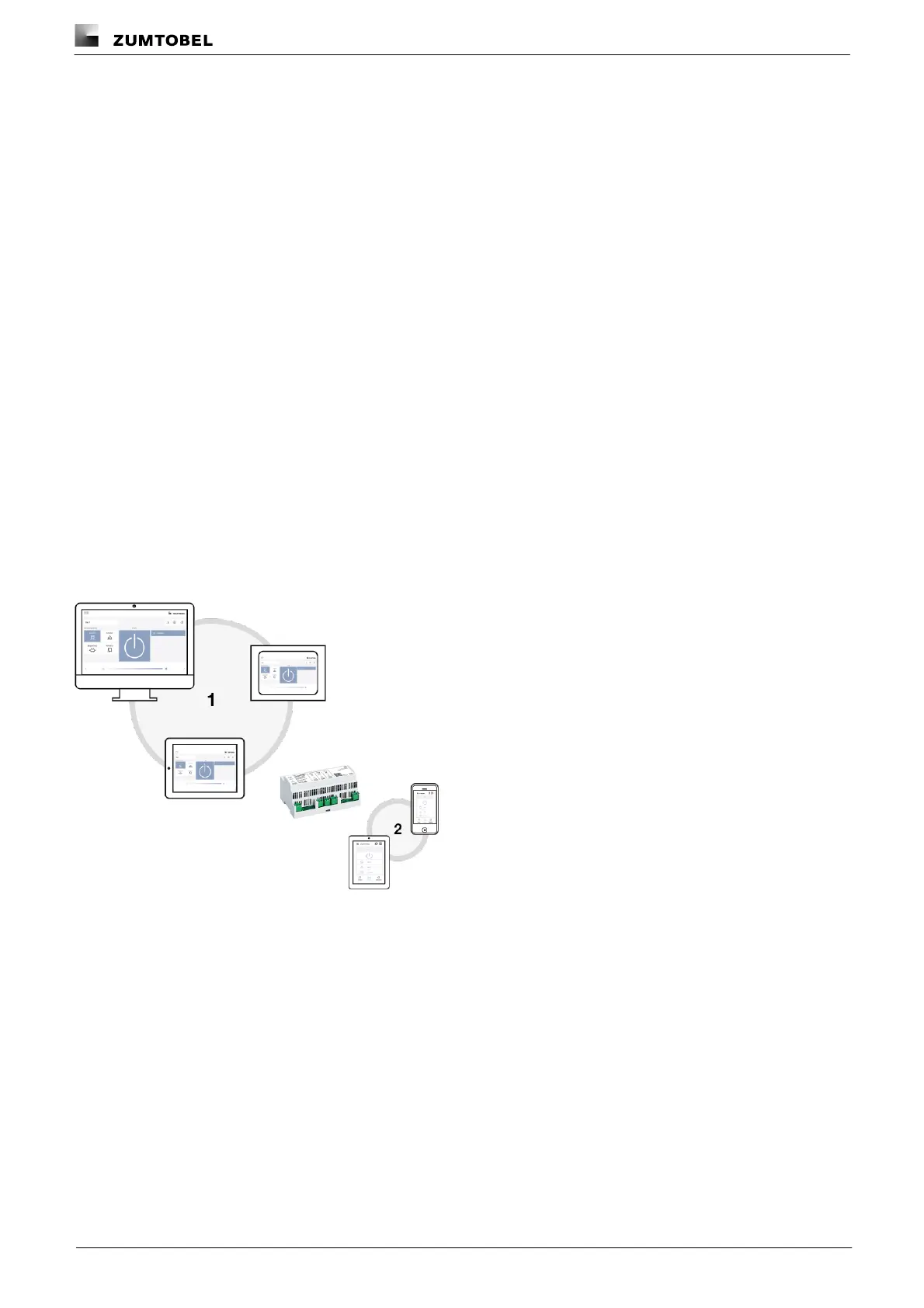
The LITECOM system is commissioned, configured and maintained using a web application. (1) Various control
options are available to the user. An interface (2) was specially designed for operation in order to be able to ensure
ease of use even on smaller screen sizes. To use this interface, the user must establish a connection to the
LITECOM system via a special connection app. This connection app can be downloaded from the Google Play
Store or Apple App Store.
Figure 2: Schematic representation of operating options



 To Next Page