LITECOM lighting management system
LITECOM, Commissioning and maintenance instructions 17.0 | 04.2024 | en 10
Different functions are available depending on the display device and how the connection is established.
Connection app on
the touch panel
Internet-capable mobile
devices with larger screen
size (e.g. tablet PCs, smart
phones)
Connection app from
Google Play Store
or Apple App Store
Internet-capable mobile
devices with smaller screen
size (e.g. smart phones)
Connection app from
Google Play Store or
Apple App Store
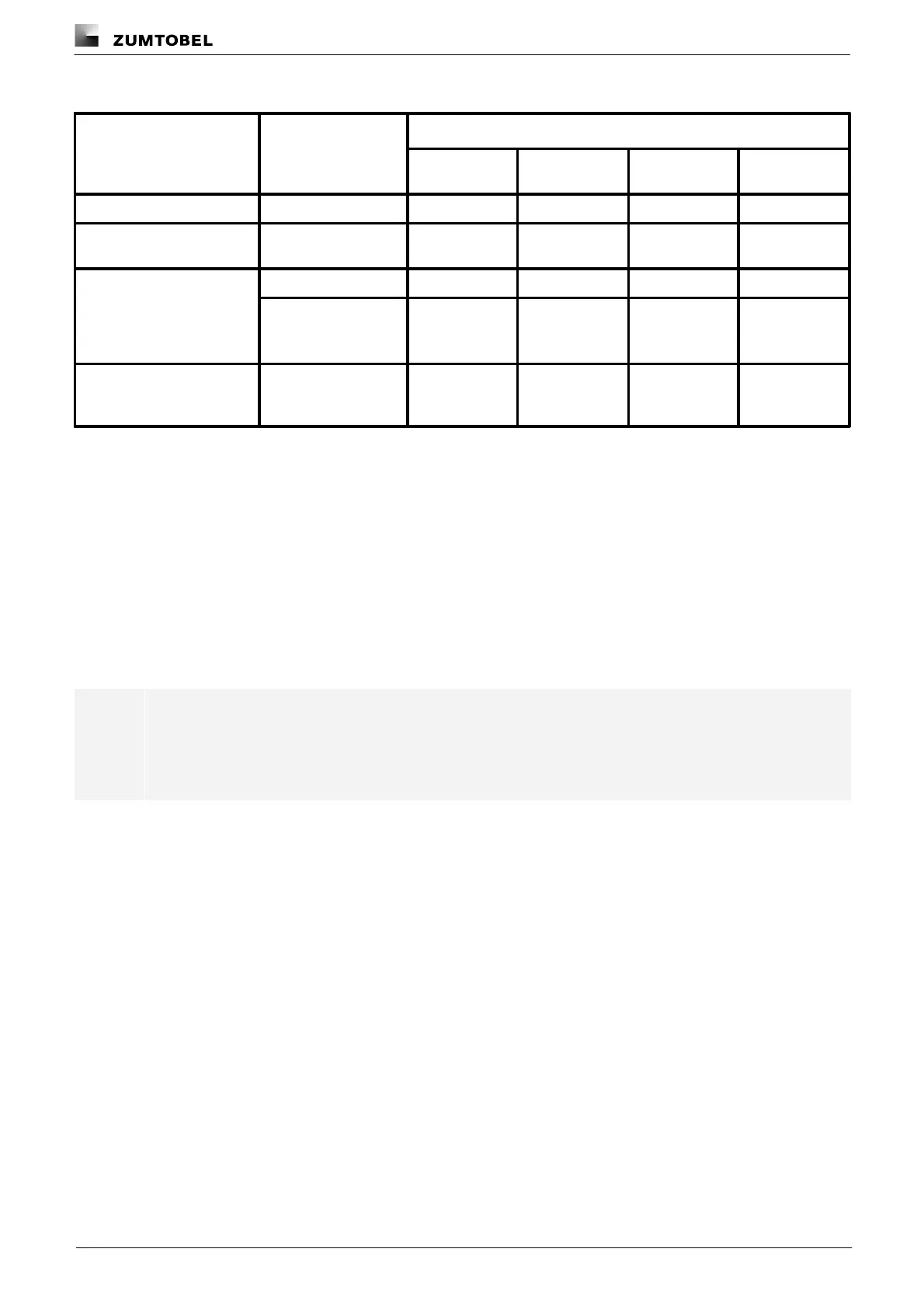
Table 4: Display devices and corresponding functional scope
Operating system and web browser
The following operating systems and web browsers have been tested and approved for LITECOM V 3.5.2:
· Windows with Google Chrome (version 114.0 or higher)
· Android 13 with Google Chrome 121.0
· iOS 17.1 with Google Chrome 121.0
· iOS with Safari
Note
The LITECOM web application has been optimised for the operating systems and web browsers
specified above. Please note that there may be problems with new versions initially, but these will
be corrected as quickly as possible.
Minimum web browser resolution
The minimum web browser resolution is 800 x 480 px. Please note that this information does not include the menu
bar.
A correspondingly higher resolution should thus be selected for tablet PCs. Otherwise a scroll bar will be shown in
the web application.



 To Next Page