Configuration
LITECOM, Commissioning and maintenance instructions 17.0 | 04.2024 | en 109
Example
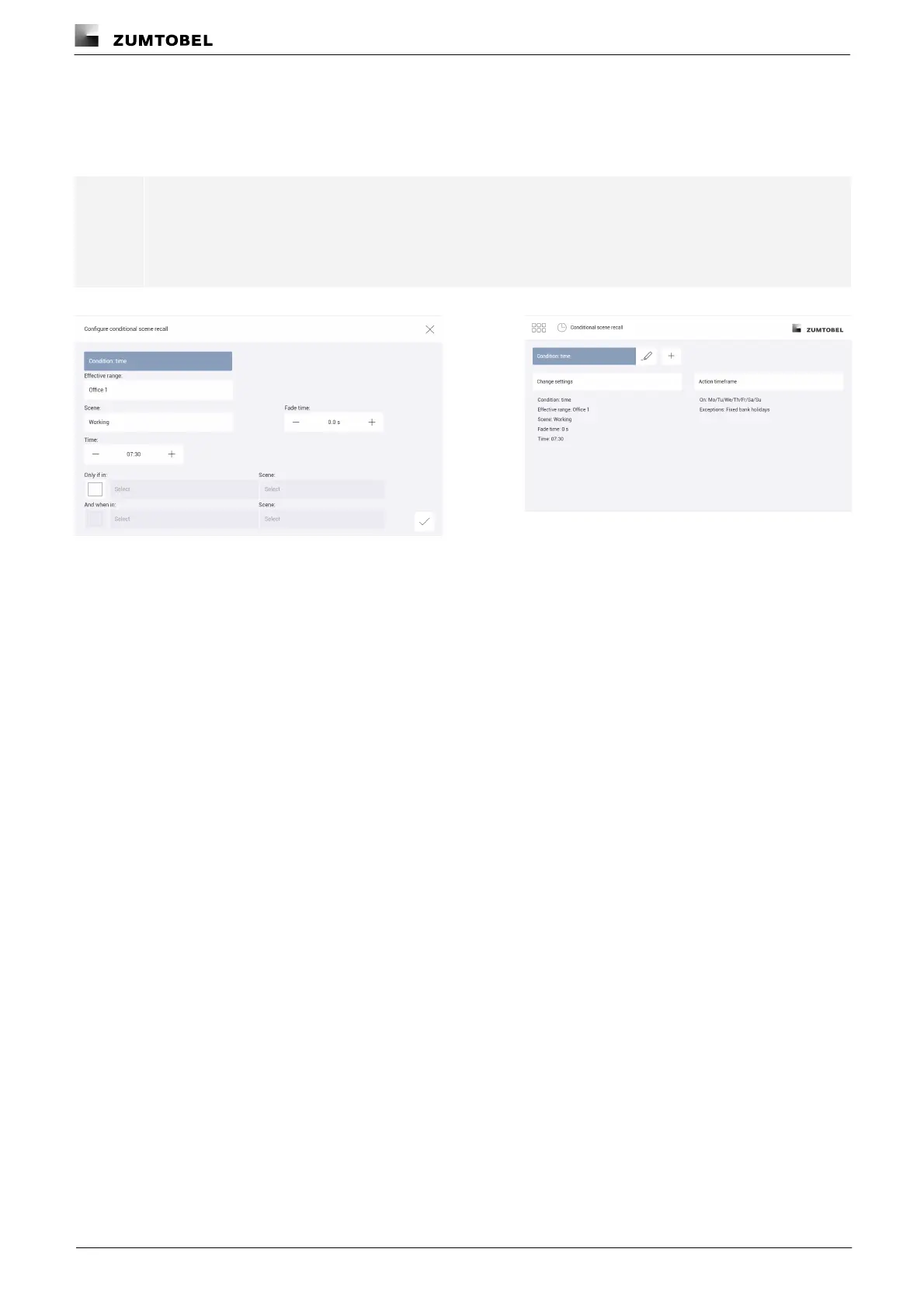
In room Office 1 on Monday to Friday, except on fixed bank holidays, the Working scene should be recalled at
7:30 without a fade time. This scene recall should not depend on the scene in another room.
Note
Over the action timeframe, select the weekdays on which the conditional scene recall is to take
place, and the exceptions when it should not take place.
Path: App overview > Conditional scene recall > Action timeframe
Figure 28: Configuring the conditional scene recall with condition
“time”
Figure 29: Summary of configuration for conditional scene
recall with condition “time”



 To Next Page