Configuration
LITECOM, Commissioning and maintenance instructions 17.0 | 04.2024 | en 114
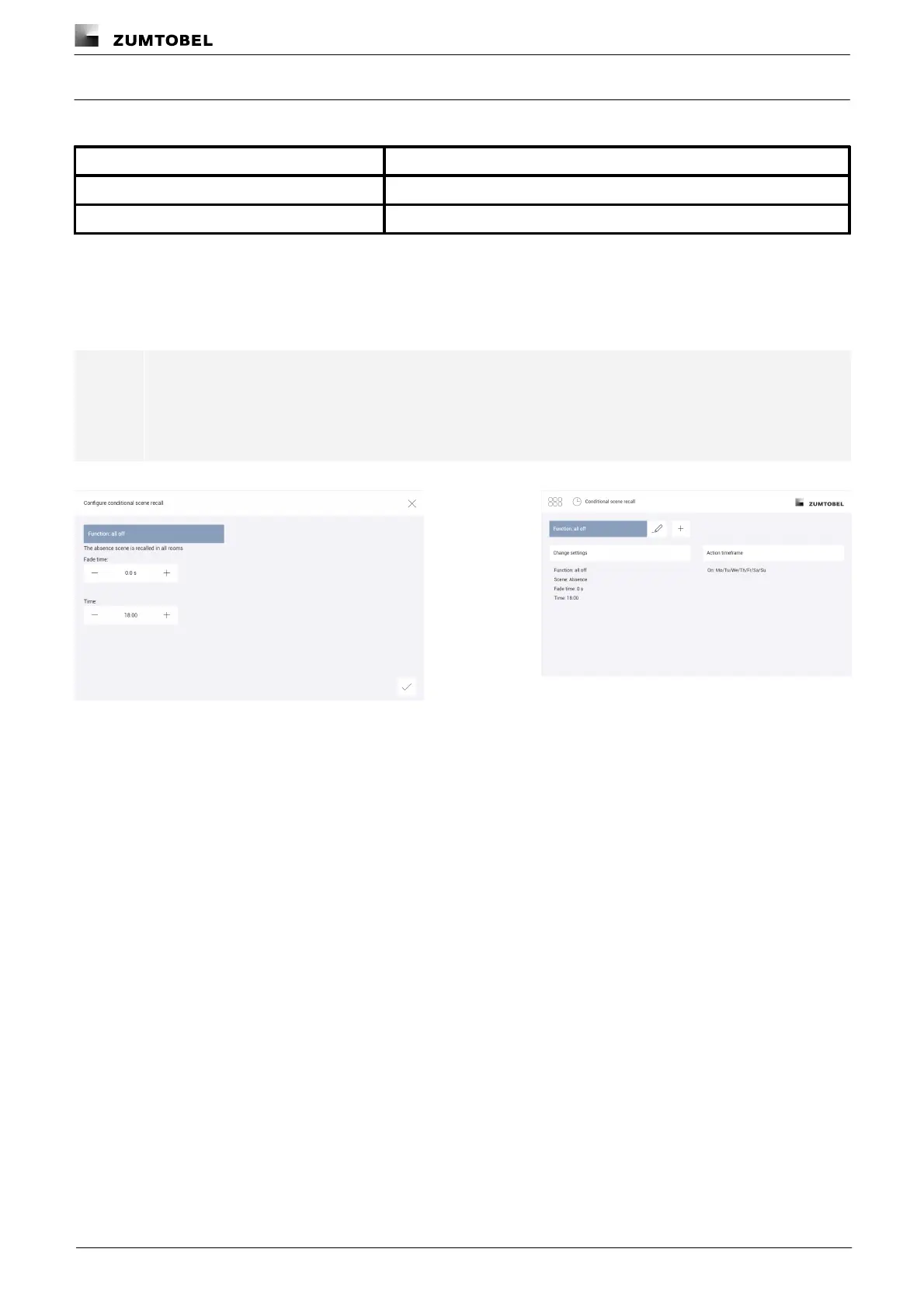
Function: all off
The following table provides a description of the individual configuration options:
The time it takes to change from the last value to the defined scene.
Time at which the absence scene is recalled.
Table 65: Configuration options – conditional scene recall with function "all off"
Example
The absence scene should always be recalled at 18:00 in all rooms without a fade time.
Note
In the action timeframe select the weekdays when the conditional scene recall is to take place, and
the exceptions when it does not take place.
Path: App overview > Conditional scene recall > Action timeframe
Figure 36: Configuring the conditional scene recall with function "all
off"
Figure 37: Summary of configuration for conditional scene
recall with function "all off"



 To Next Page