Configuration
LITECOM, Commissioning and maintenance instructions 17.0 | 04.2024 | en 135
9. Tap the Accept and proceed button.
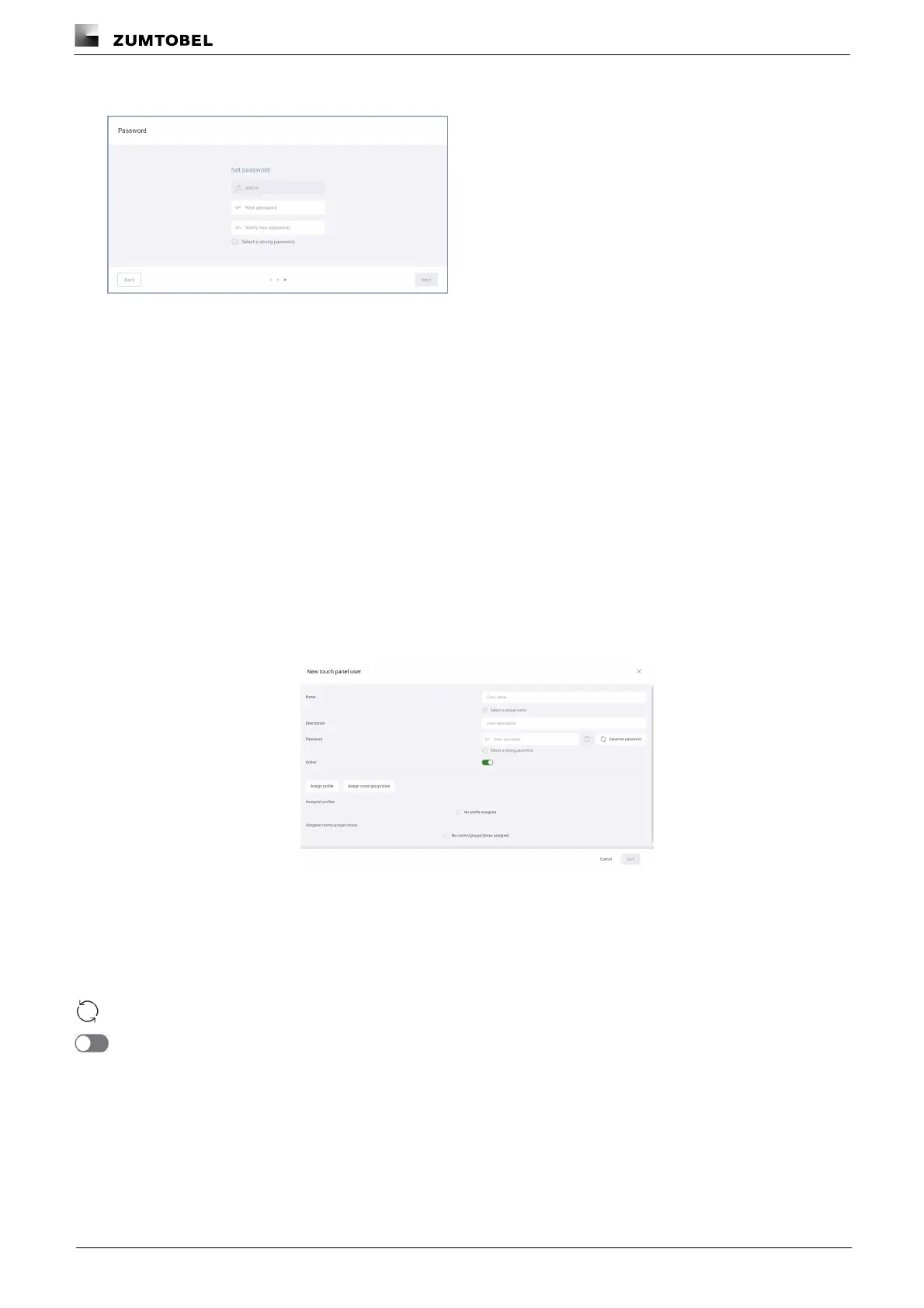
ÜThe Password view is displayed.
10.Enter a new password.
11.Enter the password a second time to confirm.
12.Tap the Next button.
ÜThe start page appears.
Creating a new touch panel user
Unlike with the user, the administrator sets the password for the touch panel user. This is not a one-time
password; instead the touch panel user is assigned a regular password.
Path: App overview > User management
1. Navigate to the path.
ÜThe User management view is displayed.
2. Tap the New touch panel user button.
ÜThe New touch panel user view is displayed.
3. Enter the user name.
4. Add a description if necessary.
5. Enter the password.
– or –
5. Tap the Generate password button to generate a password automatically.
6. Disable the user if necessary.
7. Tap the Assign profile button.
ÜThe Assign profile view is displayed.



 To Next Page