Configuration
LITECOM, Commissioning and maintenance instructions 17.0 | 04.2024 | en 142
Requesting an unlock code
If the administrator forgets the password, it can be reset using an unlock code. The unlock code can be
requested from your sales partner. The reference number is required for this.The unlock code can only be used
one time.
1. Open the LITECOM web application.
ÜThe login screen is displayed.
2. Enter the user admin.
Note
Do not enter a password.
3. Tap the Log in button.
ÜThe Reset password button is displayed.
4. Tap the Reset password button.
ÜThe Reset password view is displayed.
5. Tap the Reset the administrator password button.
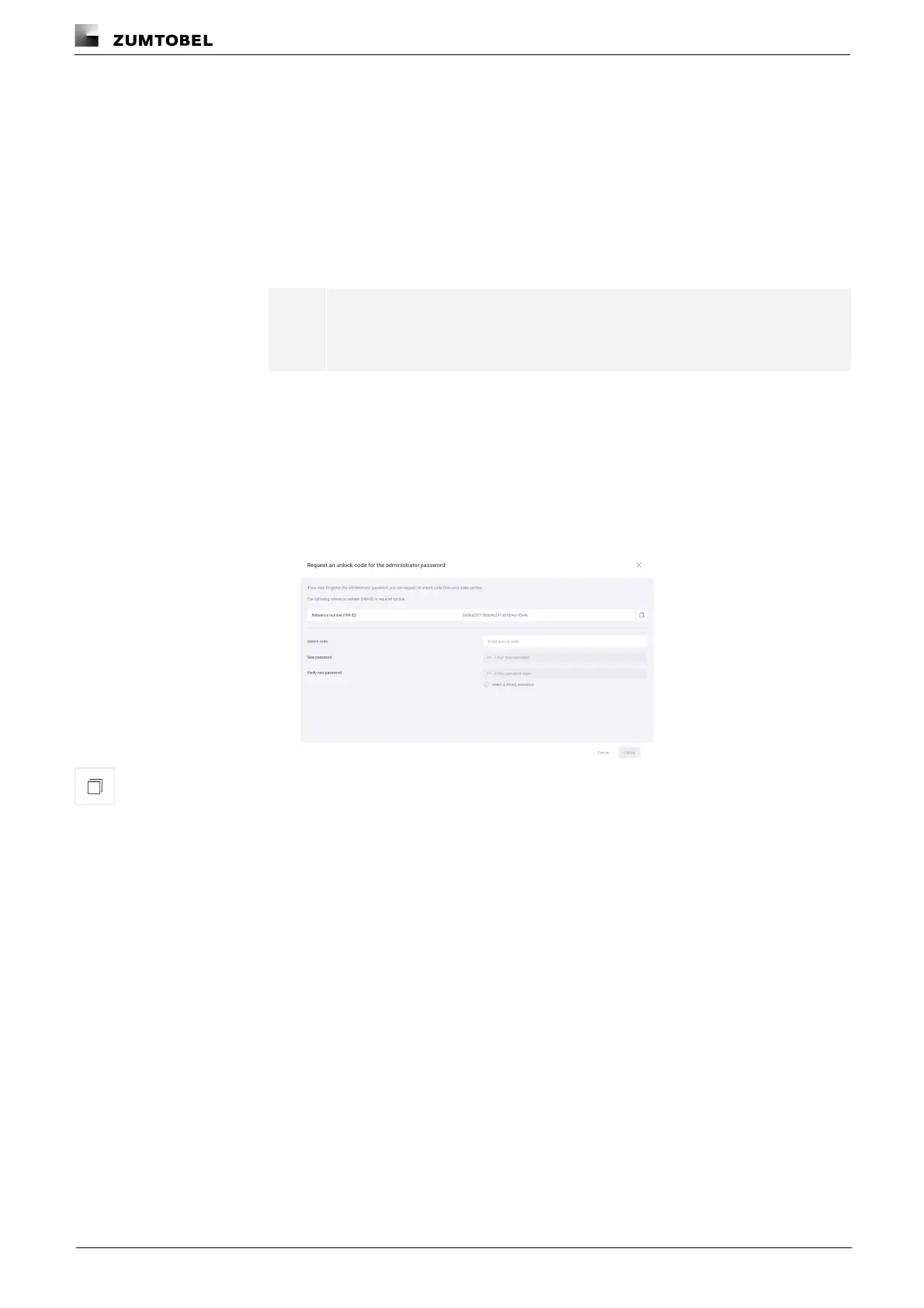
ÜThe Request an unlock code for the administrator password view is
displayed.
6. Copy the reference number and give this to your sales partner.
ÜThe unlock code is sent.
7. Enter the unlock code.
8. Enter a new password.
9. Enter the password a second time to confirm.
10.Tap the Unlock button.
ÜThe password is changed.
11.Tap the Open login screen button.
ÜYou can now log in with your new password.



 To Next Page