Configuration
LITECOM, Commissioning and maintenance instructions 17.0 | 04.2024 | en 148
Note
· The local path on the device indicates the room and group assigned to the device.
· The assignment and the device name can be changed via the system image.
Linking a global device
Global devices are assigned to the entire system.
Note
A sky scanner and weather station (no more than one each) can be added per LITECOM CCD
control device.
1. Navigate to the path.
2. Tap the LITECOM CCD.
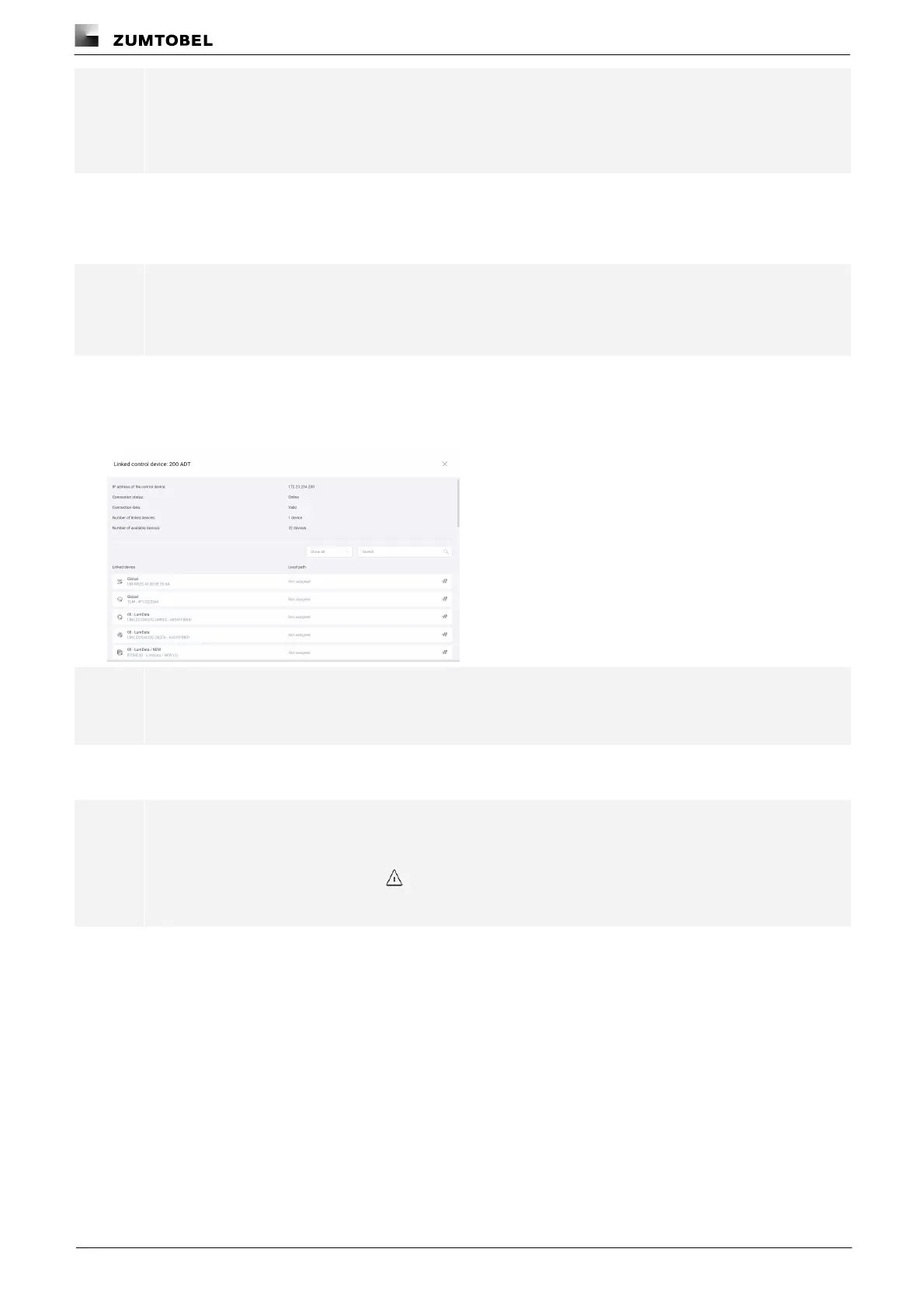
ÜThe Linked control device: [xy] view is displayed.
Note
[xy] stands for the name of the LITECOM CCD control device.
3. Tap the device to be assigned.
ÜThe Assign [xy] view is displayed.
Note
· [xy] stands for the name of the specific device.
· If there is an exclamation mark to the right of the device name, a fault has occurred with this
device.
4. Tap the Assign button.
ÜThe device is linked.
ÜThe Linked control device: [xy] view is displayed.
ÜThe local path on the device shows as Global.



 To Next Page