Configuration
LITECOM, Commissioning and maintenance instructions 17.0 | 04.2024 | en 158
Disabling polling for individual devices
Path: App overview > DALI data > > Select
1. Navigate to the path.
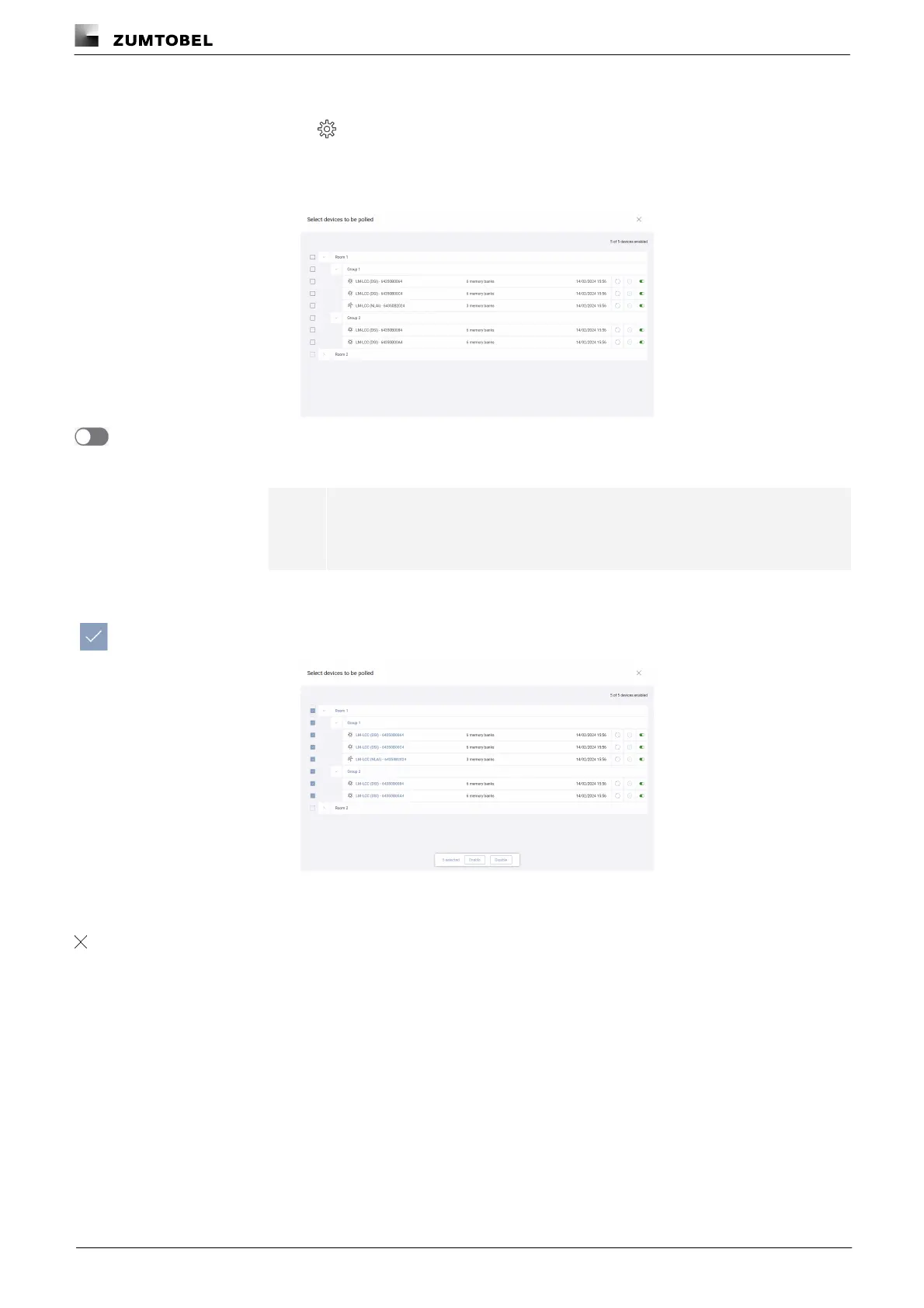
ÜThe Select devices to be polled view is displayed.
2. Disable polling for an individual device.
ÜPolling is disabled for this device.
2. Enable the tick mark next to one or more rooms, groups or devices.
ÜThe menu bar is displayed.
3. Tap the Disable button.
ÜPolling is disabled for these devices.
4. Tap the button.
ÜThe Settings view is displayed.



 To Next Page