Commissioning
LITECOM, Commissioning and maintenance instructions 17.0 | 04.2024 | en 36
5. Tap the Upload button.
ÜThe settings are loaded onto the control device. The control device restarts after this.
Note
This process may take up to 10 minutes.
6. Tap the Open button.
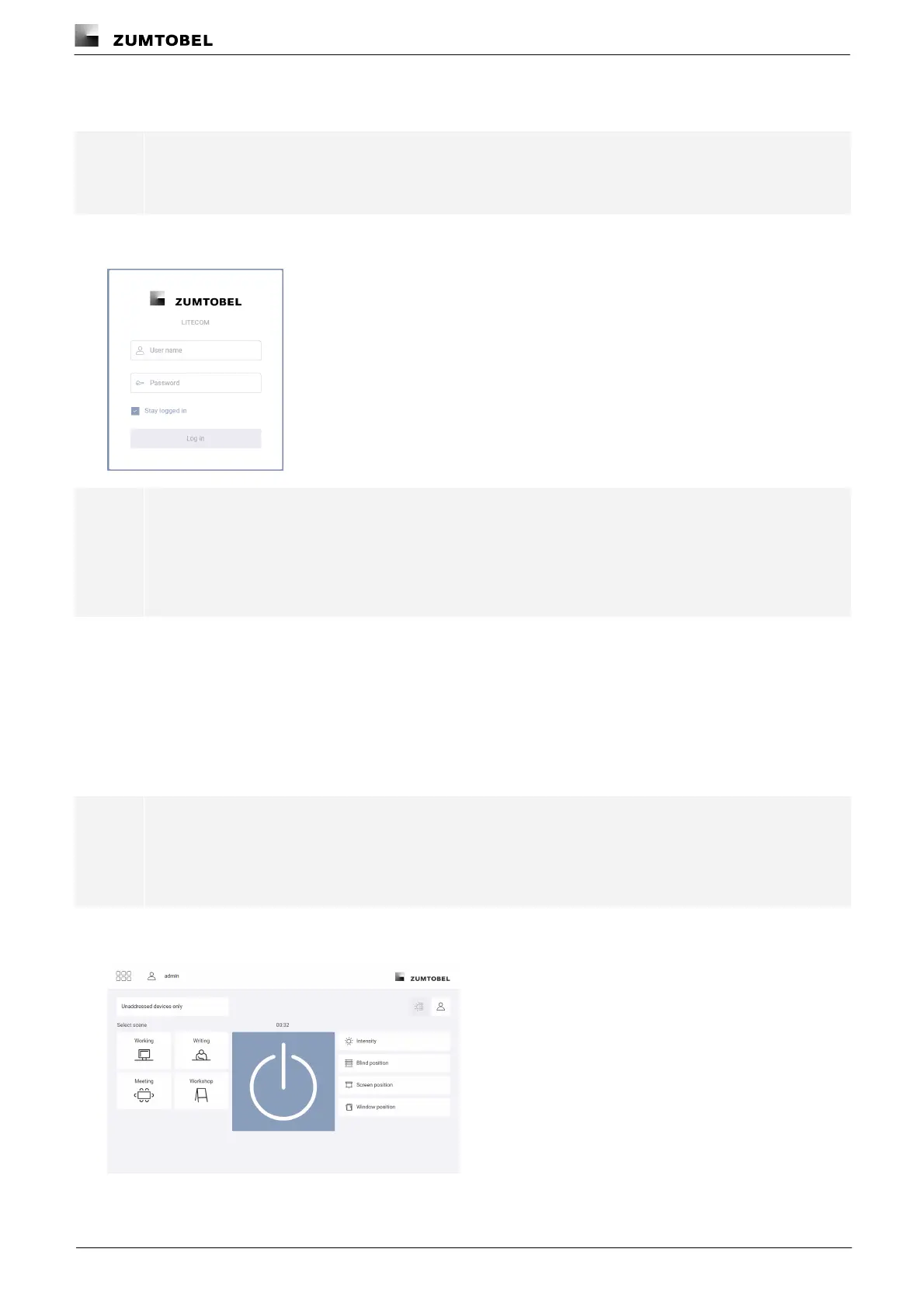
ÜThe login screen is displayed.
Note
If a data backup with a software version lower than 3.5.0 is loaded, the administrator and control
device have to undergo initial configuration again. The administrator does not need to enter a
password this time. When carrying out the initial configuration of the control device, select the Apply
current settings option to apply the content of the data backup.
Logging in
If the login screen is displayed after configuration, you must log in with your selected password.
1. Enter the user name admin.
2. Enter the password.
3. Disable the Stay logged in option if desired.
Note
This option is enabled by default and the user data is saved locally on the browser. If this option is
disabled, the administrator will be logged out of the LITECOM web application after 15 minutes of
inactivity.
4. Tap the Log in button.
ÜThe start page of the LITECOM web application appears.



 To Next Page