Commissioning
LITECOM, Commissioning and maintenance instructions 17.0 | 04.2024 | en 35
Step 2b: apply current settings
1. Tap the Apply current settings option.
2. Tap the Next button.
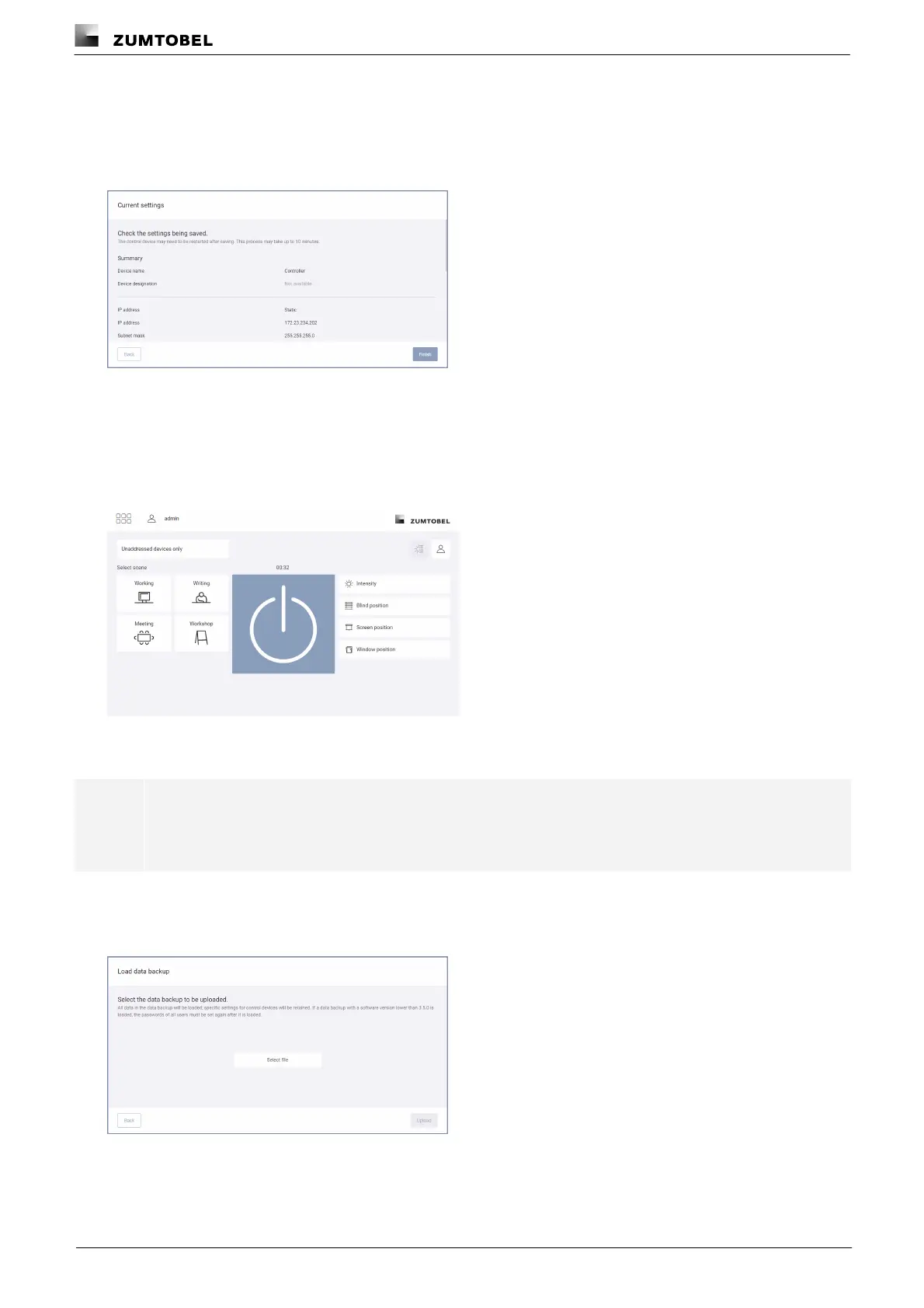
ÜThe Current settings view is displayed.
3. Check the settings.
4. Tap the Finish button.
ÜThe settings are applied and a corresponding message appears.
5. Tap the Open button.
ÜThe start page of the LITECOM web application appears.
Step 2c: restore data backup
Note
When a data backup is restored, the data in the backup is loaded. The control device settings are
retained.
1. Tap the Restore data backup option.
2. Tap the Next button.
ÜThe Load data backup view is displayed.
3. Tap the Select file button.
ÜThe pop-up window for file selection opens.
4. Navigate to the save location of the data backup and select the file.



 To Next Page