Commissioning
LITECOM, Commissioning and maintenance instructions 17.0 | 04.2024 | en 34
13.To change the location, tap the arrow to the right of the location and then select
the desired location.
– or –
13.Set the desired geographical coordinates.
14.Tap the Next button.
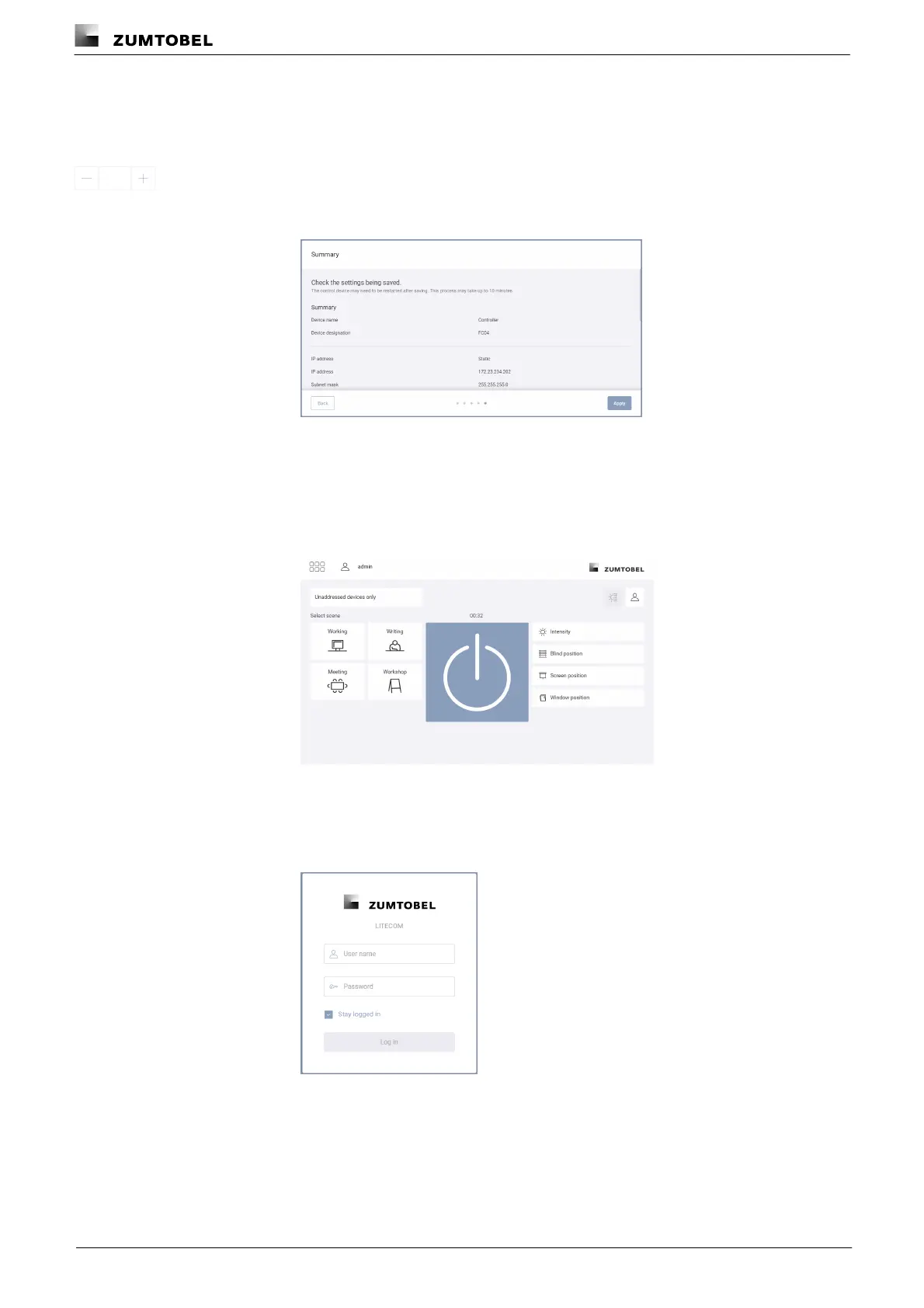
ÜThe Summary view is displayed.
15.Check the settings.
16.Tap the Apply button.
ÜThe settings are applied and a corresponding message appears.
17.Tap the Open button.
ÜThe start page of the LITECOM web application appears.
– or –
17.Open the web application in the browser using the new IP address, if the IP
address is automatically obtained (DHCP).
ÜThe login screen is displayed.



 To Next Page